Google Cloud
Google Cloud integration カードは、Google Cloud の接続とアセット管理のエントリポイントです。
Google Cloud アカウント
-
integrations catalog ダッシュボードに移動します。
-
Google Cloud integration カードで、利用可能な方の Connect + または アセット を選択します。
-
実行するアクションを選択します。
-
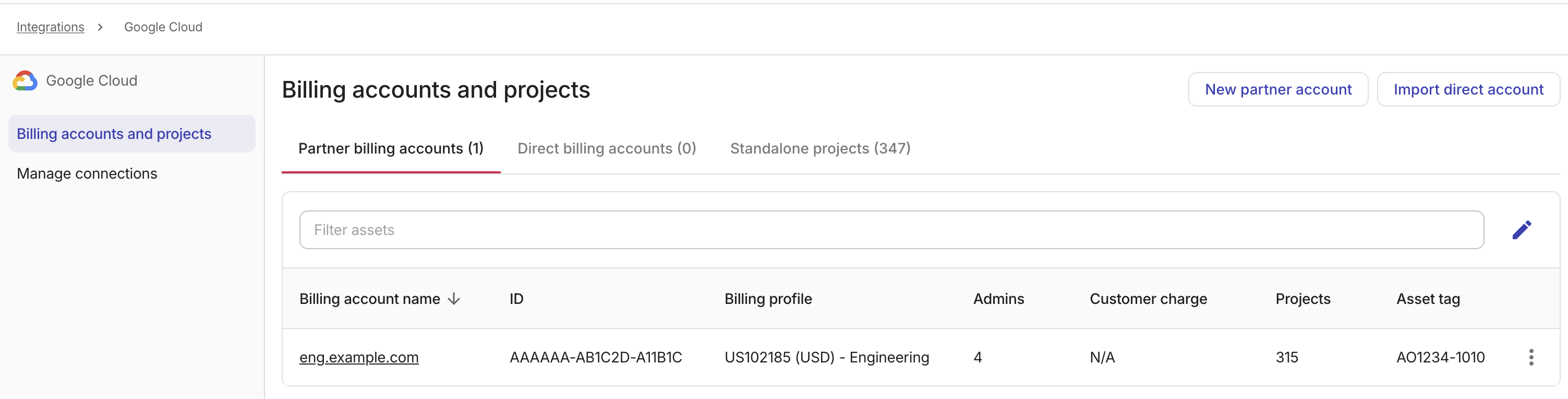
New partner account:DoiT の Cloud Billing アカウントのサブアカウントを作成します。
-
Import direct account:DoiT の請求アカウントに移管された Google Cloud プロジェクトの過去の請求データをインポートします。
-
Link self-service account:DoiT からクラウドサービスを購入していない Google Cloud 請求アカウントを接続します。このオプションを表示するには、Direct billing accounts タブまたは Standalone projects タブを選択します。
-
Google Cloud アセット
Google Cloud アセットには、Google Cloud 請求アカウントと Google Cloud プロジェクトが含まれます。
-
Google Cloud integration カードで、アセット を選択します。
-
対象のアセットを探します。次のアセットの管理タスクを実行できます。
-
請求プロファイルを割り当てる:Google Cloud アセットの請求プロファイルを更新します。
-
アセット一覧からアセット名を選択し、アセット設定ウィンドウを開きます。
-
ドロップダウンリストから対象の請求プロファイルを選択します。
-
変更を保存してください。
-
-
アセットをタグ:Google Cloud アセットにタグを追加します。
-
Google Cloud リソースの機能を有効にする
Google Cloud リソースで高度な機能を利用するには、次の手順を実行します。
-
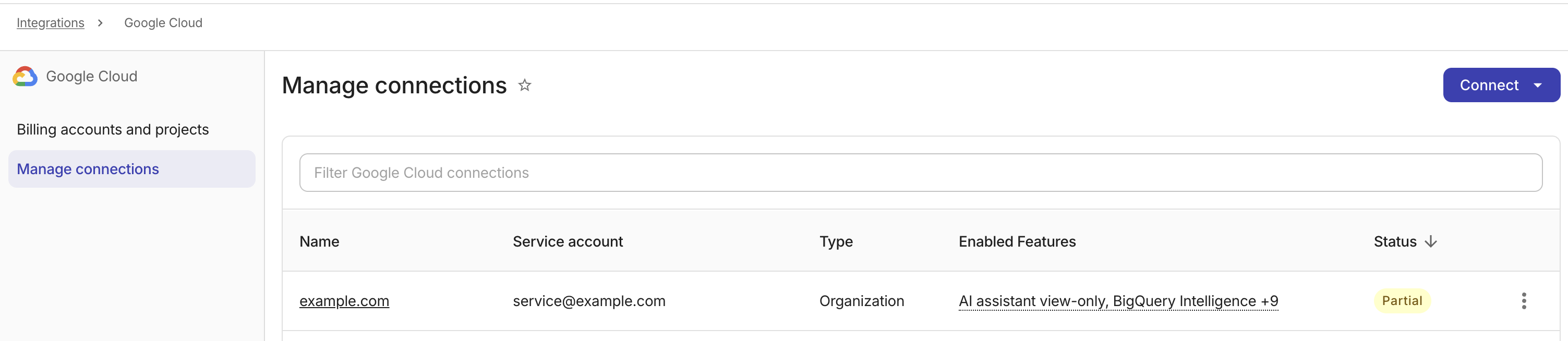
Google Cloud integration カードで、Manage を選択します。
-
Google Cloud access & features ページで、Connect リストからリソースタイプを選択します。詳細は、Connect Google Cloud resources を参照してください。