Microsoft Azure
Microsoft Azure integration card は、Azure の接続およびアセット管理へのエントリポイントです。
Azure accounts
Azure アカウントを接続するには:
-
integrations catalog ダッシュボードに移動します。
-
Microsoft Azure integration card で、利用可能なほうの Connect + または Assets を選択します。
-
Connect new account を選択します。Connect Azure accounts を参照してください。
Azure assets
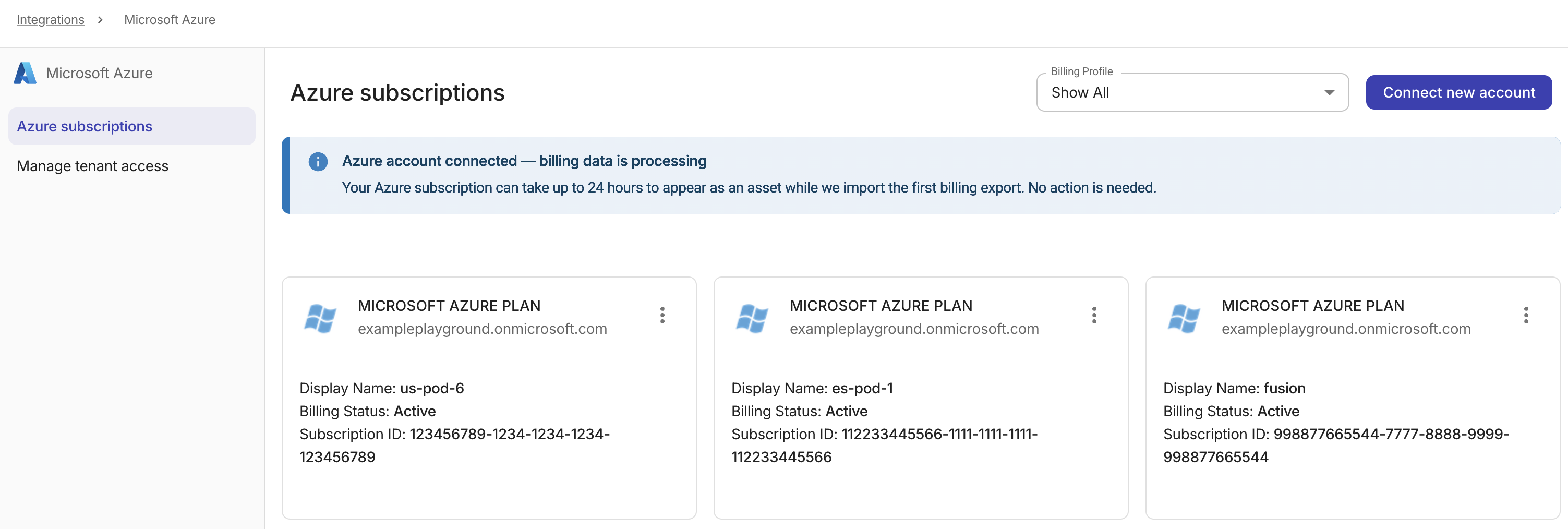
Azure アセットは、Microsoft Azure のサブスクリプションです。
-
Microsoft Azure integration card で Assets を選択します。
-
対象となる Azure サブスクリプションを探します。次の assets management タスクを実行できます。
-
請求プロファイルを割り当て:Azure サブスクリプションの請求プロファイルを更新します。
-
アセットカード右上のケバブメニュー(⋮)を選択し、Billing Profile Assignment を選択します。
-
ドロップダウンリストから対象の請求プロファイルを選択します。
-
変更を保存します。
-
-
Tag asset:Azure サブスクリプションにタグを追加します。
-
Enable Azure amortized cost:このオプションは Azure スタンドアロンアカウントで利用できます。
-
Enable features on Azure tenants
Azure テナントで高度な機能を有効にするには:
-
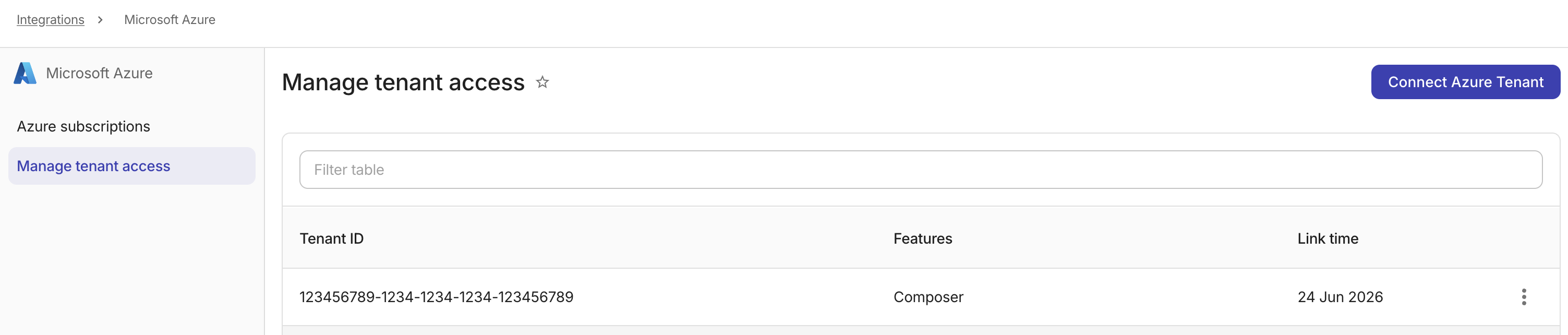
Microsoft Azure integration card で Manage を選択します。
-
Microsoft Azure ページで Connect Azure Tenant を選択します。Connect Azure Tenants を参照してください。