OpenAI を接続する
このページでは、OpenAI アカウントを DoiT コンソールに接続する方法を説明します。接続後は、コンソール内で OpenAI の利用状況とコストデータを使用できます。詳細は AI データの操作 を参照してください。
必要な権限
お使いの DoiT アカウントには、Billing Profiles Admin 権限が必要です。
OpenAI アカウントを接続する
コンソールには、OpenAI アカウントを接続するためのステップバイステップのウィザードが用意されています。複数の OpenAI アカウントを接続する場合は、各アカウントごとにセットアップウィザードを完了してください。
ウィザードを起動する
ウィザードを起動するには、次の手順に従ってください。
-
画面上部のナビゲーションメガメニューから Data ingestion and integrations > Integrations を選択します。
-
OpenAI integration card を探します。
-
最初のアカウントを設定する場合は、Connect + を選択します。
-
追加のアカウントを設定する場合は、Manage を選択し、次に Connect new account を選択します。
-
ウィザードには 2 つのステップがあります。
管理者キーを設定する
DoiT から OpenAI へプログラム的にアクセスできるようにするには、管理者キーを指定する必要があります。このキーは OpenAI dashboard で生成します。管理者キーには OpenAI usage API への読み取り権限と、必要に応じて OpenAI management API への読み取り権限が必要です。
-
OpenAI dashboard にサインインし、歯車アイコンを選択して Organization Settings ページを開きます。
-
Admin keys を選択します。
-
Create new Admin key を選択します。
-
Create new admin key ペインで、次の操作を行います。
-
Name に、管理者キーの名前を入力します。
-
Permissions で Restricted を選択します。
-
(任意)Management API Scope で Read を選択します。
-
Usage API Scope で Read を選択します。
-
-
Create admin key を選択します。
-
Copy を選択して Admin key をコピーします。
注意このキーは一度しか表示されません。ブラウザウィンドウを閉じる前に、必ずキーをコピーしてください。
-
Done を選択して Save your key ペインを閉じます。
-
コンソールのウィザードで、Admin key フィールドに管理者キーを貼り付けます。
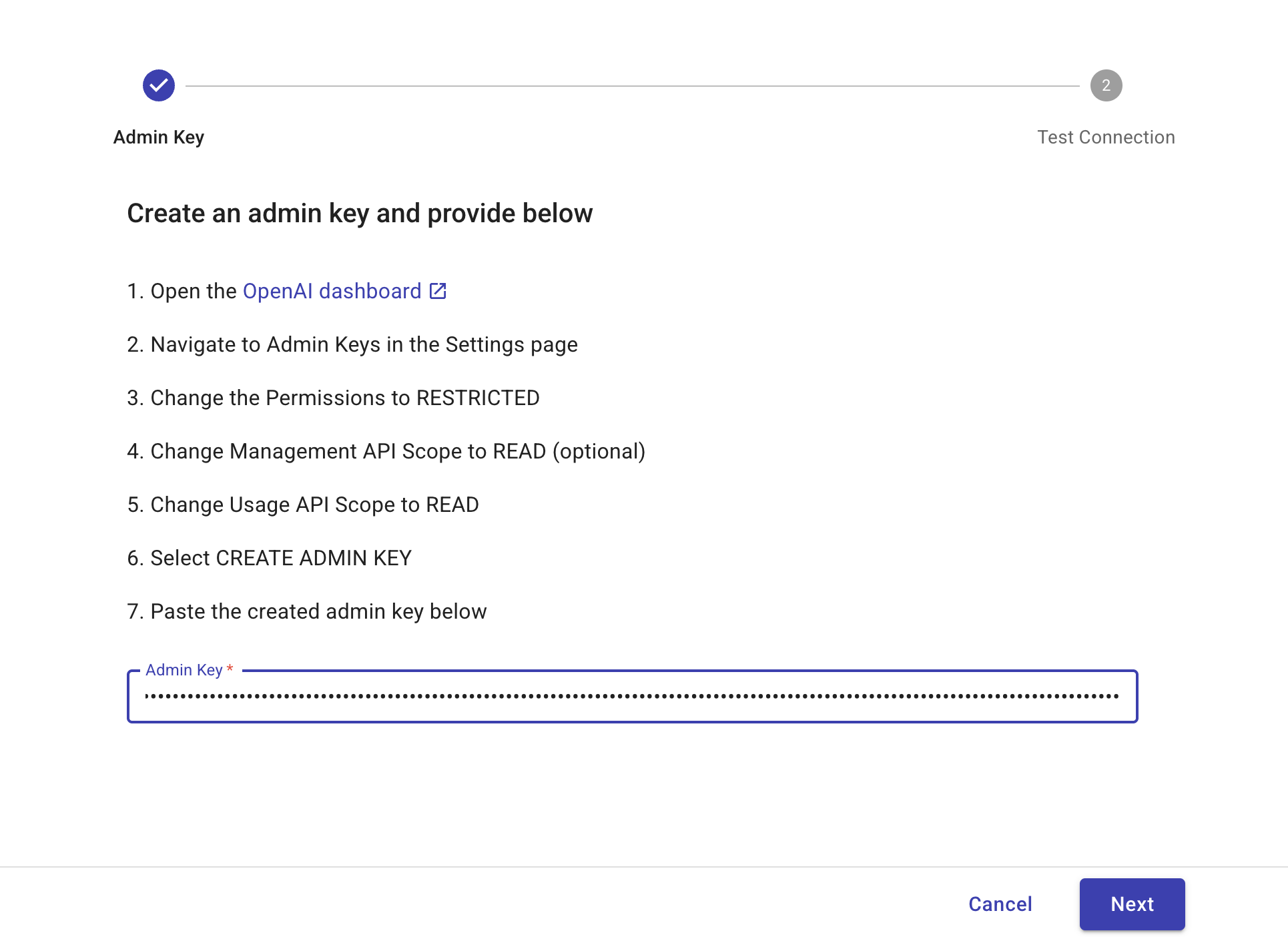
-
Next を選択して、接続をテスト します。
接続をテストする
セットアップを確認するには、次の手順に従ってください。
-
コンソールで Test connection を選択します。数秒で完了します。
-
テストが成功したら、Finish を選択してステップバイステップウィザードを完了します。
テストが失敗した場合、または追加のサポートが必要な場合は、エキスパートへ問い合わせ してください。
次のステップ
初回接続時、DoiT は追加された各アカウントについて、過去6か月分の請求および利用状況データを取り込みます。
OpenAI アカウントの接続に成功すると、OpenAI の請求および利用状況データのインポートが開始されます。この処理には数時間かかる場合があります。データが Cloud Analytics およびその他の DoiT の機能で利用可能になると、メール通知が送信されます。
「Key error」接続ステータス
OpenAI アセットページで Key error ステータスが表示されている OpenAI アカウントは、指定された管理者キーが OpenAI によって拒否されていることを示します。例えば、キーが失効しているか、usage API へアクセスするための管理者権限がなくなっている可能性があります。
アカウントに Key error ステータスが表示されている間は、コストおよび利用状況データの更新が停止します。問題を解決するには、有効なキーで 管理者キーを更新 してください。
管理者キーを更新する
接続済みの OpenAI アカウントの管理者キーを更新するには、次の手順に従ってください。
-
画面上部のナビゲーションメガメニューから Data ingestion and integrations > Integrations を選択します。
-
OpenAI integration card を探し、Manage を選択します。
-
管理者キーを更新したい OpenAI アカウントの Organization ID を特定します。
-
行の一番右端にあるケバブメニュー (⋮) を選択し、Update Admin key を選択します。ステップバイステップウィザードが表示されます。
-
管理者キーを設定する および 接続をテストする の手順に従って、接続ステップを繰り返してください。