新しい Google Workspace サブスクリプションを追加する
コンソールで新しい Google Workspace サブスクリプションを購入できます。
必要な権限
-
Assets Manager
-
ドメインが管理されている請求プロファイルへのアクセス権が必要です。
新しいサブスクリプションを追加する
新しい Google Workspace サブスクリプションを追加するには:
-
DoiT コンソール にサインインし、上部ナビゲーションのメガメニューから データ取り込みとインテグレーション > インテグレーション を選択します。
-
Google Workspace インテグレーションカードで Manage を選択します。
-
ページ右上の 新規サブスクリプション を選択します。
-
Google Workspace ドメイン、ライセンスタイプと数量など、注文の詳細を入力します。
-
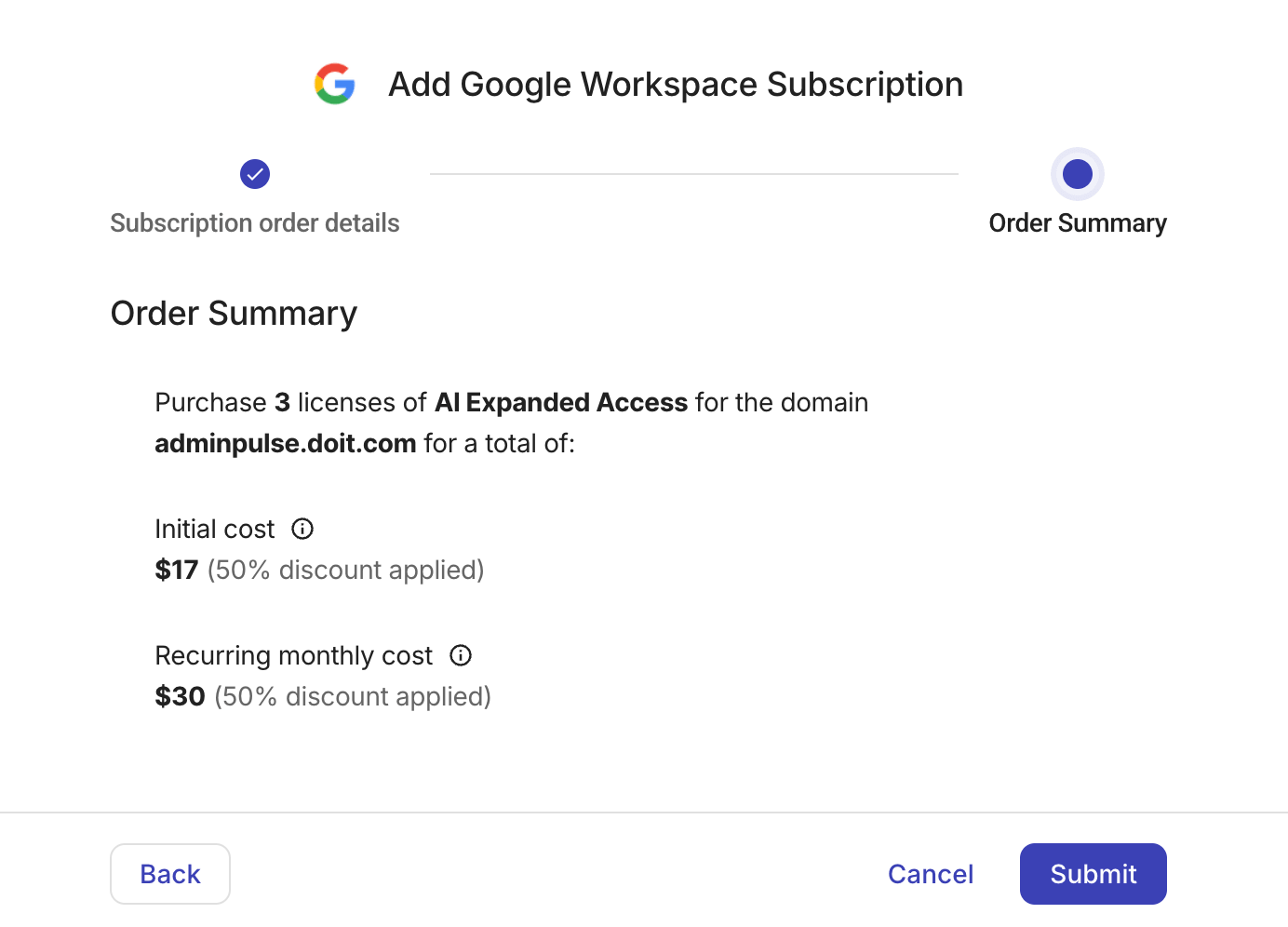
注文内容を確認します。送信 を選択して購入を完了します。