Microsoft Azure
In the DoiT console, use the Microsoft Azure card to connect Azure accounts, manage Azure subscriptions, and enable features on Azure tenants.
Azure accounts
To connect your Azure account:
-
Navigate to the integrations catalog dashboard.
-
On the Microsoft Azure card, select the action shown:
-
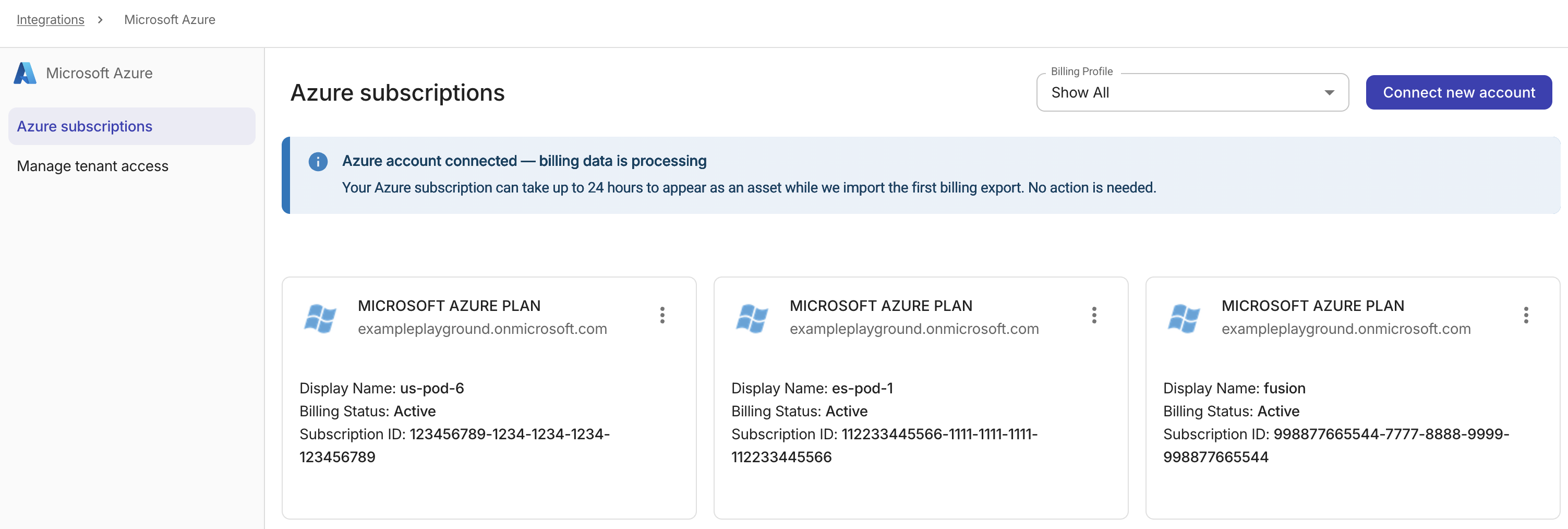
If Details appears, select Details to open Azure subscriptions. Select Connect new account. See Connect Azure accounts for details.
-
If Connect appears, select Connect to open Manage tenant access. Continue with Enable features on Azure tenants.
-
Azure assets
Azure assets are Microsoft Azure subscriptions.
-
On the Microsoft Azure card, select Details.
-
Locate the Azure subscription of interest. You can perform the following assets management tasks:
-
Assign a billing profile: Update the billing profile of an Azure subscription.
-
Select the kebab menu (⋮) in the upper-right corner of the asset card, and then select Billing Profile Assignment.
-
Select the target billing profile from the drop-down list.
-
Save your changes.
-
-
Tag asset: Add a tag to an Azure subscription.
-
Enable Azure amortized cost: This option is available for Azure standalone accounts.
-
Enable features on Azure tenants
To enable advanced features on your Azure tenants:
-
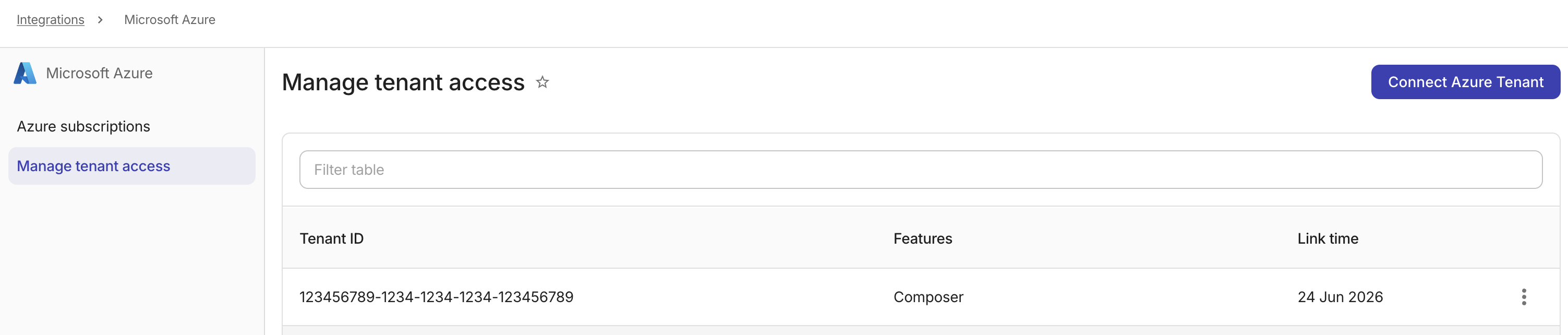
On Microsoft Azure, open Manage tenant access:
-
If Connect appears, select Connect. Manage tenant access opens directly.
-
If Details appears, select Details, and then select Manage tenant access.
-
-
Select Connect Azure Tenant. See Connect Azure Tenants for details.