Linear
The Linear integration allows you to link DoiT Threads to Linear issues, so you can track FinOps actions in the same tool your team uses for engineering and product work. After you connect your Linear workspace, you can create threads from Insights and automate thread creation using CloudFlow.
Required permissions
-
DoiT account: To connect your Linear workspace from the console, your account needs Manage settings. To create and manage threads after the integration is connected, your account needs the Thread Manager permission. See Threads.
-
Linear: You need sufficient permissions in your Linear workspace to authorize the DoiT app — for example, workspace admin or a member with integration management permissions. See Linear Docs for details.
Connect Linear workspace
To enable the Linear integration, connect your Linear workspace with the platform:
-
Sign in to the DoiT console, select Data ingestion and integrations > Integrations from the top navigation mega menu.
-
On the Linear integration card, select Manage.
-
Select Connect Workspace.
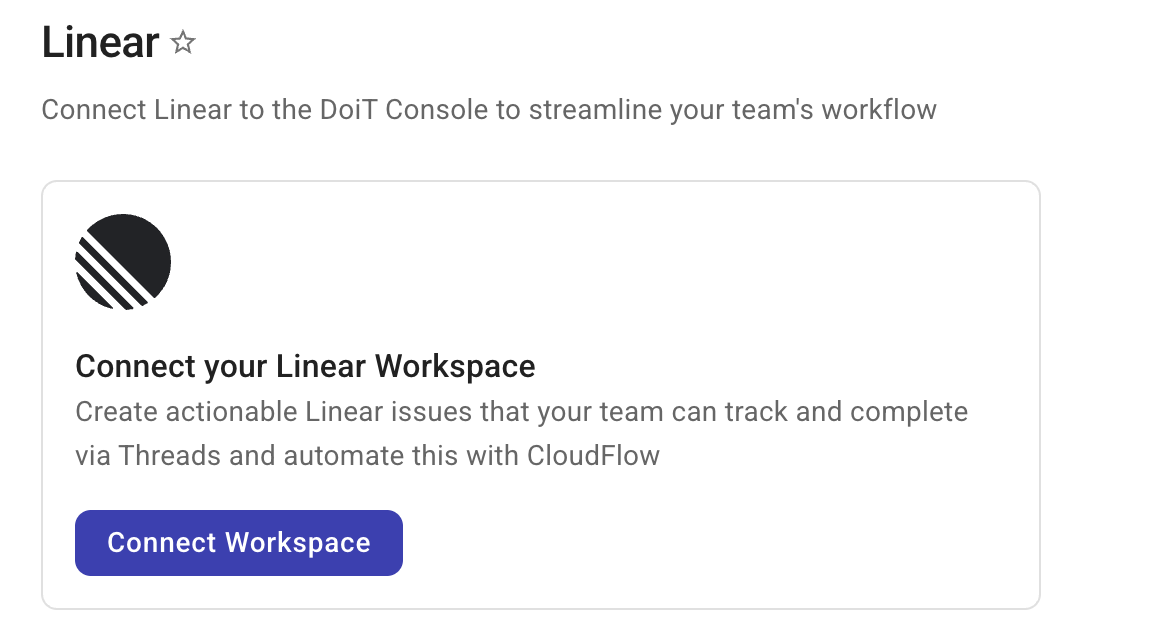
-
Complete the authorization in Linear. Your browser redirects to Linear. Follow the prompts to sign in or sign up. You can connect an existing workspace or create a new one. Once authorized, you are redirected to the console with the workspace connected. For more about signing in and managing workspaces in Linear, see Linear Docs.
Creating threads after you connect
Once your Linear workspace is connected, you can:
Disconnect
To disconnect your Linear workspace, go to your Linear workspace and remove the DoiT integration there. The console does not provide a disconnect button for Linear.