Integrations catalog
The integrations catalog is a centralized hub for setting up data connections, managing cloud assets, and integrating other platforms with Cloud Intelligence.
Catalog dashboard
The catalog dashboard lists all available integrations. To access the dashboard, sign in to the DoiT console, select Data ingestion and integrations > Integrations from the top navigation mega menu.
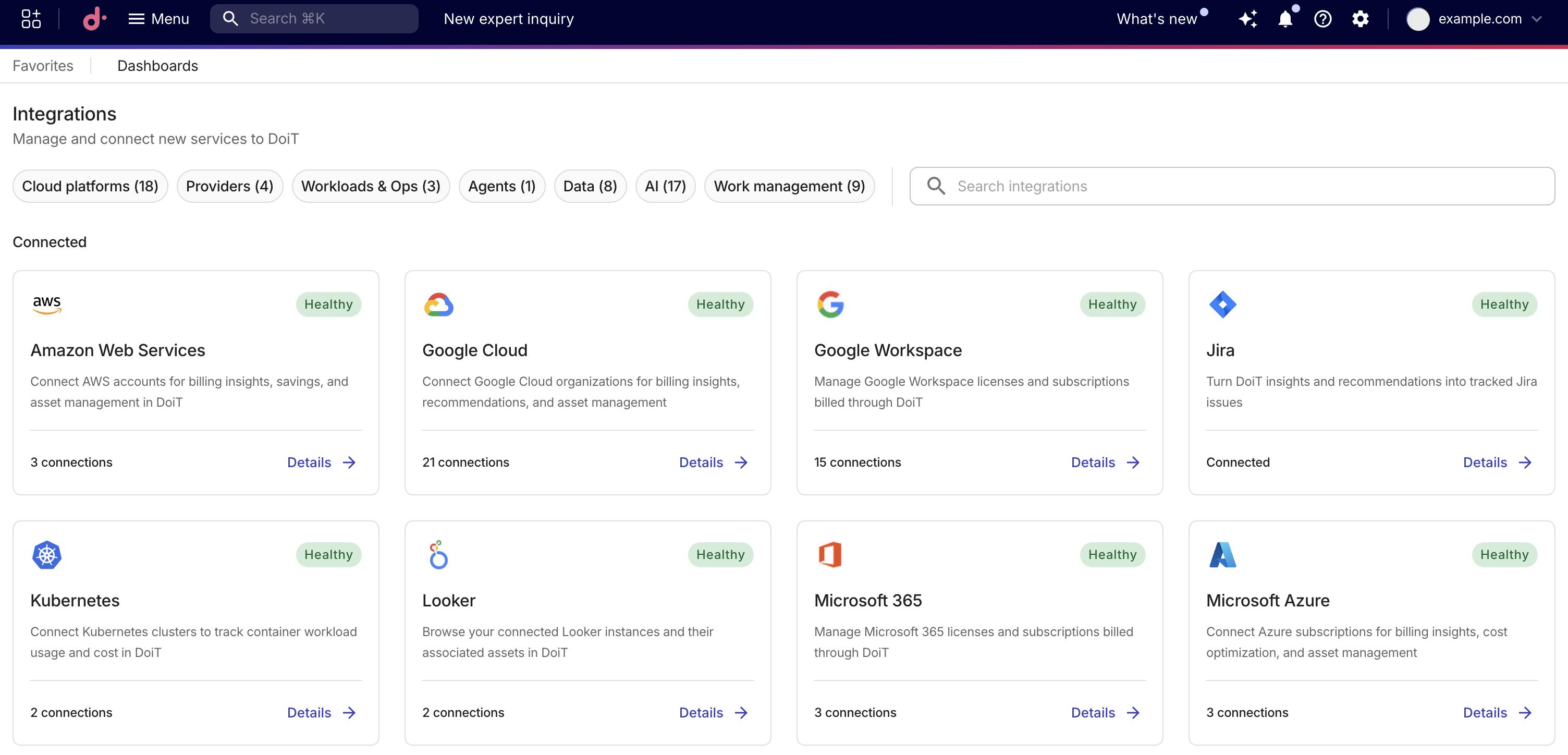
Filter the catalog by selecting one or more categories, for example, Cloud platforms, Data, or AI.
Connection status
When applicable, the connection status is displayed in the card header.
-
Healthy: The connection is active, and data is flowing as expected.
-
Unhealthy: The integration has connection issues, for example a connection whose latest sync failed or whose credentials no longer authenticate. Hover over the tooltip for more information.
For Amazon Web Services, the Unhealthy status appears when DoiT can't import billing data for one or more of your payer accounts. Hover over the tooltip to see the number of affected accounts and the reason. You can also set up notifications for billing data import alerts in Notification types.
-
Paused: One or more connections have been paused. Data ingestion is stopped but the connection configuration is preserved. Paused connections are not counted as unhealthy. If any connection is also unhealthy, the connection shows Unhealthy instead, with the paused connection count included. See Pause and resume an integration connection.
-
Not Connected: No active connection for the integration.
Based on their status, cards are grouped into two sections: Connected (Healthy or Unhealthy) and Not connected. The Connected section always appears first. Either section is hidden when it contains no matching integrations.
Management options
Each card displays an action based on the connection status:
-
Connect: Set up a new connection. Displayed when the integration has no active connection.
-
Details: Manage connections, assets, and settings. Displayed when the integration has at least one connection. You can also see the number of active connections.
For cloud platform integrations (Amazon Web Services, Google Cloud, and Microsoft Azure):
-
Details: Opens the assets section to manage existing assets and set up new connections.
-
Connect: Opens the connection management section directly.
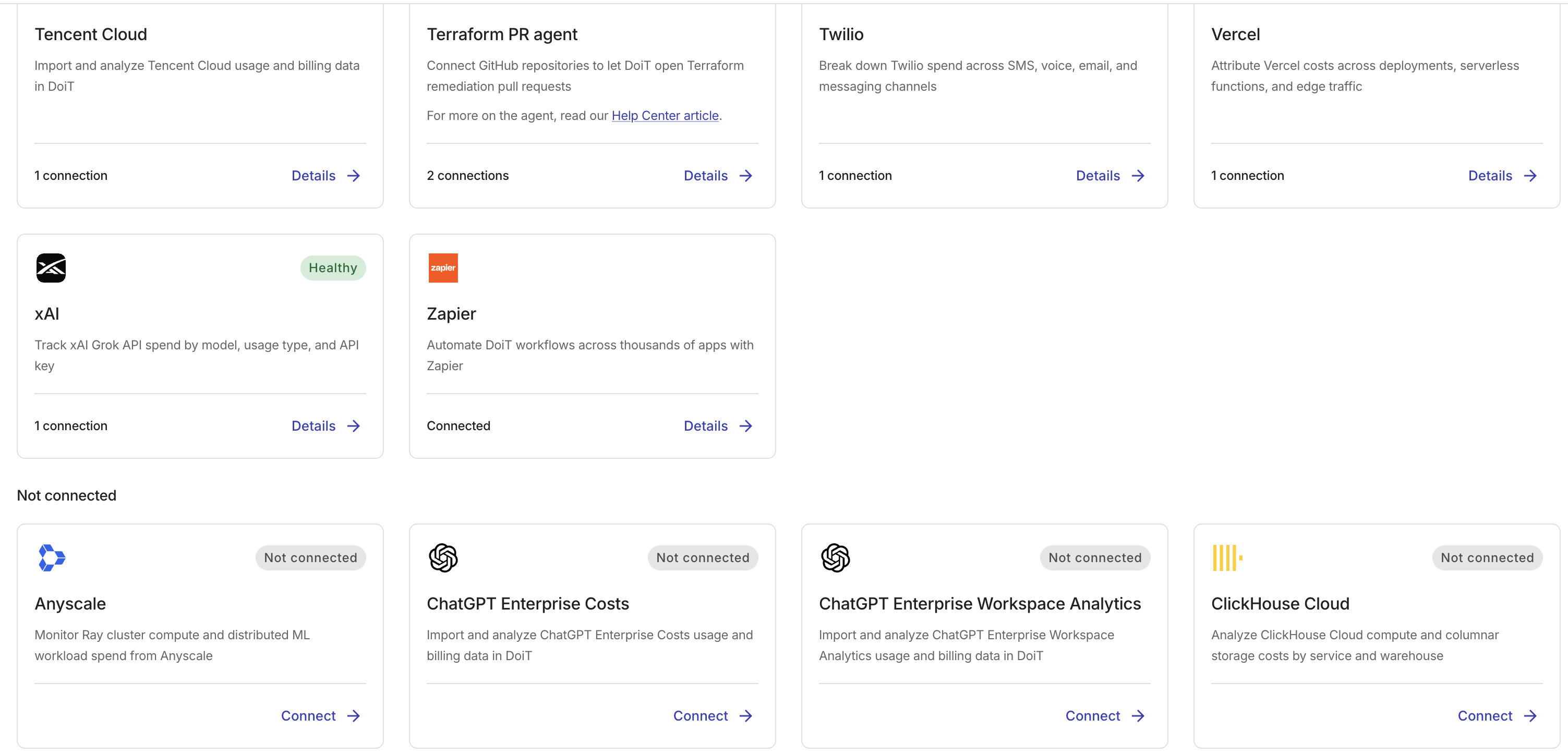
On an integration that lists connections, select Details. For a subset of integrations, you can select Analyze to open a Cloud Analytics report for all connections. This is available when the integration has at least one connection. This feature is not available for Amazon Web Services, Google Cloud, and Microsoft Azure.
Data freshness
Most integrations refresh data every 6 hours or daily, depending on the platform. See Data latency or each integration's page for refresh cadences.
Assets management
Cloud assets are resources or services hosted or managed within your cloud environment. For Amazon Web Services, Google Cloud, Microsoft Azure, Oracle Cloud, Google Workspace, and Microsoft 365, Cloud Intelligence provides the following assets management options:
-
Billing profile assignment: Each Billing profile receives its own monthly invoices. You can assign assets to different billing profiles to manage how the entities (for example, products, environments, teams) in your organization are billed.
To assign an asset to a billing profile, you must have Assets Manager and Billing Profile Admin permissions.
-
Tag assets: For classification purposes. Tags also appear on monthly invoices next to their respective assets.
To tag an asset, you must have Assets Manager permission.
Find your integrations
To quickly find a specific integration or catalog, use search or add query parameters to the catalog URL.
Search from the menu
You can find an integration directly from the top navigation bar using either of the following options:
-
Enter an integration name in the search bar of the mega menu.
-
Enter an integration name in the global search box.
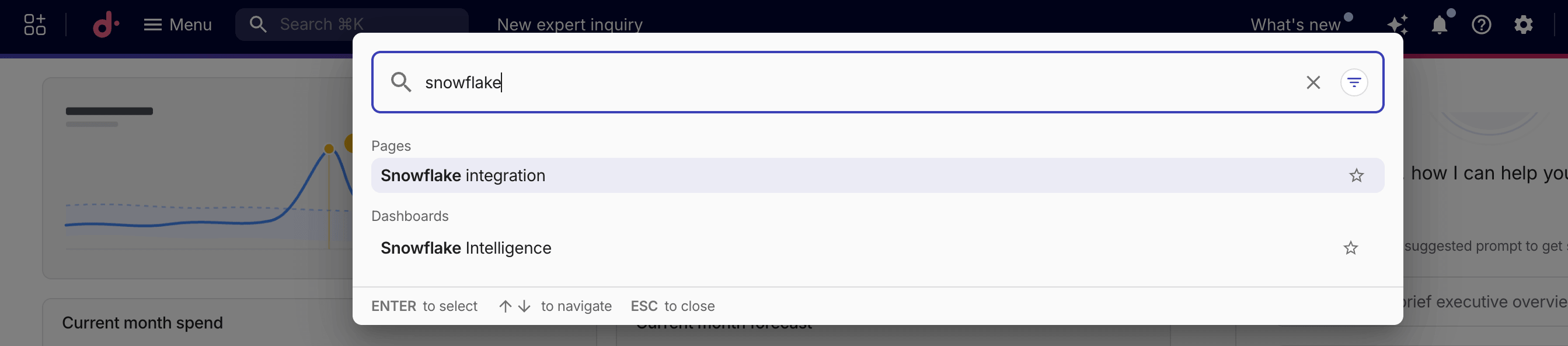
The filter state is encoded in the URL, for example, https://console.doit.com/customers/<customer-id>/integrate/integrations?search=Snowflake. You can bookmark it or share it with teammates.
Filter the catalog
Appending query parameters to the Integrations catalog URL opens a pre-filtered view.
The catalog URL follows the format https://console.doit.com/customers/<customer-id>/integrate/integrations. Replace <customer-id> with your DoiT customer ID, or the URL display name specified in General settings.
Below are the supported query parameters:
-
search: Pre-fills the search box and filters the catalog to matching integrations. For example,https://console.doit.com/customers/<customer-id>/integrate/integrations?search=snowshows only integrations whose name contains "snow". -
categories: Selects one or more category filter chips. Specify a comma-separated list of category IDs. For example,https://console.doit.com/customers/<customer-id>/integrate/integrations?categories=dataopens the catalog filtered to the Data category. To select multiple categories, separate them with commas:?categories=data,ai.The valid values for the
categoriesparameter are:cloud: Cloud platformsproviders: Providersworkloads: Workloads & Opsagents: Agents (only shown when agent integrations are available)data: Dataai: AIwork: Work management
You can combine both parameters. For example, https://console.doit.com/customers/<customer-id>/integrate/integrations?search=snow&categories=data opens the catalog filtered to the Data category with the search box pre-filled with "snow".