Amazon Web Services
In the DoiT console, use the Amazon Web Services card to invite, create, or connect AWS accounts, manage AWS assets, and enable features on AWS accounts.
AWS accounts
To invite, create, or connect AWS accounts:
-
Navigate to the integrations catalog dashboard.
-
On the Amazon Web Services card, select the action shown:
-
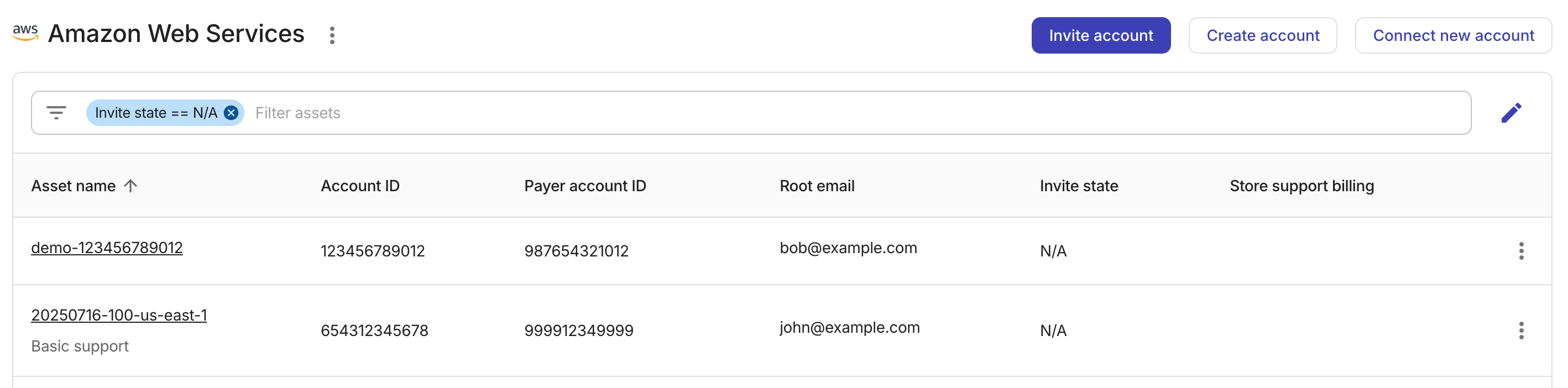
If Details appears, select Details to open AWS accounts. Choose an action to perform:
-
Invite account: Invite an existing AWS account into your DoiT reseller payer account.
-
Create account: Create a new AWS account in your DoiT reseller payer account.
-
Connect new account: Connect a standalone AWS account.
-
-
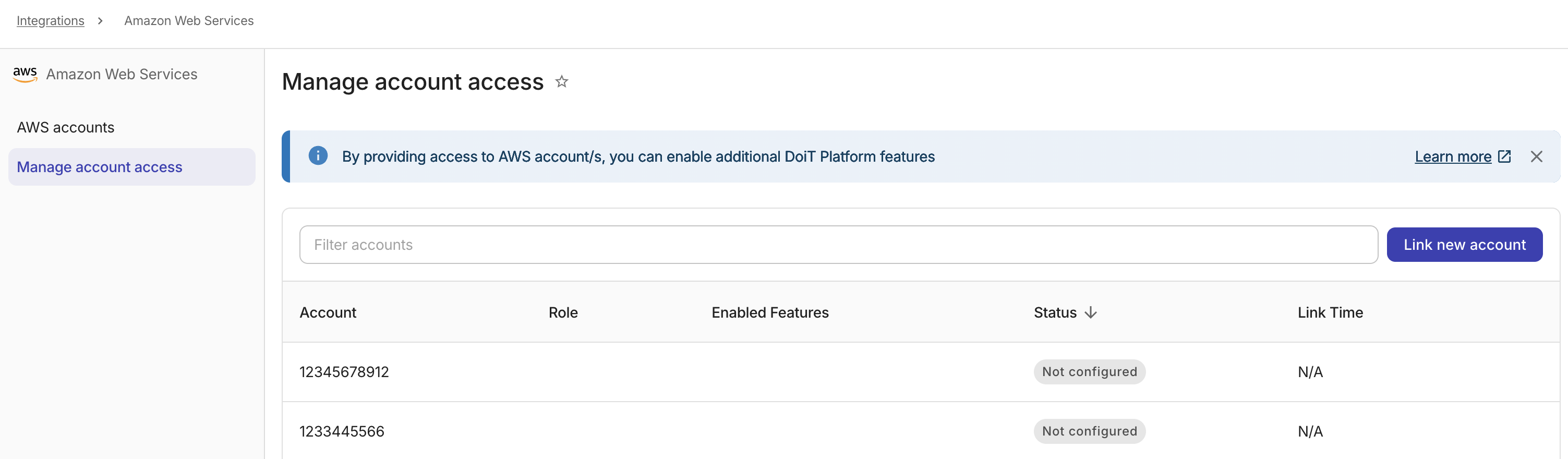
If Connect appears, select Connect to open Manage account access. Continue with Enable features on AWS accounts.
-
AWS assets
-
On the Amazon Web Services card, select Details.
-
Locate the AWS account of interest. You can perform the following assets management tasks:
-
Assign a billing profile: Update the billing profile of an AWS account.
-
Select the asset name from the assets list to open the asset settings window.
-
Select the target billing profile from the drop-down list.
-
Save your changes.
-
-
Tag asset: Add a tag to an AWS account.
-
Store support billing: Store AWS support charges to a specific AWS account.
-
Export AWS Assets: Download the list of your AWS accounts to a CSV or export to a Google Sheet.
-
Upgrade to CUR 2.0: Upgrade the Cost and Usage Report format for an eligible AWS account.
-
Enable features on AWS accounts
To unlock advanced functionalities for your AWS accounts:
-
On Amazon Web Services, open Manage account access:
-
If Connect appears, select Connect. Manage account access opens directly.
-
If Details appears, select Details, and then select Manage account access.
-
-
Select Link new account to enable advanced features. See Link AWS accounts for details.