Microsoft Teams
The DoiT app for Microsoft Teams allows you to get notifications such as new invoices, cost anomalies, and others in Microsoft Teams channels.
Required permission
Connect a team
To receive notifications in Microsoft Teams, you need to add the DoiT app to the team you want to send notifications
-
Sign in to the DoiT console, select Data ingestion and integrations > Integrations from the top navigation mega menu.
-
On the Microsoft Teams integration card, select Manage (or Connect +).
-
Use the link provided in the console to open the DoiT app in Microsoft Teams.
-
Add the app.
-
If successful, you'll receive a message in your selected channel. Select Complete setup to continue.
-
In the console, approve the connection to the DoiT app for Microsoft Teams.
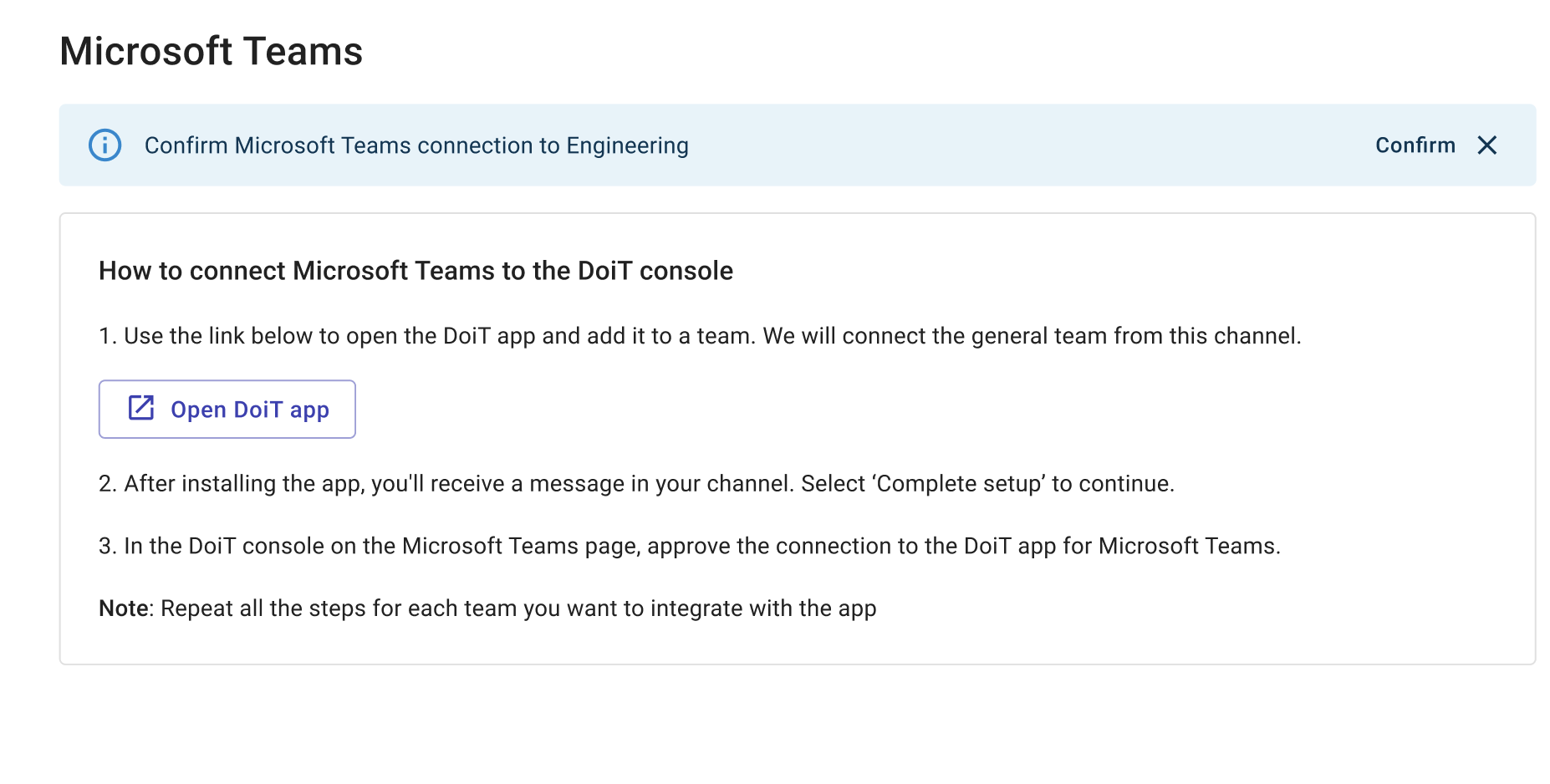
Repeat the steps above for each team you want to connect to the console
Connect a channel
To add additional channels to an already connected team:
-
In the console, navigate to the integrations catalog.
-
On the Microsoft Teams integration card, select Manage.
-
Select Connect channel.
-
Open Microsoft Teams, find the channel name, right-click the channel name or select the kebab menu (…), and then choose Copy link.
NotePrivate and shared channels are not supported. If you attempt to connect one, the connection will be rejected with an error message.
-
In the console, paste the link to the channel you want to add.
-
Select Add channel.