Filter node
A filter node controls the data that moves through a flow.
-
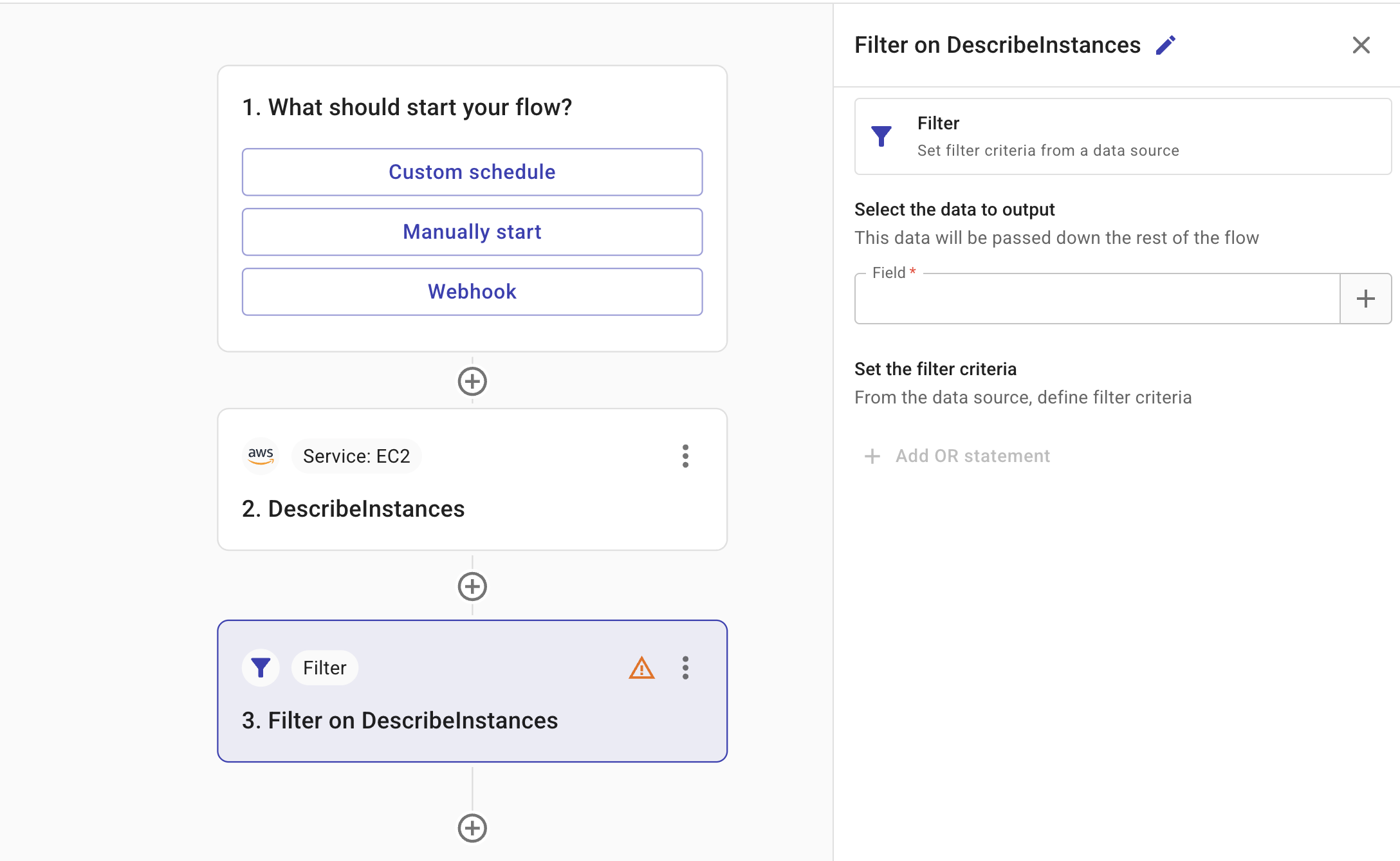
Field: The field that provides the input to the filter node. You can specify fields from any nodes positioned before the current node in the flow.
TipSelect the plus icon (+) to search for the fields you want to add to the message.
-
Filter criteria: The criteria applied by the filter node to determine which data should be included or excluded in the output.
-
Test: Allows you to test the node.
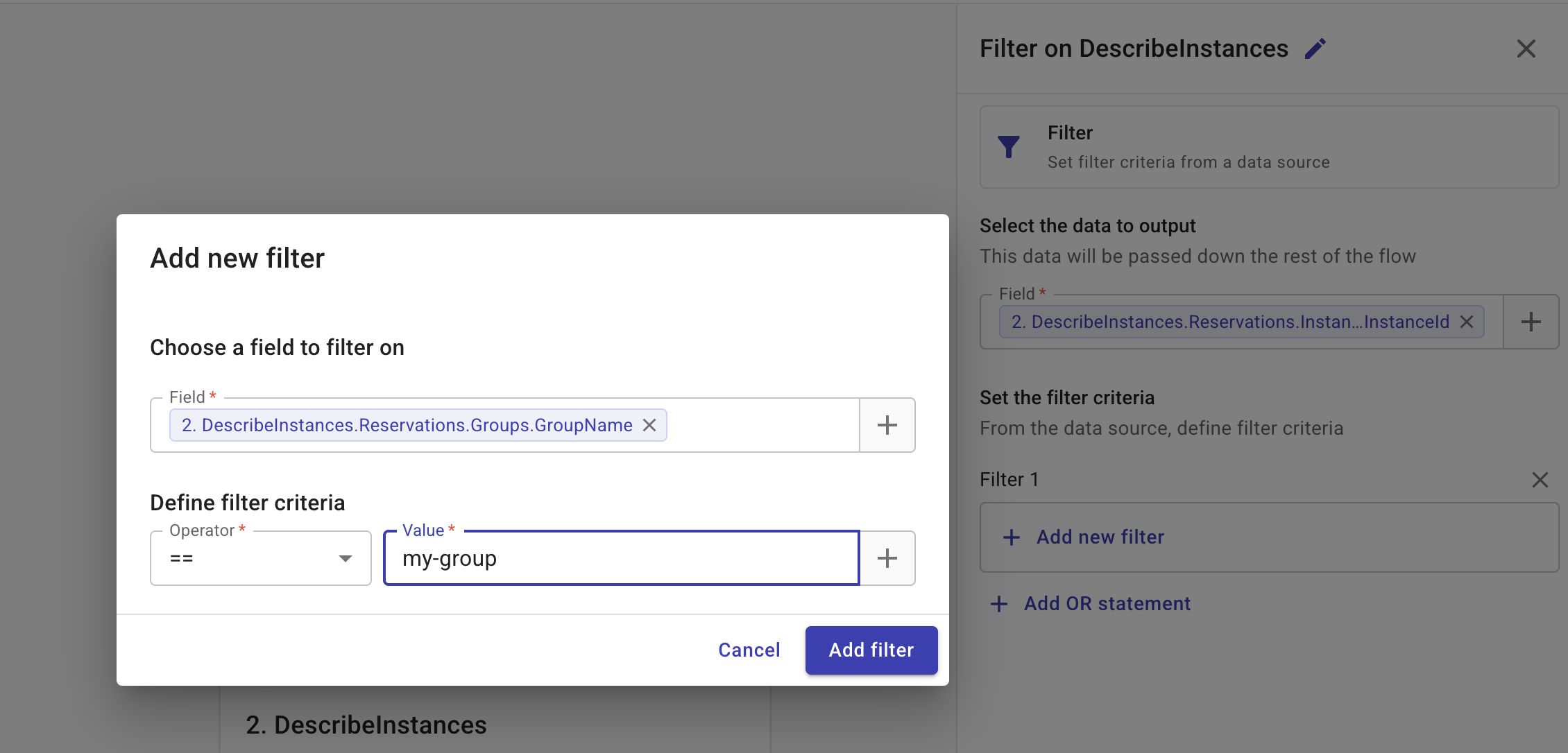
In the example below, the filter node takes the output of the second node in the flow (2. DescribeInstances) as its data source, applies the filter criteria Reservations.Groups.GroupName == "my-group", and outputs a list of instance Ids (Referenced field: Reservations.Instances.InstanceId) that meet the criteria.