FAQ
Why does my test fail with DryRun=true even if permissions are valid?
The Test failed is not an actual error. It's the API's way of confirming that the test was a simulation and not a live action. The underlying JSON output is successful. This means, if you run the test without the DryRun=true flag, the operation will succeed.
What should I do if I receive a flow execution has timed out error?
Check the status of your flow in Run history. If the status of your flow is Pending, you should raise an expert inquiry. If the status of your flow is Failed, select the name of the flow to view the status of each step. If a step Has errors, expand the step to see why it failed.
My flow is taking too long to execute. How do I force it to stop?
A single flow execution that runs for longer than 1 hour is automatically terminated. Once the flow has stopped, check the status of your flow in Run history to see why it was terminated.
Why did my time filter not work as I expected?
Flows evaluate time filters using a Unix timestamp, which is a single, continuously increasing number representing the number of seconds since January 1, 1970. Using the wrong filter, for example, greater than or less than can produce an unexpected result. For example, a filter for < than 30 days old will not work as intended as all timestamps are technically greater than a timestamp from 30 days ago.
What are the costs of running flows?
Flows leverage the DoiT infrastructure. Flows do not incur additional costs. If you use a flow to pull data from your Cloud environment, there may be data transfer cost implications.
What Regex expressions are supported in flows?
You should use regex expressions defined by the ECMAScript standard. Flows do not currently support matching groups.
How do I filter on the output fields of an action?
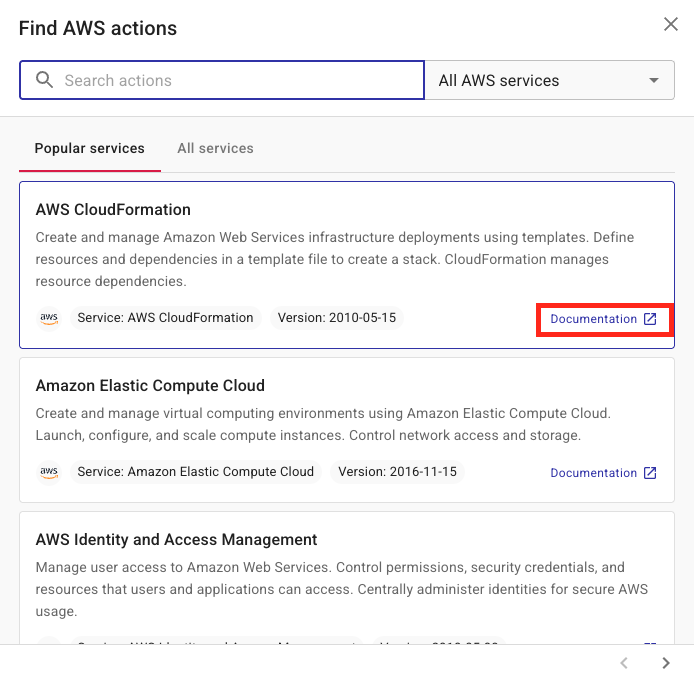
Check the documentation for the action you are using to understand what is supported for that action.
Alternatively, you can use the Filter node.