Notifications
The console supports the following notifications:
-
Personal email notifications. Notifications for your own specific needs.
-
Organization-wide notifications. Notifications for others in your organization. For example, you might want to notify the Finance team when new invoices are available.
-
In-app notifications. By default, all in-app notifications are displayed in the console. You can specify which notifications are displayed, depending on your requirements.
Personal email notifications
You can set up your own personal email notifications and choose which types of notifications you'd like to receive by email.
Organization-wide notifications
For organization-wide notifications, you can set up different providers such as Slack, Microsoft Teams, or email.
-
Slack: Send notifications to shared, public, and private Slack channels in your workspace. A single notification can be sent to several Slack channels.
-
Microsoft Teams: Send notifications to channels within your teams. See DoiT app for Microsoft Teams.
-
Email: Send notifications to as many email addresses as needed.
In-app notifications
In-app notifications are displayed within the console.
To see the list of in-app notifications, select the notification icon in the top navigation mega menu.
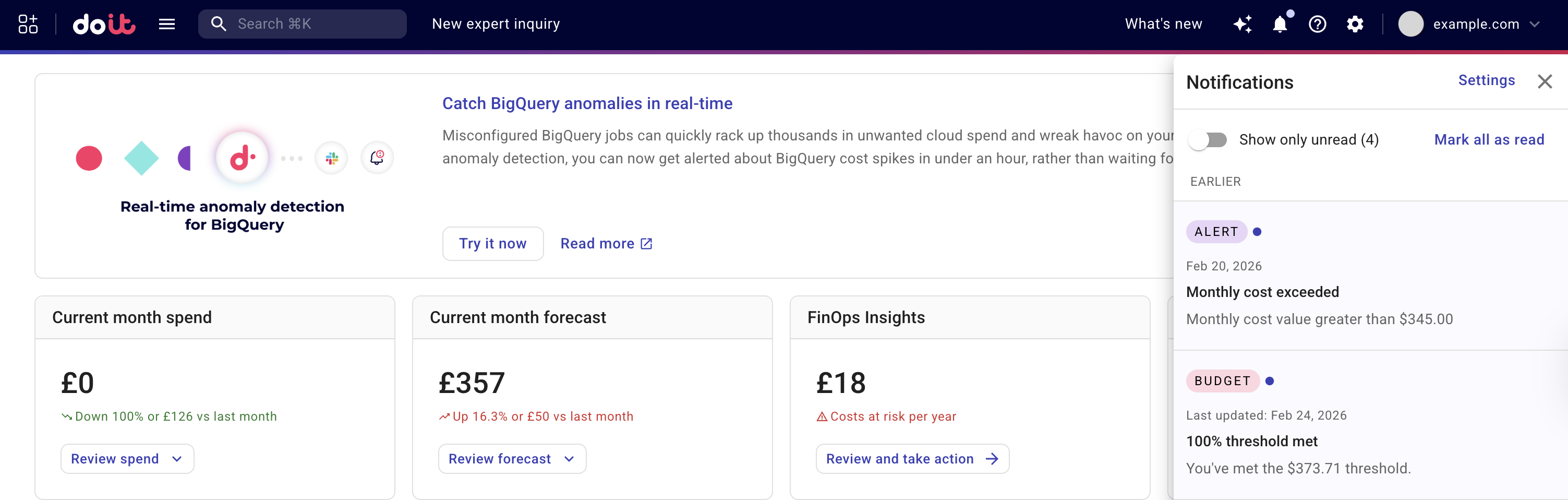
You can also enable notifications in your browser to stay informed even when you're on a different tab. For example, Use notifications to get alerts in Chrome.