Configure an action
Selecting an action node will open a side panel with three tabs for configuration:
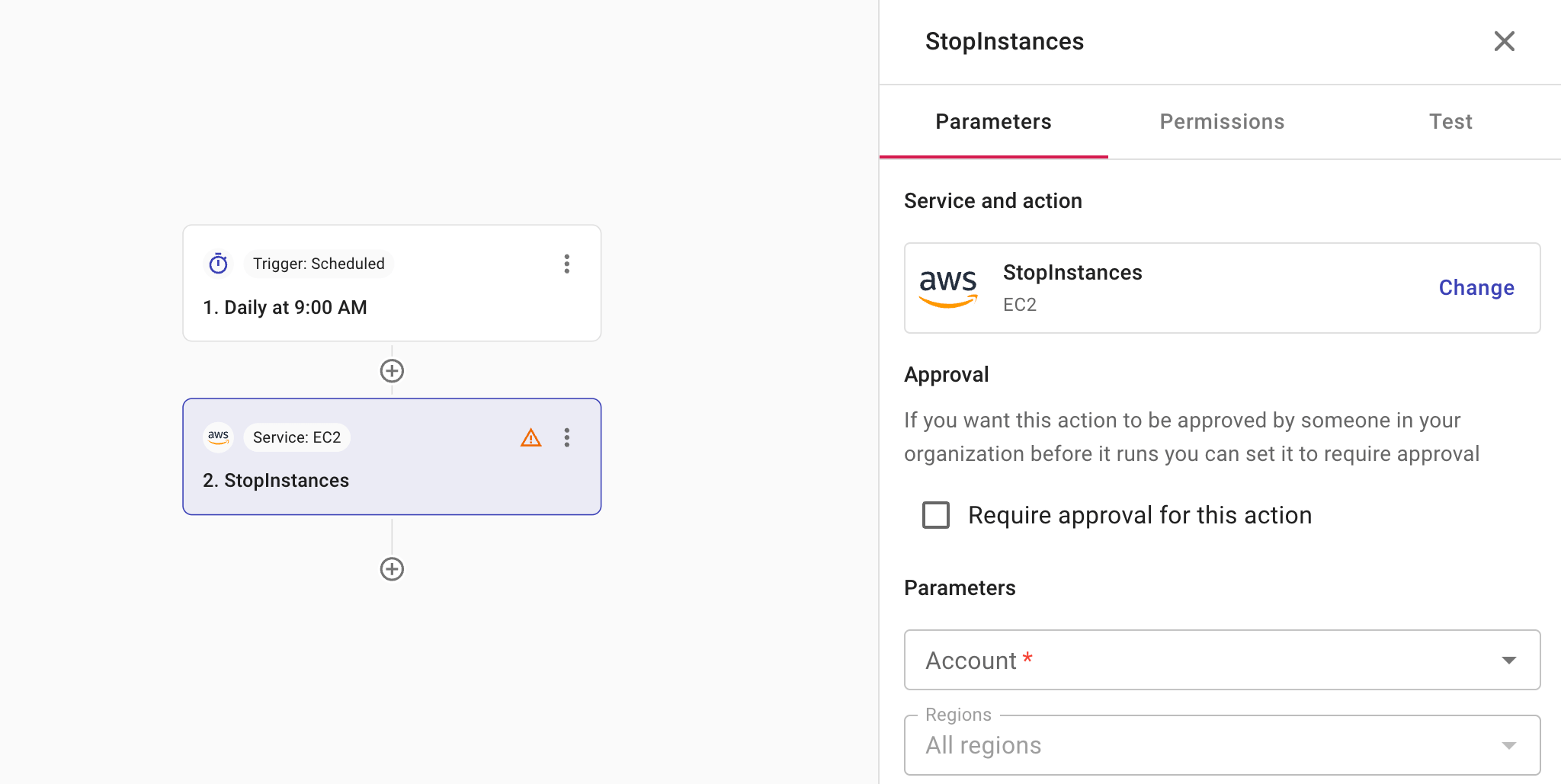
-
Parameters: This tab shows the service and action you've chosen and the option to change. You also configure approval settings on this tab. The parameters available vary with service and action.
-
Permissions: This tab helps you verify whether you have the required permissions to perform the action and provides instructions if you don't. See also APIs in CloudFlow.
-
Test: Use Test to validate your configuration. It is important to test the configuration of each node in a CloudFlow to ensure that every node functions as expected and that data is processed correctly throughout.
CautionThis action performs a full execution of the step which can initiate real actions, such as deletion.