Flows, folders, and workspaces
CloudFlow is where you build, run, and maintain flows in the DoiT console. This section explains how to create and manage flows and how workspaces and folders help you keep them organized as you scale.
Required permissions
For flow, workspace, and folder permissions, see Workspace and folder permissions.
Flows
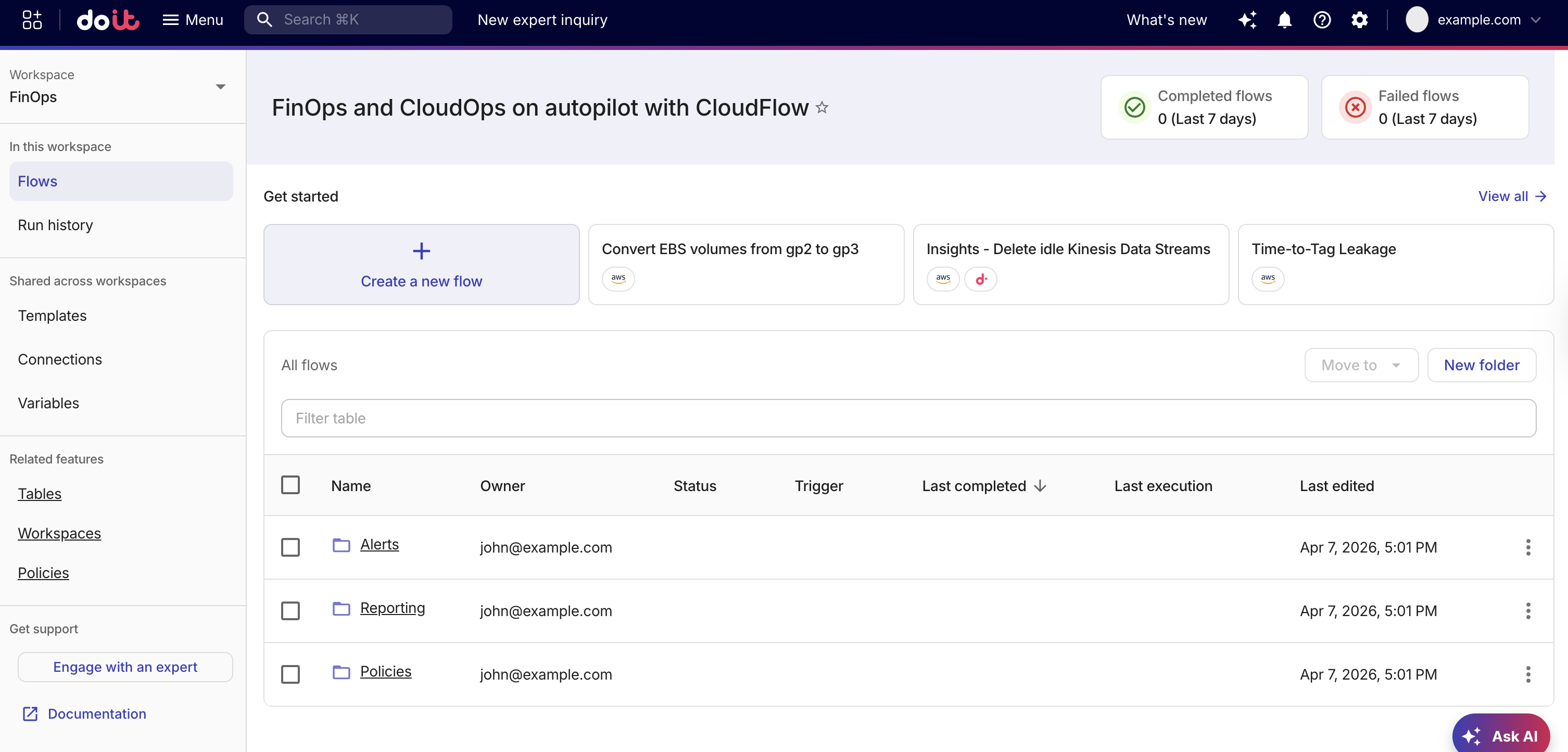
A flow is an automation you design from nodes (and optionally templates), then publish and run on a schedule or via triggers. You edit a flow in the flow editor, run published flows from All flows, and inspect past runs in Run history.
For creating flows from scratch or from templates, publishing limits, and actions such as duplicate or delete, see Create flows. See Quick start for a step-by-step tutorial that walks you through the process of creating a flow from scratch.
Workspaces
Workspaces let you group related flows and folders together, making it easier to organize and manage flows across teams or projects. Each workspace (or Default for flows not assigned to a workspace) has its own flows and folder tree in All flows and Run history. Templates, Connections, and Global variables are organization-wide. You can select these from the CloudFlow sidebar. In addition, you can also manage tables, policies and other workspaces from the CloudFlow sidebar.
Folders
Folders add a hierarchy inside the workspace you have selected, for example, nested folders and breadcrumbs. All flows are the root of the folder tree. Moving flows and folders preserves structure; deleting a folder removes all its nested folders and flows.
Example
In the following example, the workspaces represents departmental ownership (FinOps and Engineering) and folders manage the logical grouping of flows inside each workspace. FinOps owns production cost and reporting flows and Engineering owns sandbox and onboarding flows. In addition, older flows are in Default until they need be migrated.
FinOps
├── Alerts/
│   ├── Budget threshold notification
│   └── Anomaly digest
├── Reporting/
│   ├── Monthly chargeback export
│   └── Executive cost summary
└── Policies/

Engineering
├── Demos/
│   └── New integration smoke test
├── Onboarding/
│   └── Account setup checklist
└── Sandbox/

Default
├── Legacy/
│   └── Pre-workspace automations
└── Ad hoc flows (at root)
To implement this:
-
Create the workspaces.
-
Create the folders.
-
Create or move flows ensuring that Run history is focused for each team.