View recipes
To view the details of recipe:
-
Navigate to the Composer dashboard.
-
Locate the recipe of interest, select the recipe name or select View from the kebab menu (⋮) at the end of the entry.
Recipe details
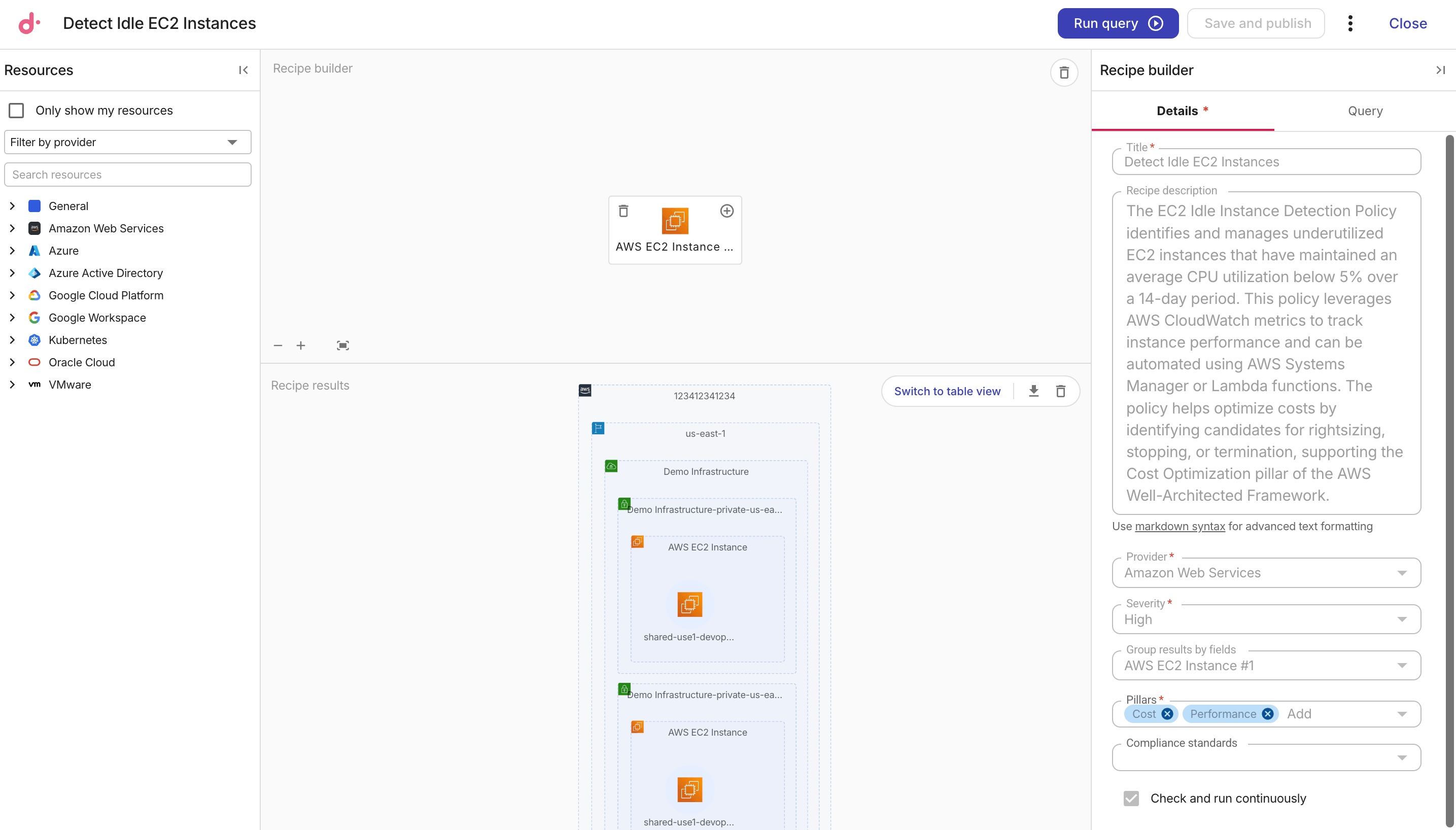
The example below shows the configuration of a Composer recipe named Detect Idle EC2 Instances.
The basic information of the recipe is displayed on the Details tab in Recipe builder side panel
Recipe query
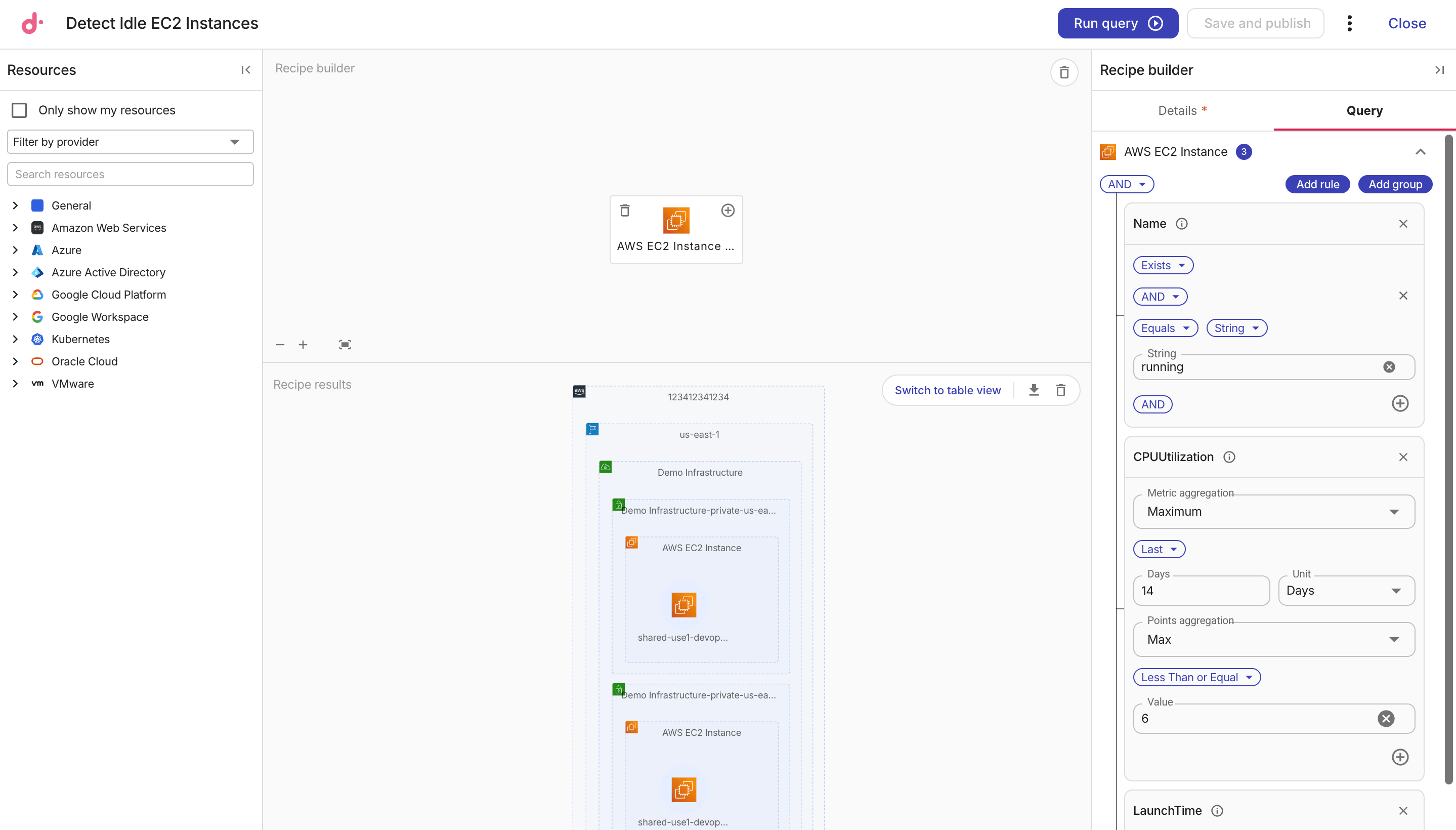
To check the query of a recipe, select the Query tab in the Recipe builder side panel.
Remediation details
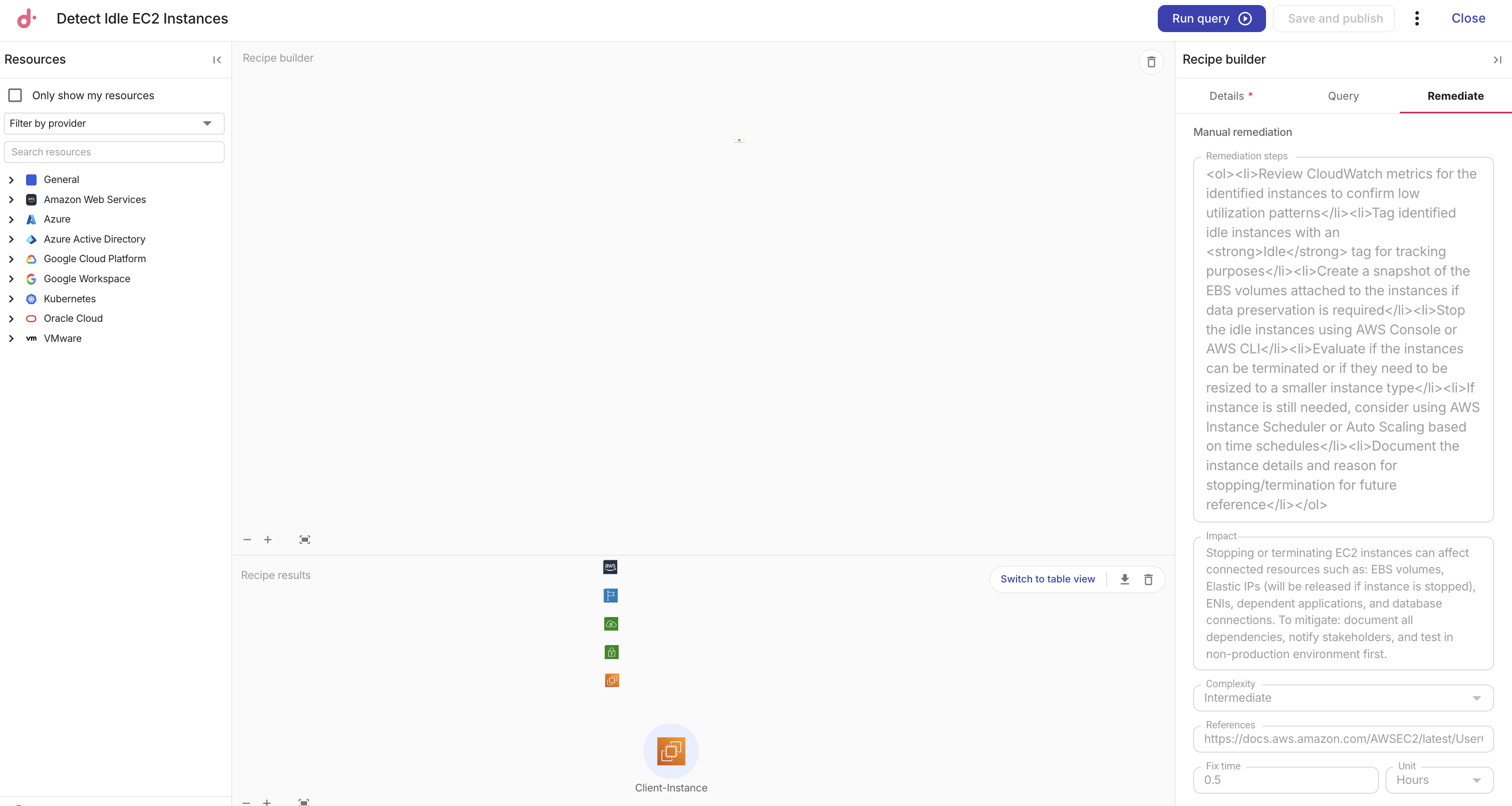
To view the remediation details attached to a recipe, select the Remediate tab in the Recipe builder side panel. This tab displays the remediation steps, impact, complexity, references, and fix time configured for the recipe, if any. For details on each field, see Add remediation details.
Recipe results
To manually trigger a query, select Run query. The results are displayed in the Recipe results panel, along with the total number of matching resources. Hover over the total to see a breakdown of results by resource type when the query returns 100 results or fewer.
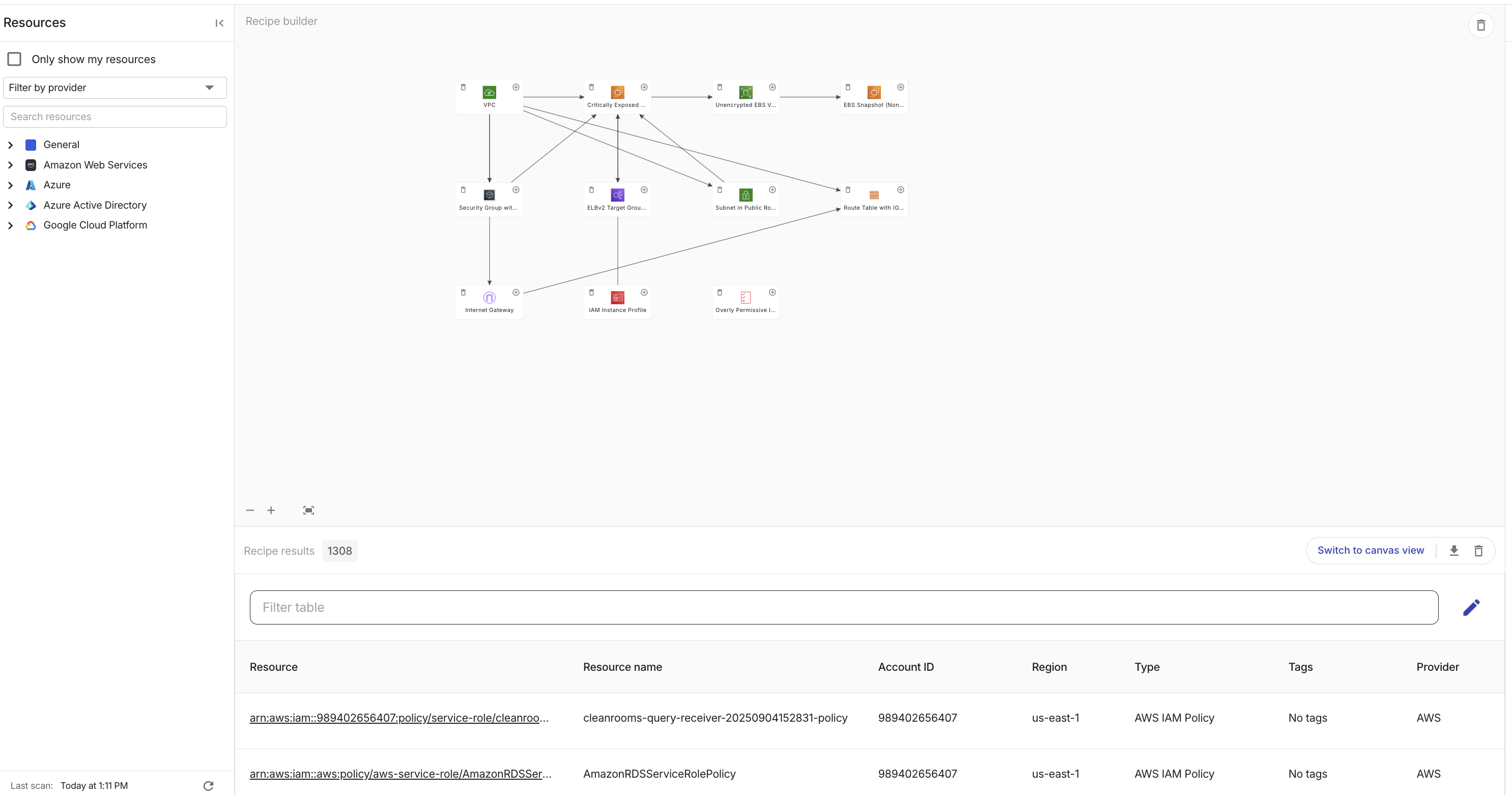
The controls available in the results panel depend on the size of the result set. By default, results are shown in canvas view.
-
Select Switch to table view to see the results in a table, where you can sort and filter by column. To export the results, select the download icon and choose Download table as CSV or Download graphic as PNG. If a query returns more than 100 results, only the table view is available and the results can't be exported.
-
To open a resource's details, double-click its icon in canvas view or select it in table view.
More options
Select the kebab menu (⋮) in the top bar for more options.

-
Create new recipe: Clear the current recipe and open a blank canvas to create a recipe from scratch. You'll be prompted to confirm before continuing.
-
Duplicate recipe: Make a copy of the current recipe.