Dashboard
The Composer dashboard displays all recipes available to you.
To access the Composer dashboard, sign in to the DoiT console, select Automation and operations > Composer from the top navigation mega menu.
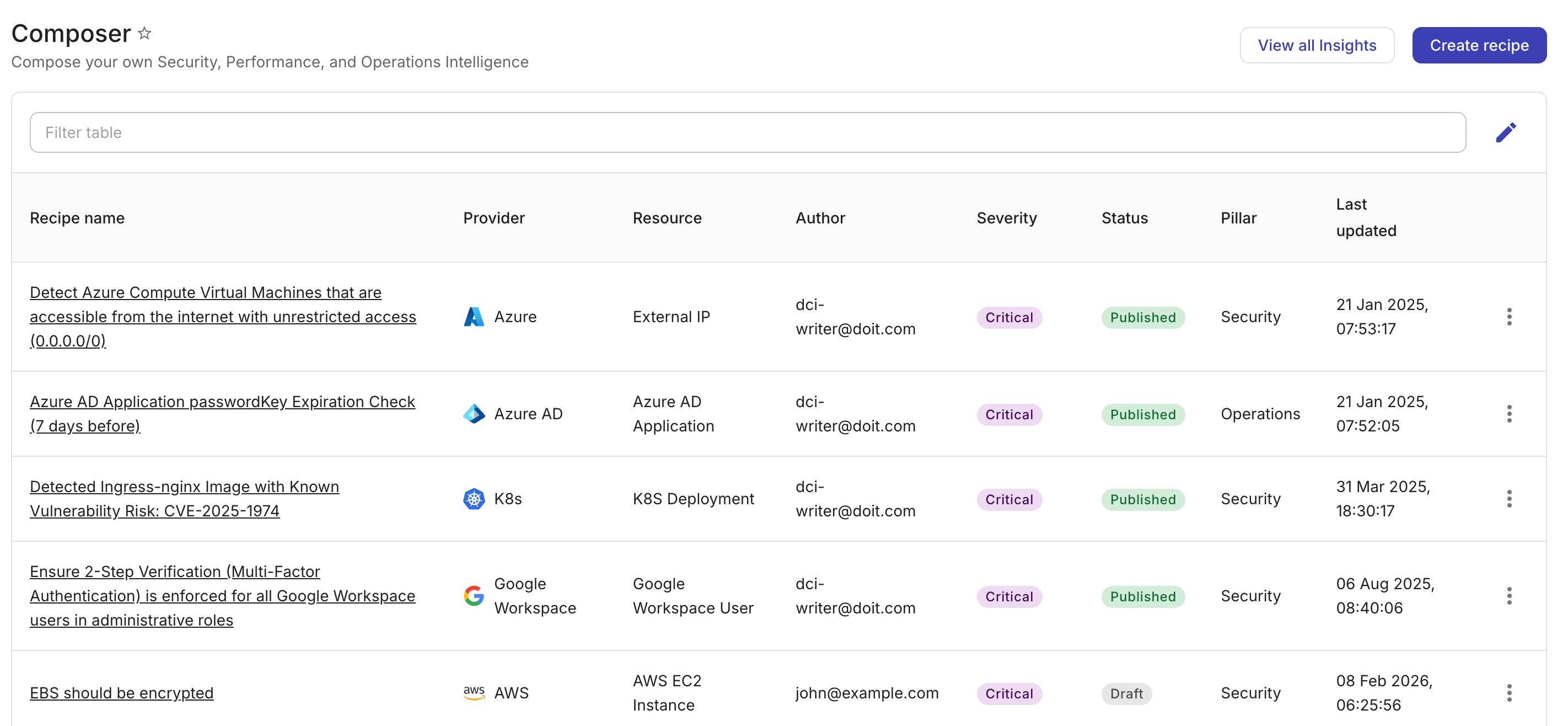
On the Composer dashboard, you can:
-
Filter recipes by property.
-
Select the edit icon next to the filter bar to adjust the properties displayed.
-
Select View all insights to launch the Insights dashboard.
-
Select a recipe name to view recipe details and explore cloud resource details.
-
Select Create recipe to launch the Recipe builder and create a new recipe.
New to recipes? Start with Understanding recipes or Tutorial: Your first recipe.