Recipe builder

Recipe builder is where you create, edit, and manage recipes.

Launch Recipe builder​

There are two ways to launch the Recipe builder:

  • On the Composer dashboard, select a recipe to view recipe details in the Recipe builder.

  • On the Composer dashboard, select Create recipe to open the Recipe builder with a blank canvas.
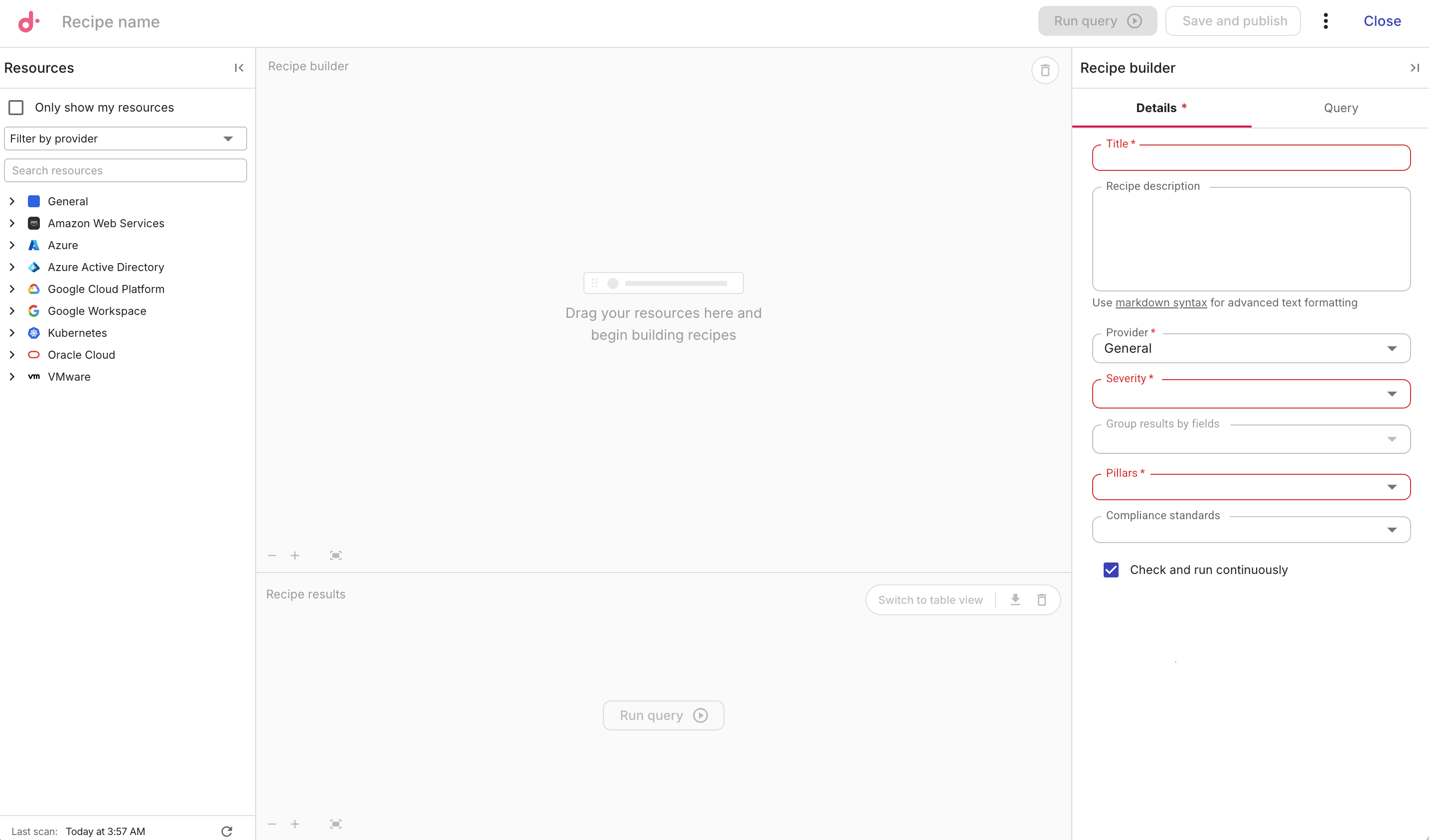
    Composer - recipe builder: blank.

Resources​

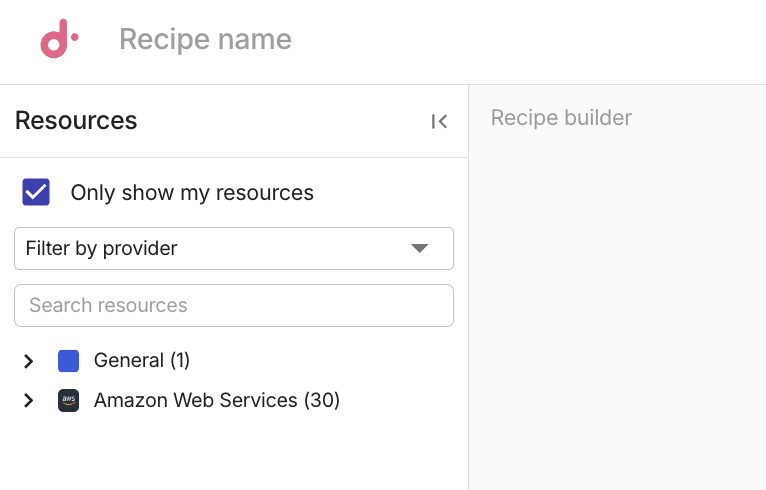
The Resources side panel is where you choose resources for recipes.

By default, the Resources side panel displays all available resource types across cloud providers.

To display only the cloud providers and resource types connected with your organization, select the Only show my resources checkbox.

Composer - recipe builder: resource panel.

Account scan status​

Composer periodically scans your cloud accounts that have enabled the Composer feature to keep resource data up to date. The date and time of the most recent scan is displayed at the bottom of the recipe builder side panel.

View scan status​

To view detailed scan information, select the refresh icon (⟳) next to the last scan timestamp.

The Account scan status window displays detailed information of each account. You can filter and sort the table to find specific accounts.

Composer - Account scan status.

  • Provider: The cloud provider. For example, AWS, GCP.

  • Account: The account identifier. For AWS, this is the 12-digit AWS account ID; For Google Cloud, this is the human-readable project name.

  • Scan Status: The current status of the scan. Successful, Failed, Scanning. Accounts that have not enabled Composer are shown as Disconnected.

  • Last updated: The date and time of the most recent scan for the account.

Run a scan​

You can trigger account scans manually from the Account scan status window:

  • To scan a single account, select Run Scan next to the account.

  • To scan all accounts at once, select Scan All Accounts.

You cannot trigger a scan for Disconnected accounts. Enable Composer on such accounts first.