Issue invoices
Issuing an invoice consists two main steps: generate an issuable version, review and issue the invoice.
Required permission
- Your DoiT account must have the Admin role.
Create issuable version
You can generate an issuable version of an invoice only when its status is Ready.
-
Select Create issuable version at the rightmost end of the invoice entry.
-
Review and update the invoice information.
-
Auto-populated fields: Invoice ID, Customer name, Service, Period covered, and Total
-
Optional: Invoice header, Invoice description
-
Required: Invoice date, Due date
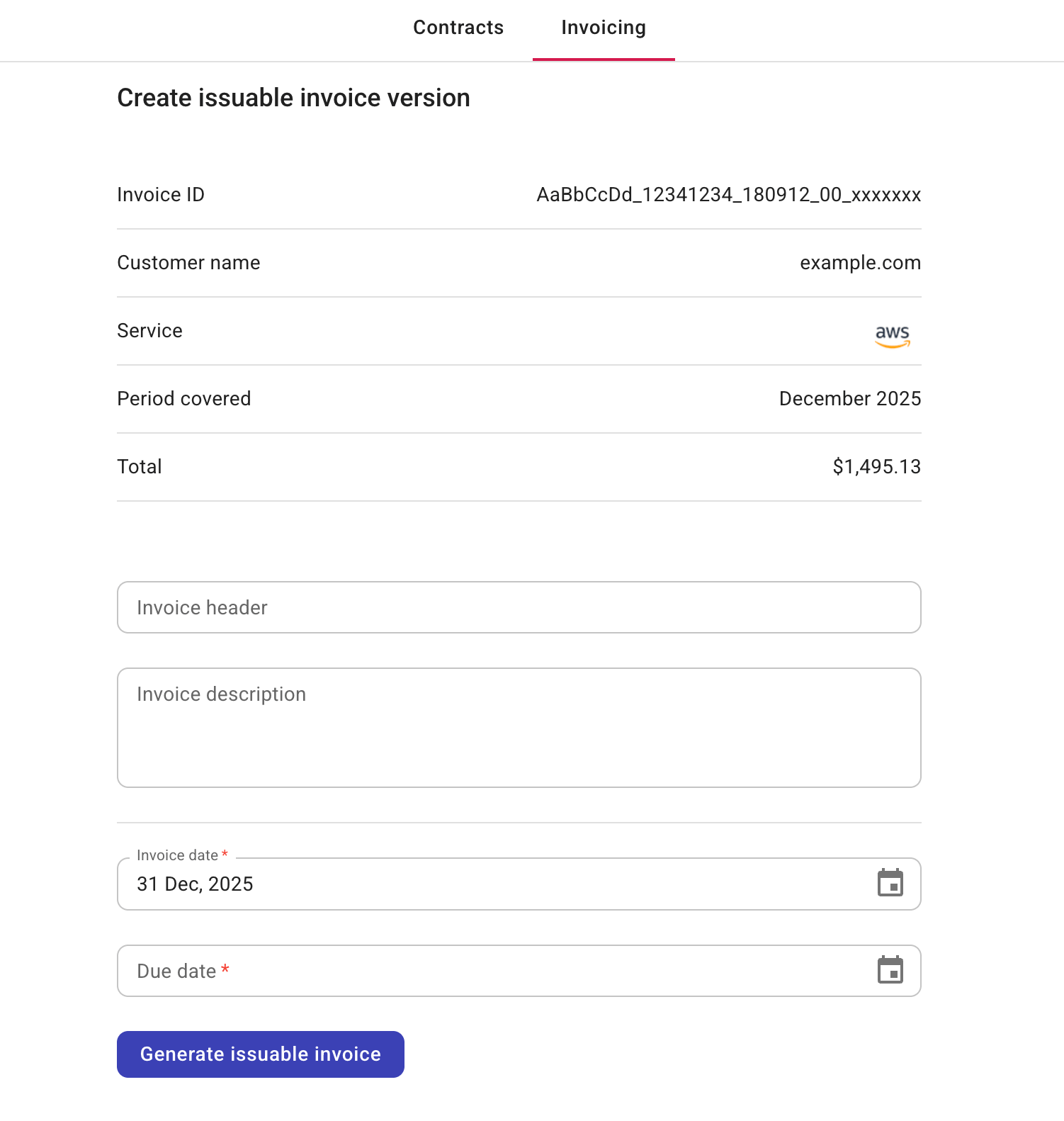
-
-
When finished, select Generate issuable invoice.
If successful, the invoice status becomes Issuable.
Update invoice details
For an Issuable invoice, you can update the following information by selecting Update details in the kebab menu (⋮) at the rightmost end of the invoice entry:
-
Invoice header, Invoice description
-
Invoice date, Due date
When finished, select Update invoice details.
Updating an invoice doesn't trigger any recalculation.
Issue an invoice
Only Issuable invoices can be issued.
To issue an invoice, select Mark as issued in the kebab menu (⋮) at the rightmost end of the invoice entry.
If successful, the invoice status becomes Issued.
Email to customer
To email an Issued invoice, select Email to customer in the kebab menu (⋮) at the rightmost end of the invoice entry.
The invoice will be sent to the contact specified in the Billing details of the customer contract.