Manage invoices
Required permission
- Your DoiT account must have the Admin role.
View an invoice
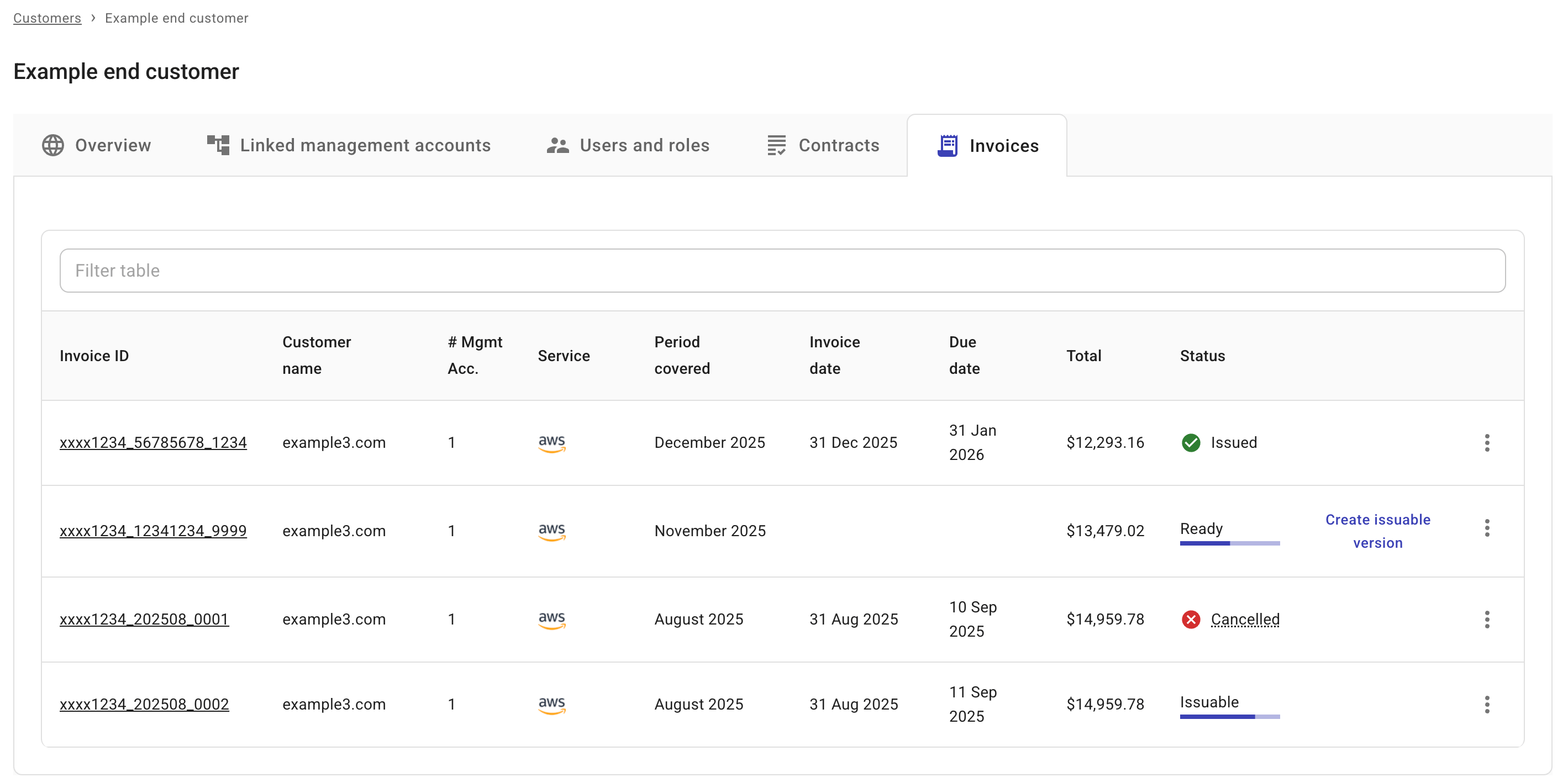
Regardless of an invoice's status, you can always view the invoice details in the DoiT console by selecting its Invoice ID.
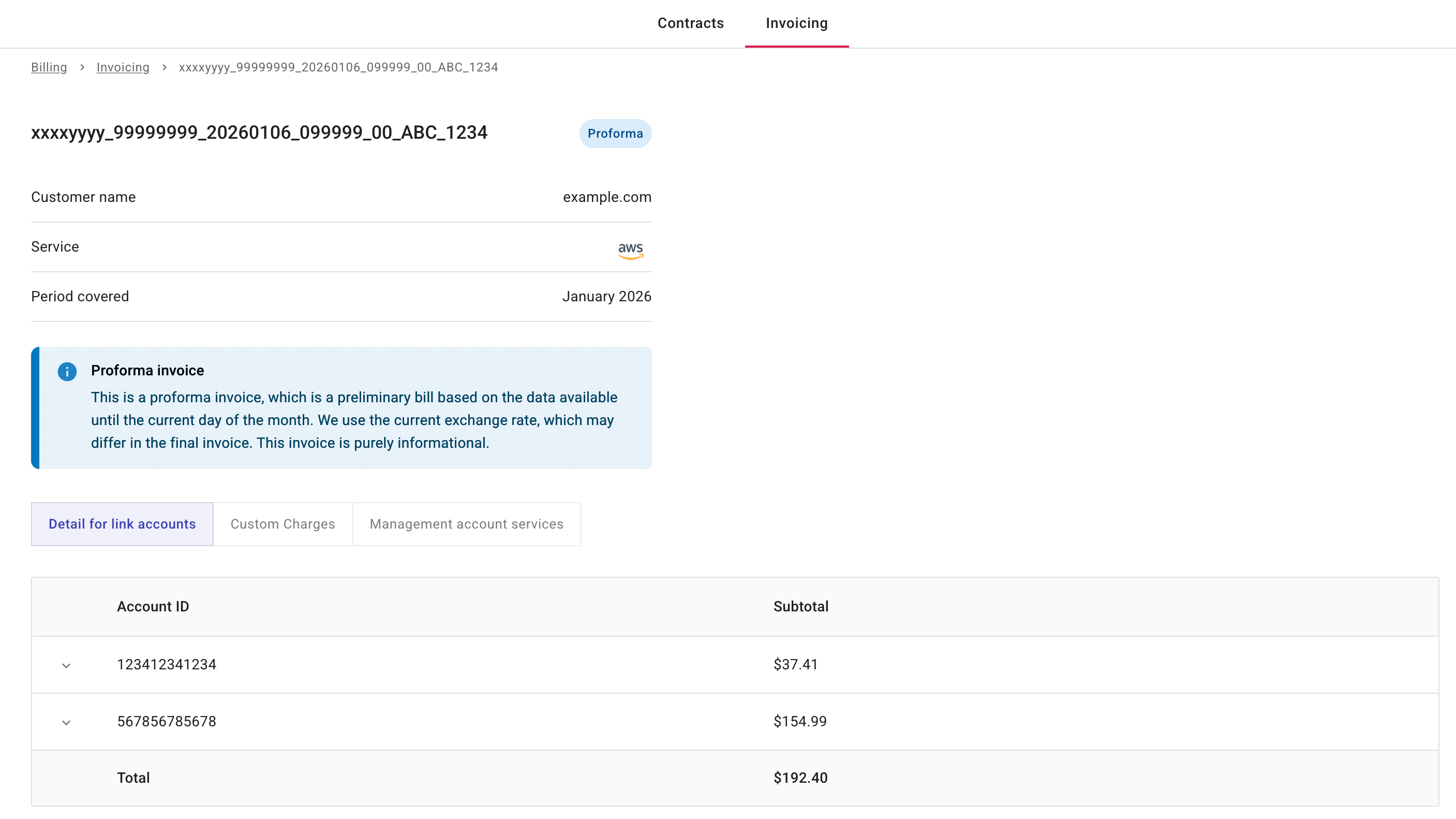
Below is an example proforma invoice.
Download an invoice
If applicable, download options are found in the kebab menu (⋮) at the rightmost end of the invoice entry:
-
Issuable or Issued invoices: You can choose Download as PDF or Download as CSV.
-
Cancelled invoices: You can choose Download as PDF.
Cancel an invoice
To cancel an Issued invoice, select Cancel invoice in the kebab menu (⋮) at the rightmost end of the invoice entry.
If successful, the invoice status becomes Cancelled.