Invoice template
The invoice template defines the layout of issued invoices.
Required permission
- Your DoiT account must have the Admin role.
Access invoice template
To access the invoice templates:
-
Sign in to the DoiT console, select Billing > Invoicing from the top navigation mega menu.
-
Select Invoice template.
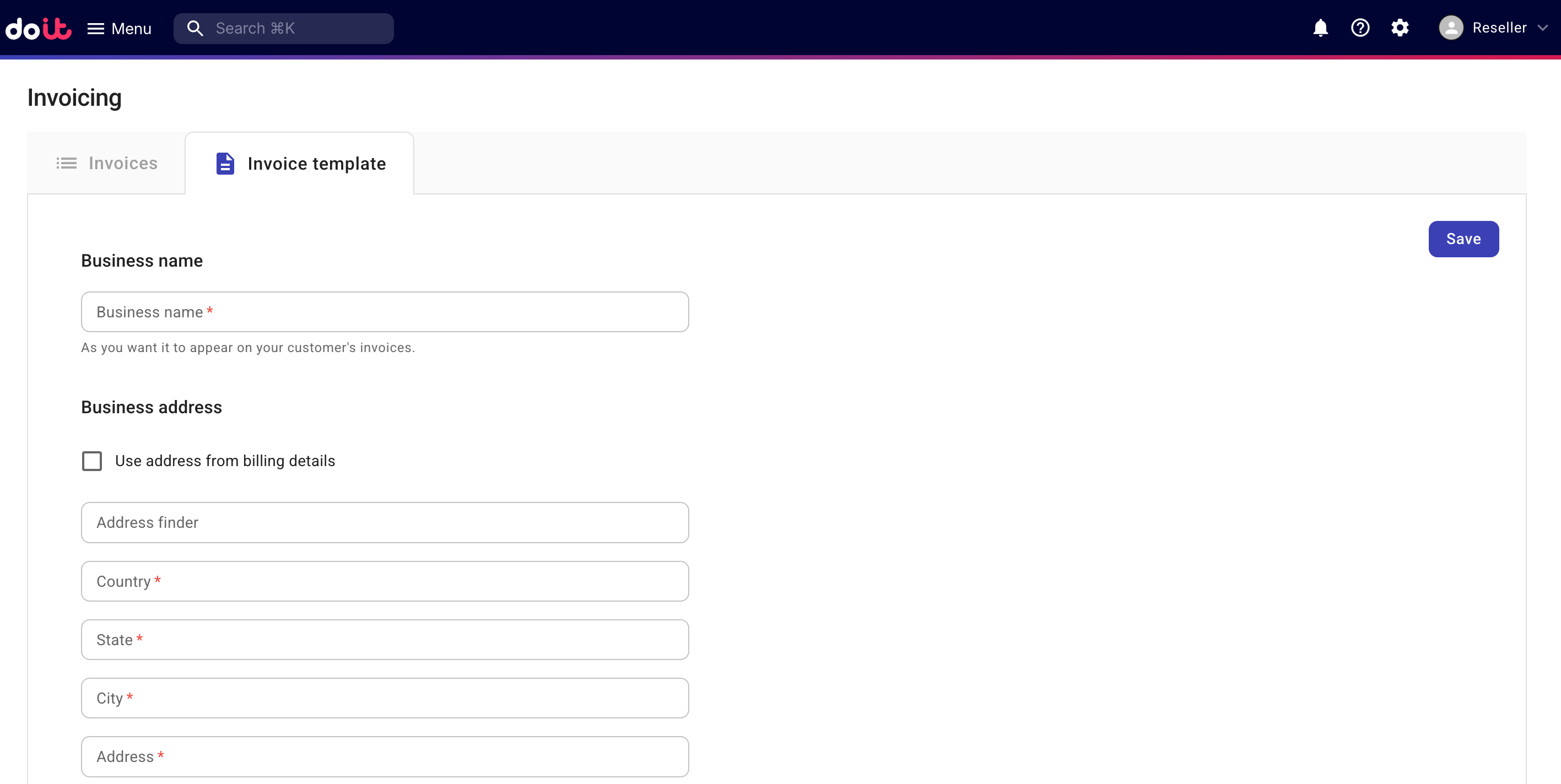
Set up invoice template
If you haven't set up the template yet, configure the template as required.
-
Business name: The business name of your organization on the invoices.
-
Billing address: Selecting Use address from billing details will populate the address information from the contract.
-
Additional text: A footer message that appears at the bottom of the issued invoices.
-
Logo: Upload a logo image for invoices. The image format must be PNG or JPG, the maximum size of the image file is 1 MB, and the maximum dimension (width × height) of the image is 200px × 200px
When finished, select Save.
Edit invoice template
To update the invoice layout, select Edit on the invoice template page and update the relevant fields.