Slack での AI assistant
Slack で AI assistant と直接チャットできます。AI assistant は、DoiT コンソールやマルチクラウド環境(例:Amazon Web Services・Google Cloud・Microsoft Azure)に関する質問に Slack の会話内で回答するため、すでにコラボレーションに利用しているチャネル上で、コストやアノリー、インシデント対応などについてチームで議論できます。たとえば Slack で 前月のコストが最も高かった GCP サービスはどれですか? や コンソールでコストアノマリーを確認する手順を教えて と質問し、その後同じ会話内でフォローアップを行って回答内容を絞り込むことができます。
Slack の AI assistant は、コンソールとまったく同じ方法であらゆるワークフローをサポートできるとは限りません。たとえば、チャット履歴、ファイルのアップロード、返信を画像としてエクスポートする機能、会話の管理 で説明しているエキスパートへ問い合わせの作成などです。
前提条件
-
DoiT app for Slack がインストールされている必要があります。AI assistant へのアクセスには、最新バージョンのアプリが必要です。
-
AI assistant がご利用の DoiT プランに含まれている必要があります。Availability を参照してください。
-
初めて AI assistant を利用する場合や、DoiT のセッションが期限切れになっている場合は、Slack でサインインが必要になることがあります。DoiT アカウントで使用しているものと同じメールアドレスでサインインを完了してください。これは Slack プロファイルのメールアドレスと一致している必要があります。
Slack で AI assistant を使う
-
Slack で DoiT アプリを開きます。
-
DoiT アプリとの 新しい会話 を開始します。
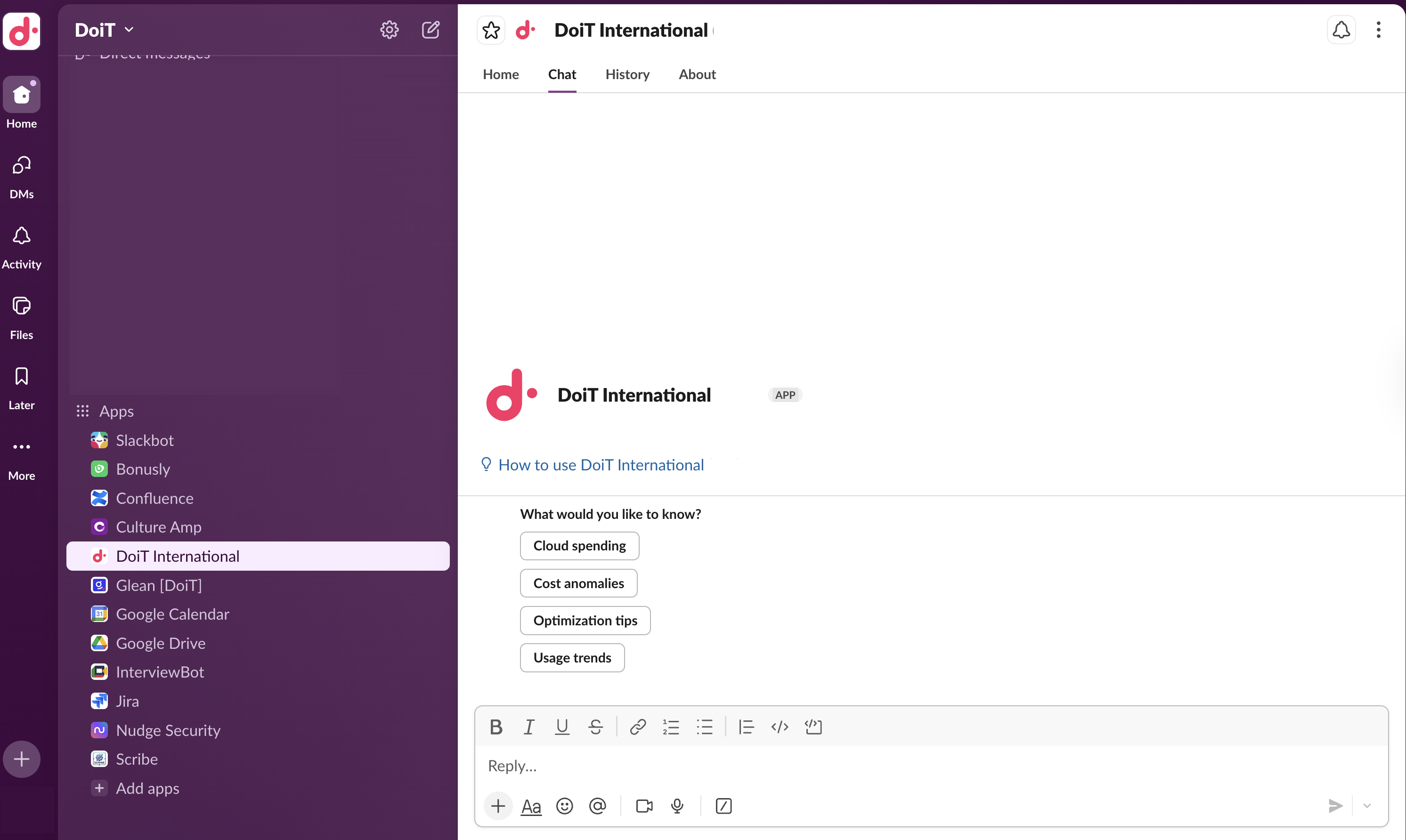
サインインしていない、またはセッションが期限切れであることを示すメッセージが表示された場合は、指示に従ってコンソールにサインインし、Slack に戻ってください。

-
質問を入力するか、提案されるプロンプトのいずれかを選択します。AI assistant は会話の中で回答をストリーミング表示します。
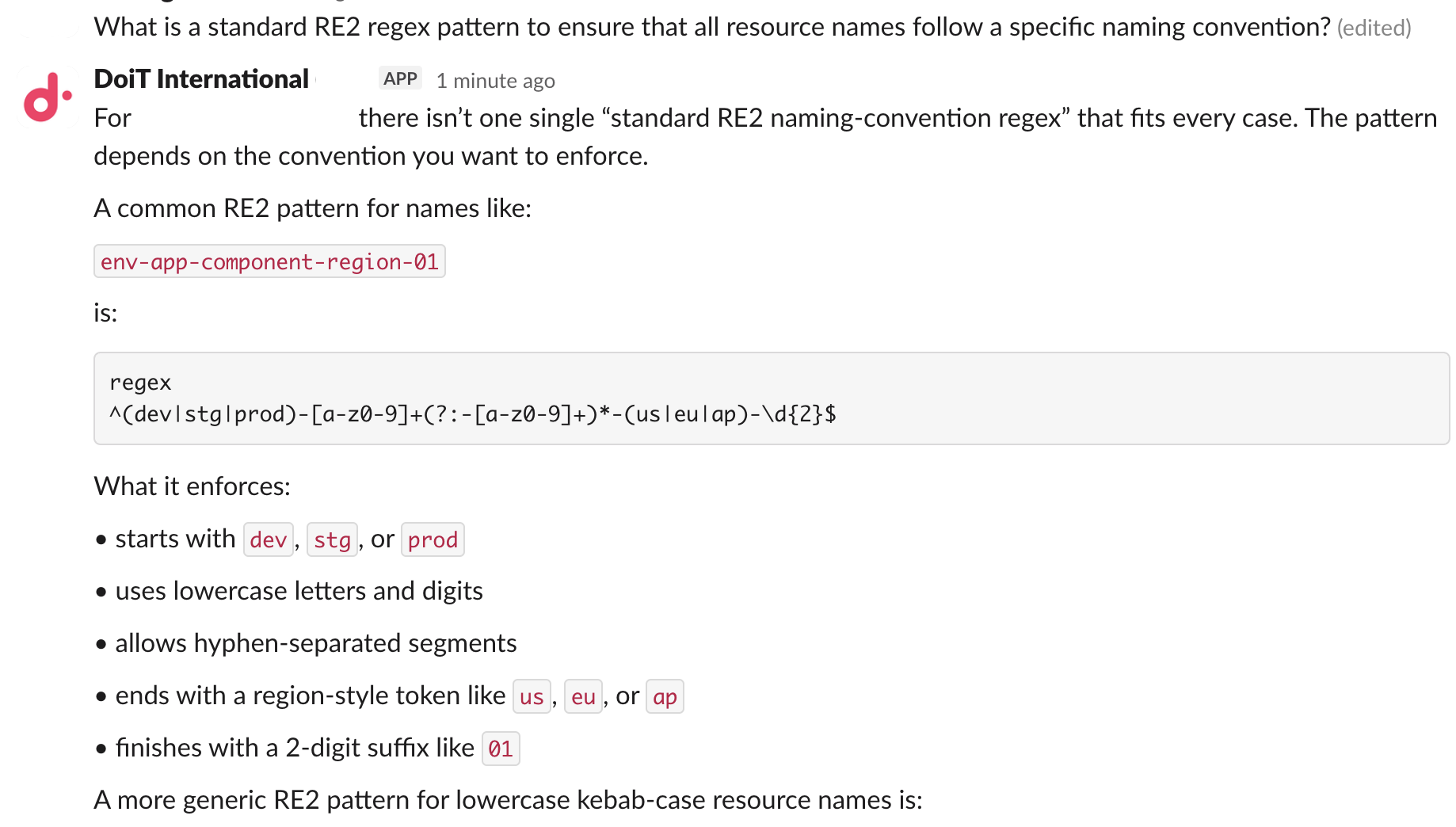
-
DoiT アプリが利用可能なチャネルでは、メッセージ内でアプリを直接メンションすることもできます。例:
@DoiT International (dev) What is my recent anomaly? -
続行する前にアクションの承認を求めるメッセージが AI assistant から表示された場合は、概要を確認し、必要に応じて承認またはキャンセルしてください。
-
フォローアップの質問をする場合は、同じ Slack の会話に返信して、AI assistant が会話のコンテキストを保持できるようにしてください。新しい会話を開始すると、別のコンテキストとして扱われます。
-
回答に表示される
ボタンを使用して、AI assistant の回答品質向上にご協力ください。