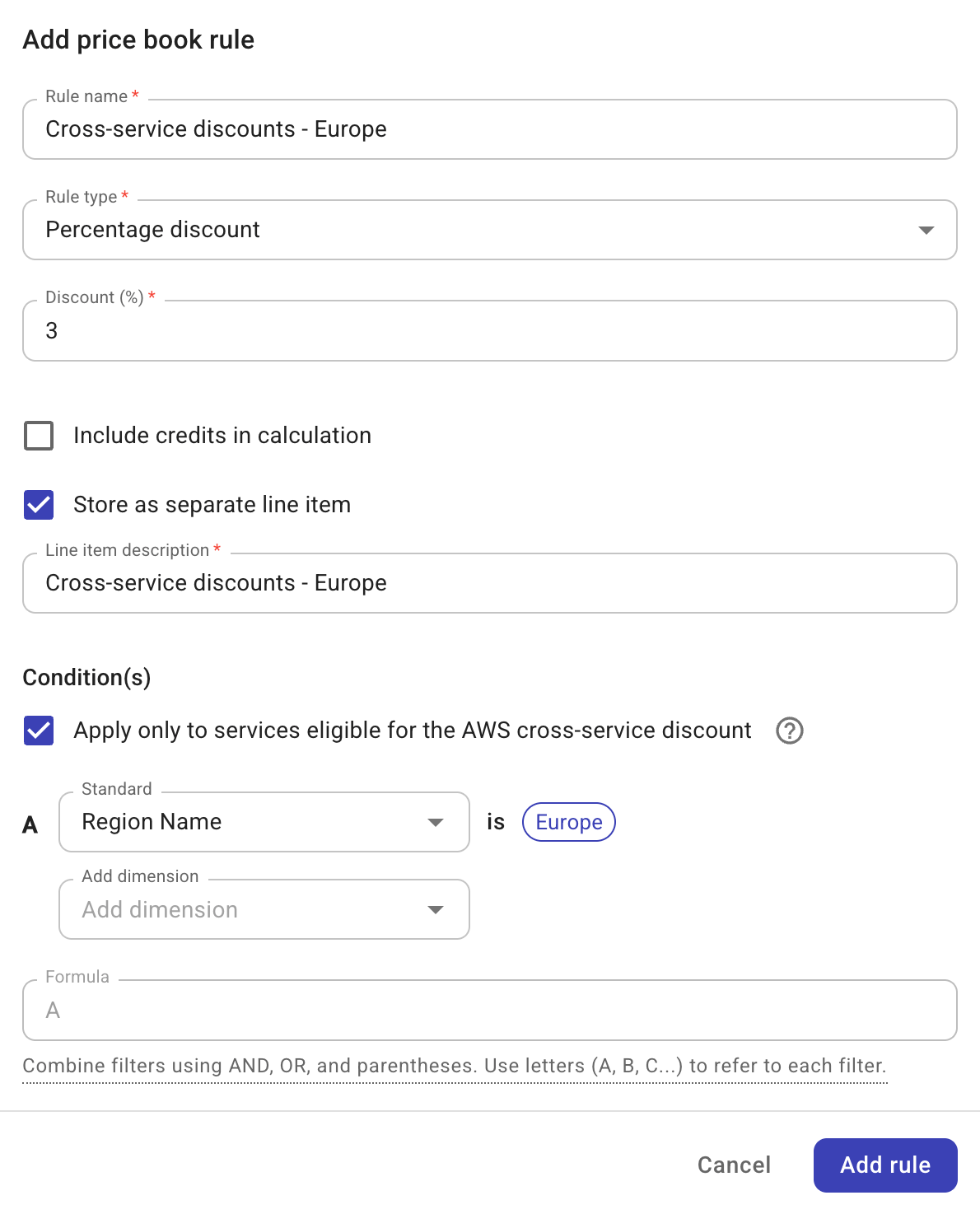
Price books
Price books define rate logic for billing, such as custom pricing, discounts, and pricing rules application. They are available in Tier-2 and Tier-3 contracts.
Limitations
- There can be only one price book per management account.
Add price books
Price books are available in Tier-2 and Tier-3 contracts. They can be added when adding a new contract or editing an existing one.
-
Select Add price book.

-
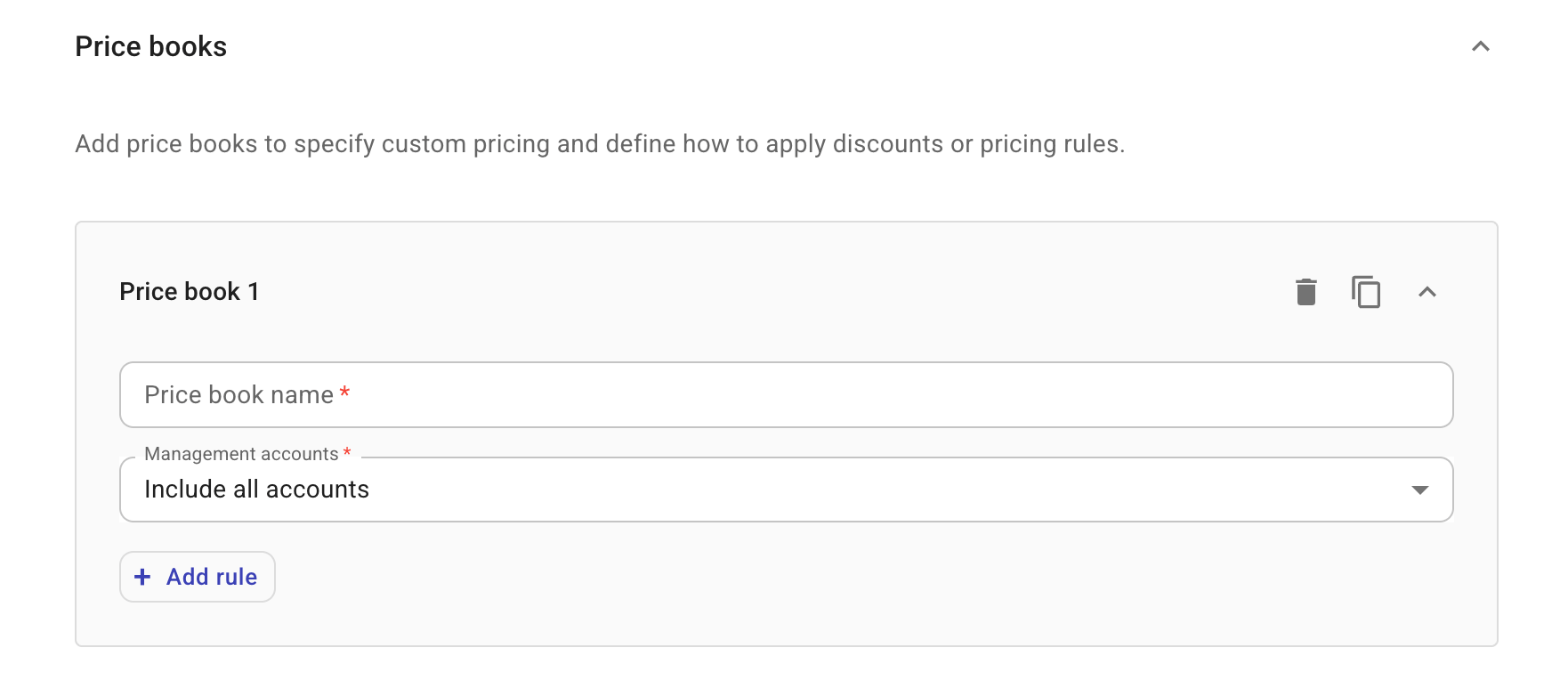
Configure the first price book.
-
Name: Name of the price book.
-
Management accounts: The management accounts to which the price book applies.
-
Tier-2 contracts: Not configurable. Always set to
Include all accounts. -
Tier-3 contracts: If you choose
Include only selected accounts, you need to specify at least one management account.
-
-
-
Select Add rule to add a price book rule.
-
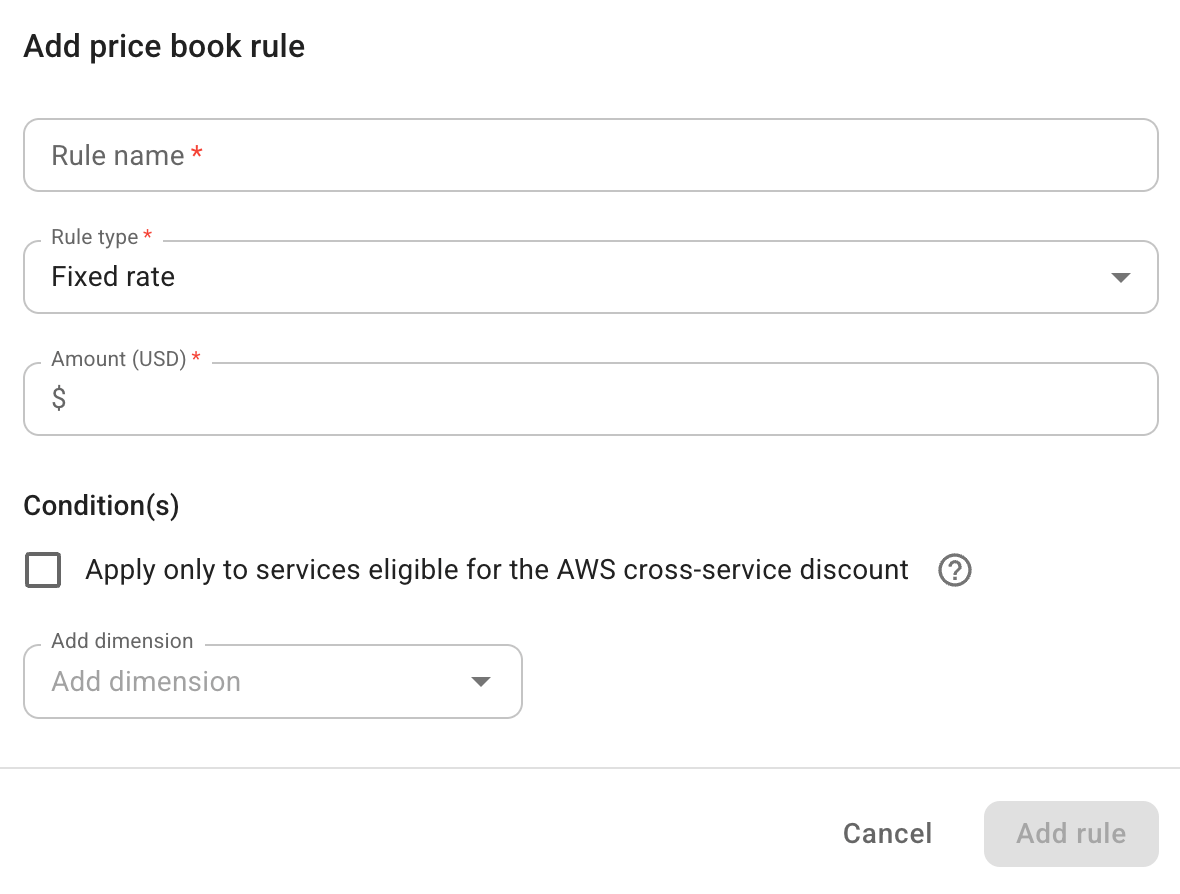
Enter a name of the price book rule.
-
Configure the rule type and conditions.
-
-
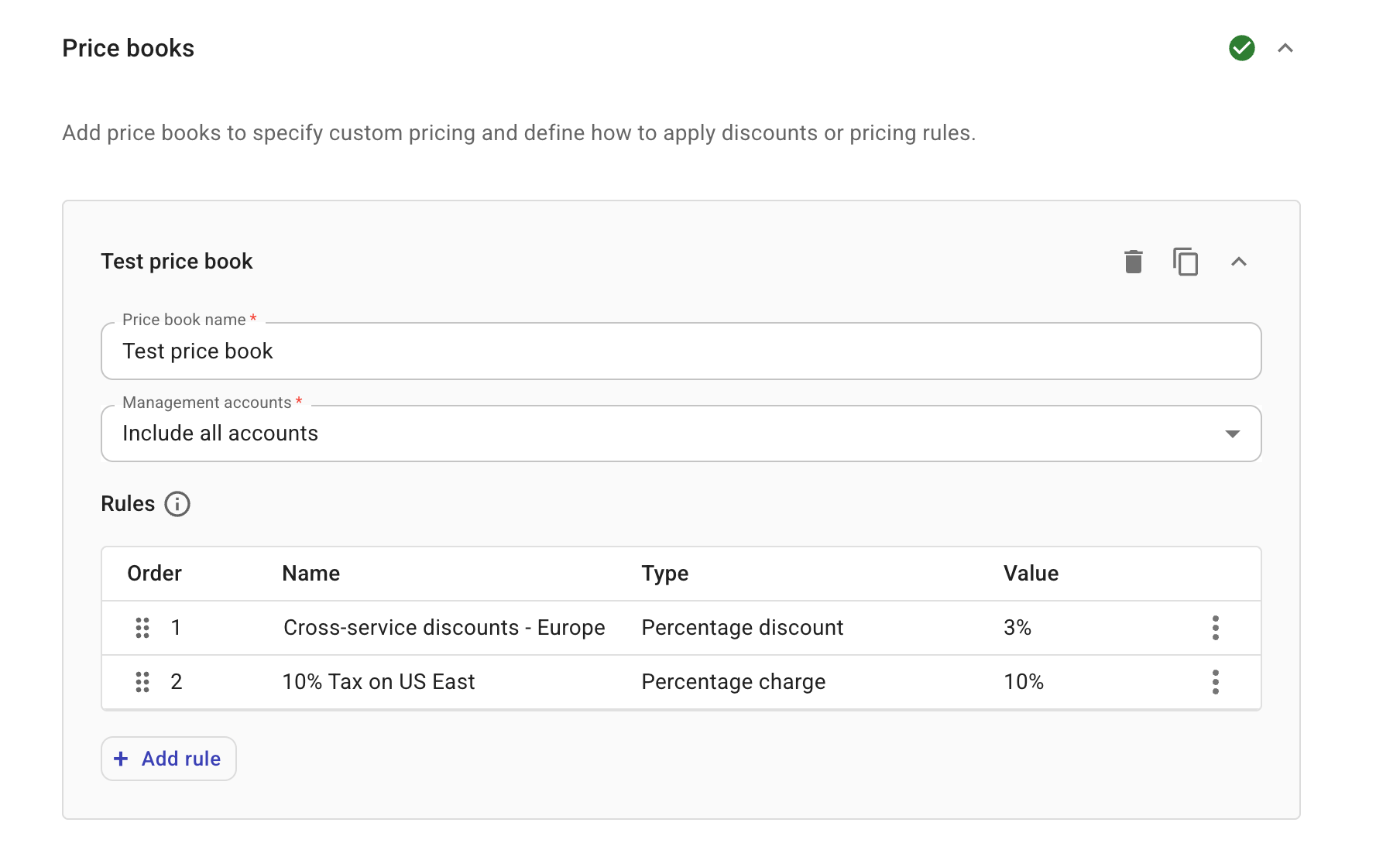
Add more rules if needed.
You can select Duplicate from the kebab menu (⋮) at the rightmost end of an existing rule to make a copy of it or select Add rule to add an empty one.
TipPrice book rules are evaluated by ascending priority. The first matching rule applies. As a best practice, wildcard rules should be the last in a price book.
-
Add more price books if needed. Keep in mind that there can be only one price book per management account.
Rule type and conditions
-
Rule type: Type of the rule.
-
Fixed rate: Defines a fixed-rate charge by entering a positive value of amount in US dollar. A fixed rate defined in the price book is the actual rate.
-
Percentage discount, Percentage charge: For a percentage rule, you need to specify the percentage. You also get two additional options.
-
Include credits in calculation: This option allows you to include AWS credits in billing calculation.
-
Store as separate line item: This option allows you to store the billing adjustment as a separate line item in the invoice. You need to provide a descriptive message for the line item.
-
-
-
Conditions: Conditions of the rule.
-
Apply only to services eligible for the AWS cross-service discount: Select this checkbox if you want to limit the application of the price book rule to services listed at Solution Provider and Distributor Eligible Services List for Private Pricing.
Eligible workload constructs, such as Cost Categories, TorchServe, PyTorch on AWS, MAP workloads, and so on, are included via their underlying eligible AWS services as reported in the CUR.
-
Add dimension: Use standard dimensions as filters to define the scope of the price book rule.
-
Below is an example rule that limits cross-service discounts in the Europe region.