View network
You can use the Network layer to display network connectivity information on an individual diagram. The Network layer uses the same network information as the global network layer, but scoped to the account or project of the currently selected diagram. The Network layer shows network-level resources such as VPCs, subnets, gateways, and private connectivity links, helping you visualize network topology alongside your infrastructure.
Routing information is available through resource properties (for example, subnet route tables on AWS). Security controls such as security groups and firewall rules are not shown.
The Network layer is available for individual diagrams only. To view network connectivity across all accounts and projects, use the global network layer.
Required permissions
To use Cloud Diagrams, your DoiT account must have the Cloud Diagram User permission.
Access Network layer
To view the Network layer for a diagram:
-
From the dashboard, select a diagram.
-
In the sidebar, under Layers, select Network.
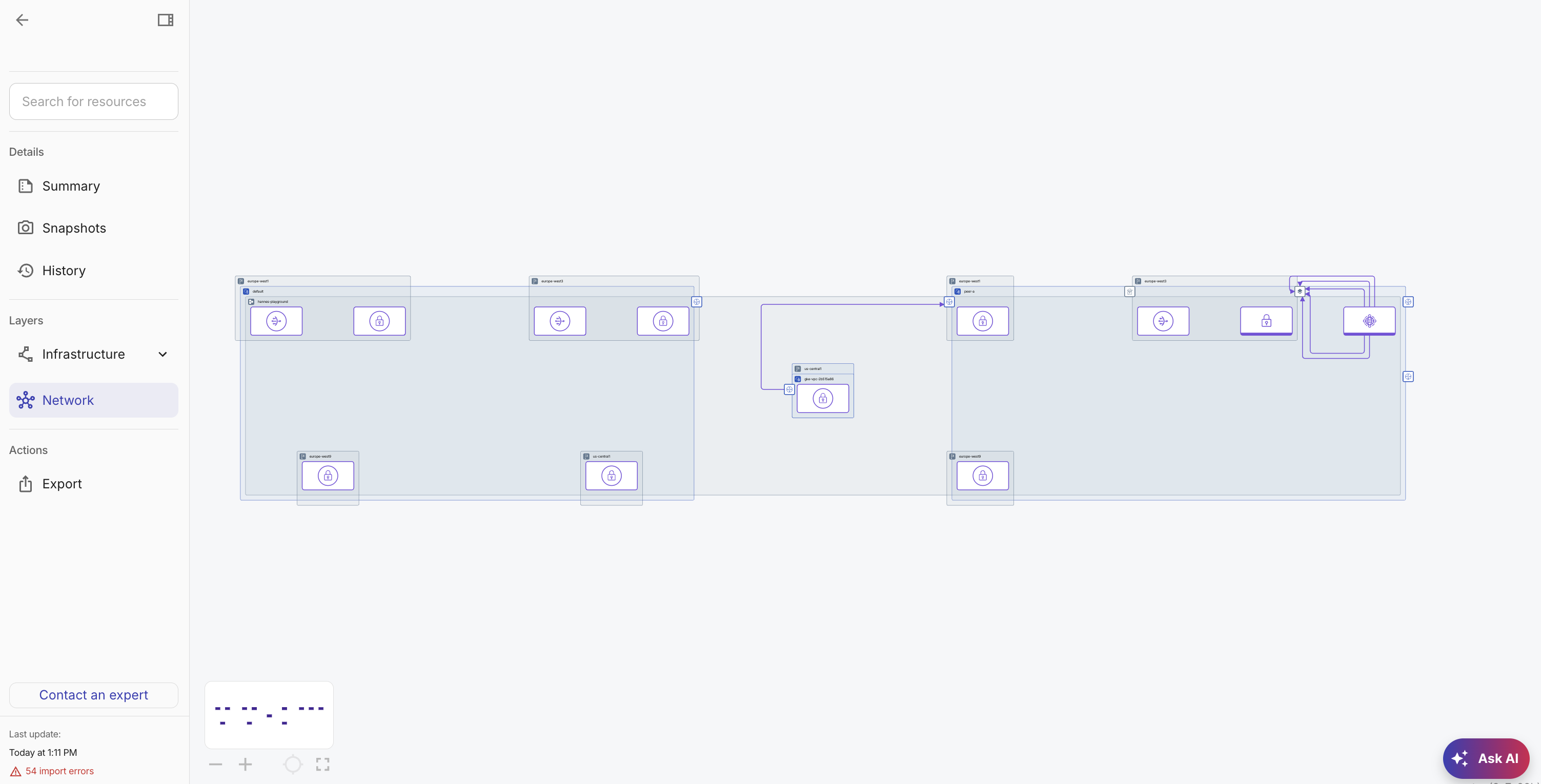
The Network layer loads and displays network components and their connections on the diagram. Links between network components show private connectivity between subnets, VPCs, and regions within the account or project.
To return to a diagram, deselect Network.