View summary
You can view a summary of all the nodes and groups in a diagram, or network elements in the global network layer, providing a condensed and easily digestible view of your cloud infrastructure.
Required permissions
To use Cloud Diagrams, your DoiT account must have the Cloud Diagram User permission.
View summary
-
From the dashboard, select a diagram or open the global network layer.
-
In the sidebar, under Details, select Summary to display a summary of all nodes, groups, and links in a diagram, or all network elements in the global network layer.
-
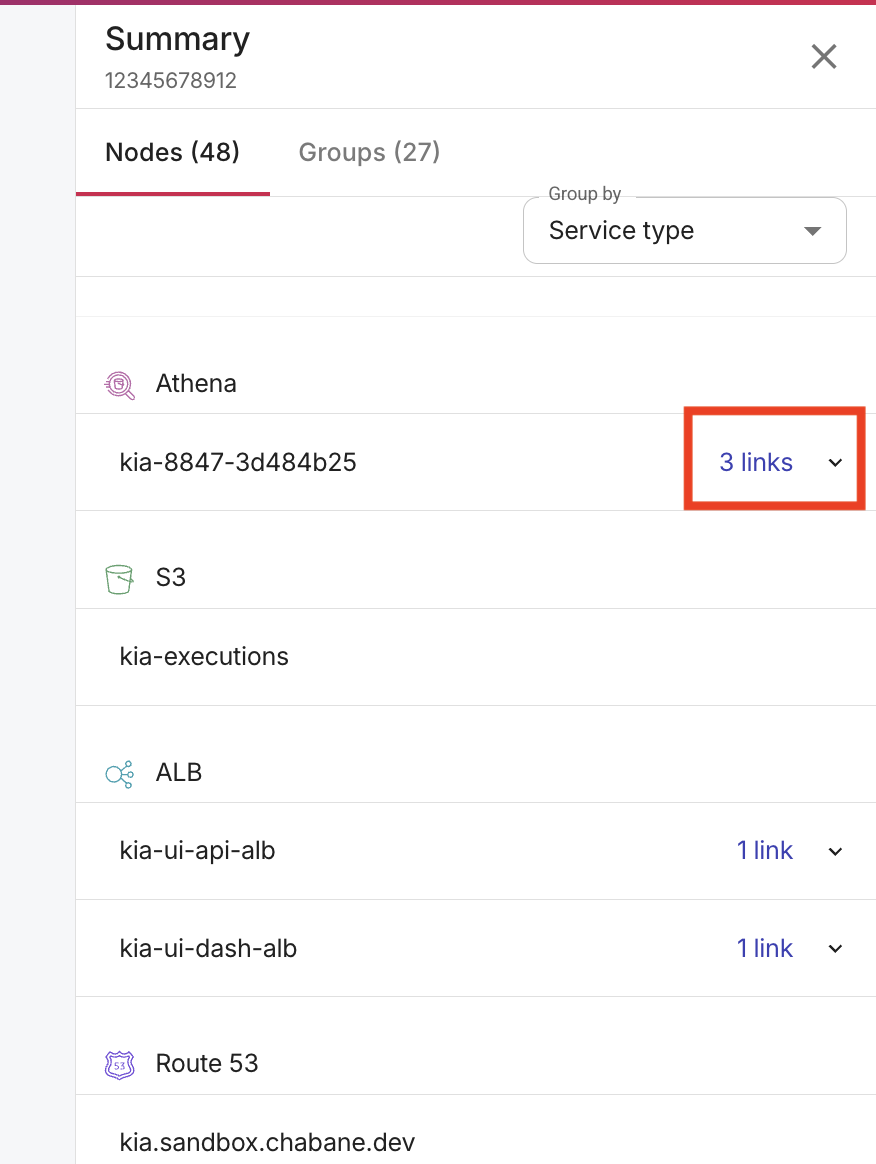
If a node has outbound links, expand the node to see the links.
-
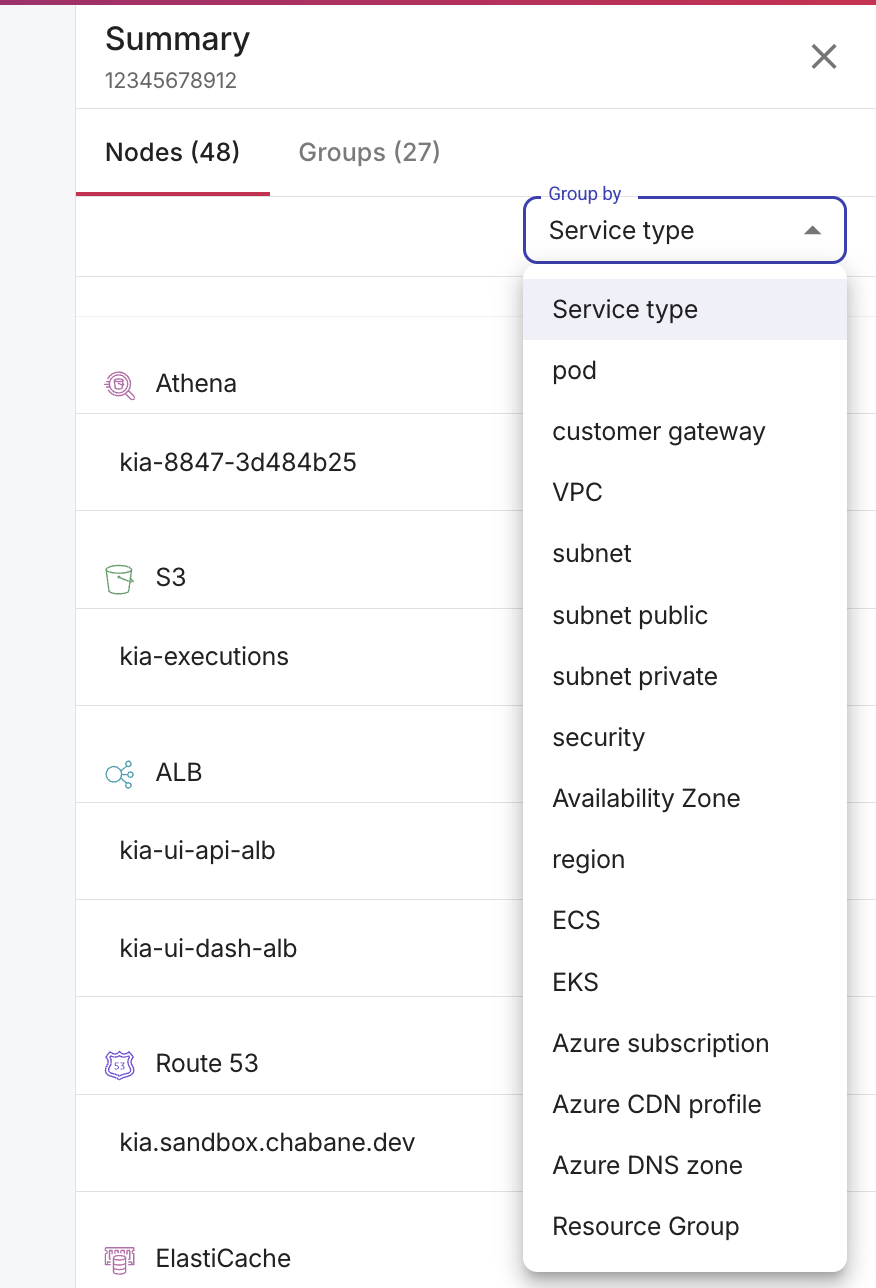
You can group the nodes by various dimensions including Service Type, AWS account, Pod, Customer gateway, VPC, Subnet, Subnet public, Subnet private, Security group, Availability zone, Region, ECS, and EKS. Some dimensions apply across AWS, Google Cloud, and Azure, while others are specific to a single cloud provider.
-
Select Groups to see a summary of your groups.
-
-
Select an element to view its properties. For AWS resources, the properties include the Amazon Resource Name (ARN), which you can use to identify the resource across AWS services.
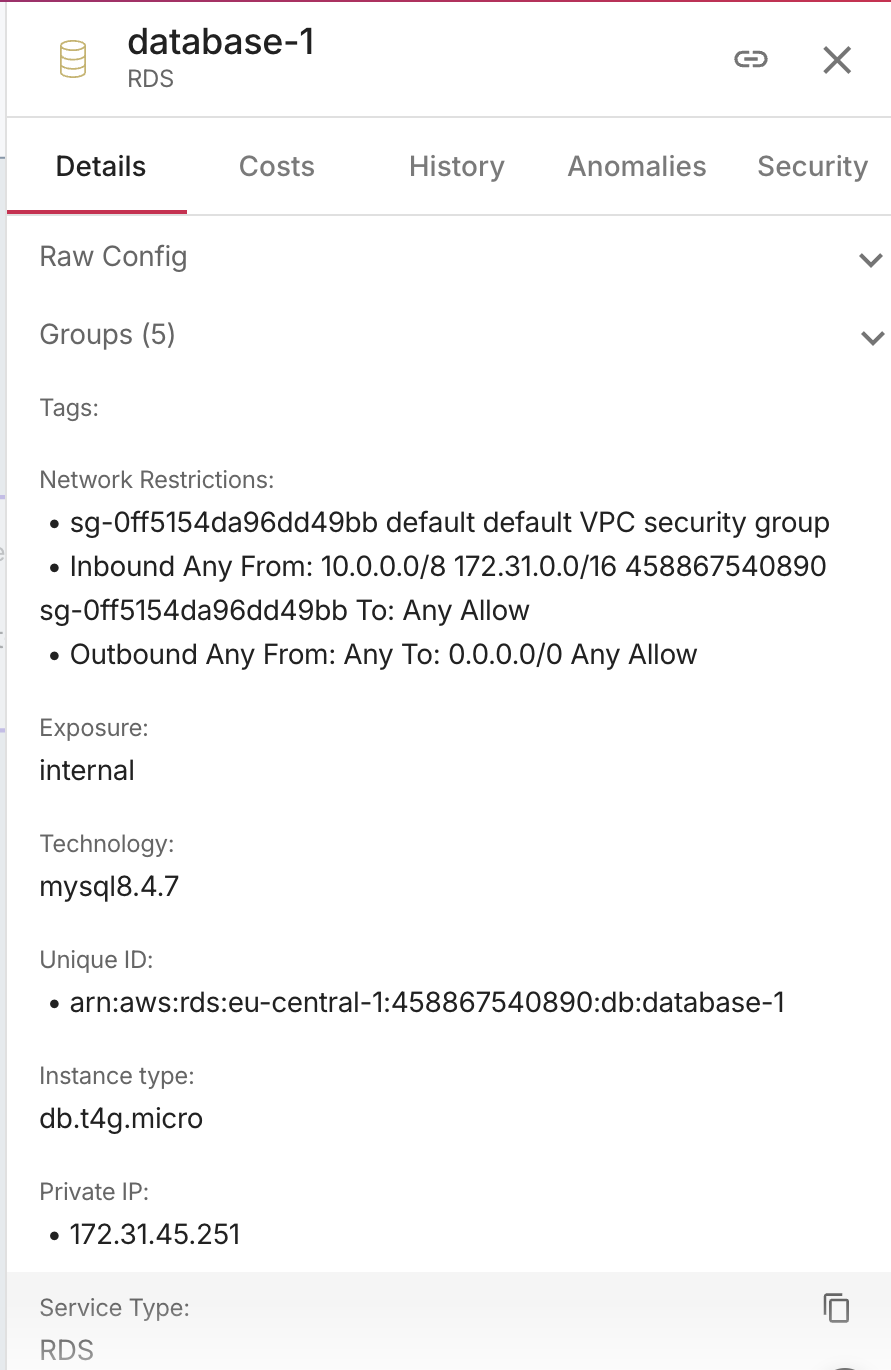
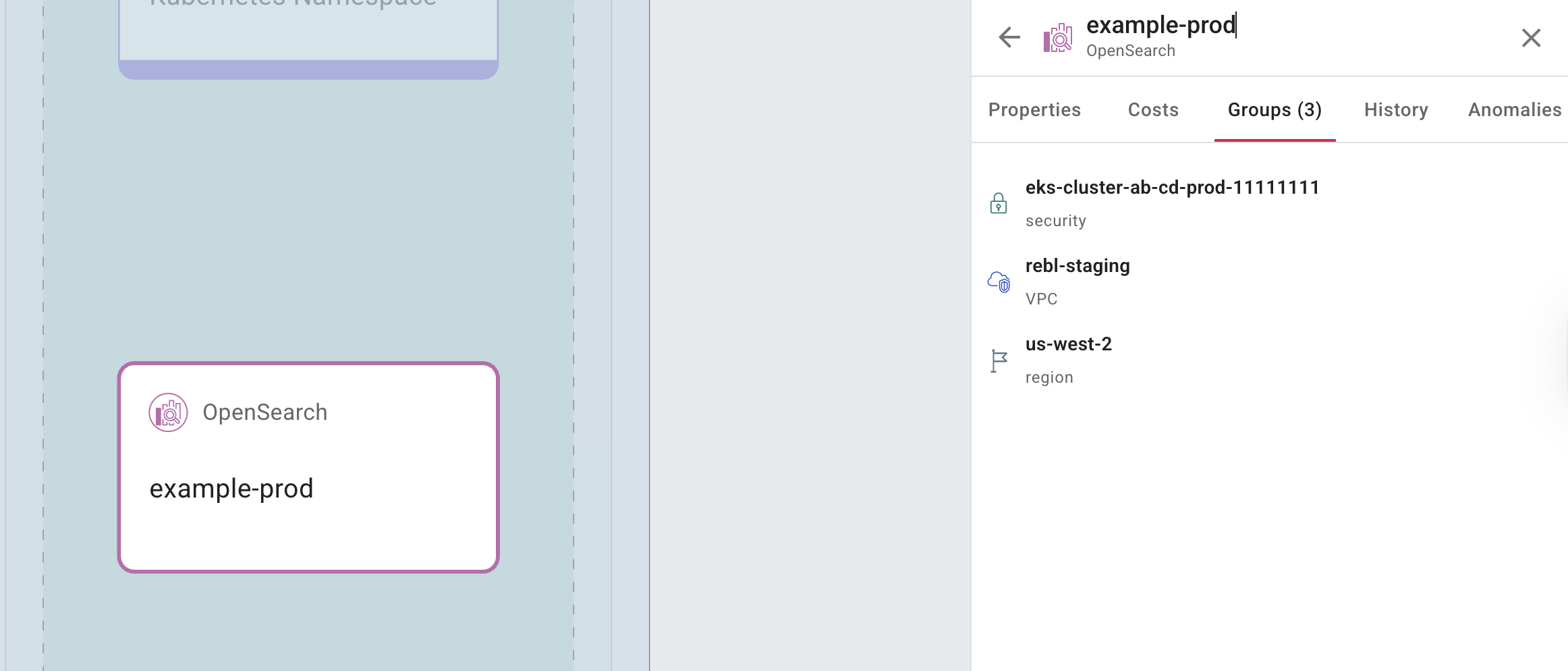
Select Groups to see which groups a node belongs to.
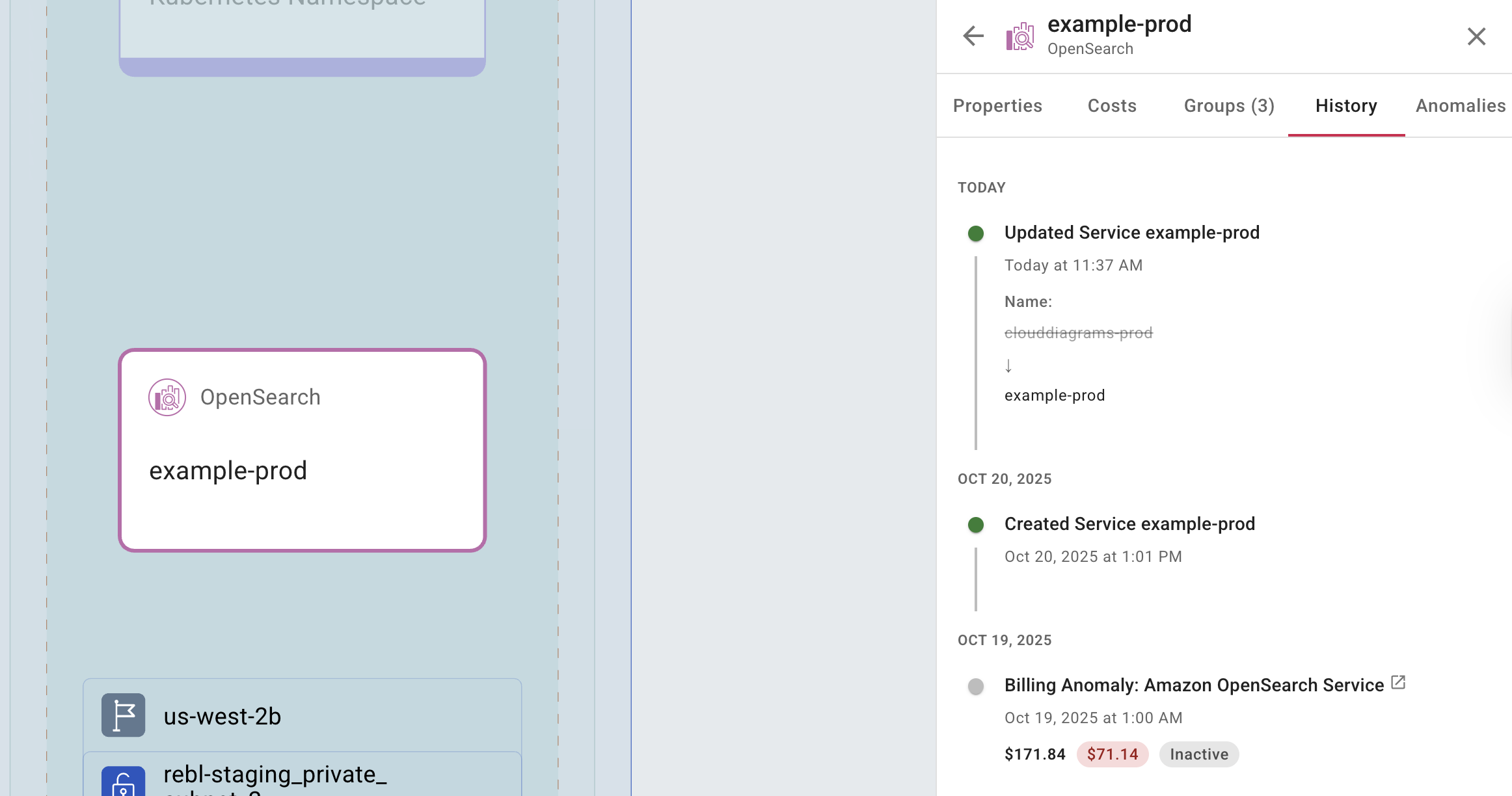
Select History to see a record of every action performed on the selected element.
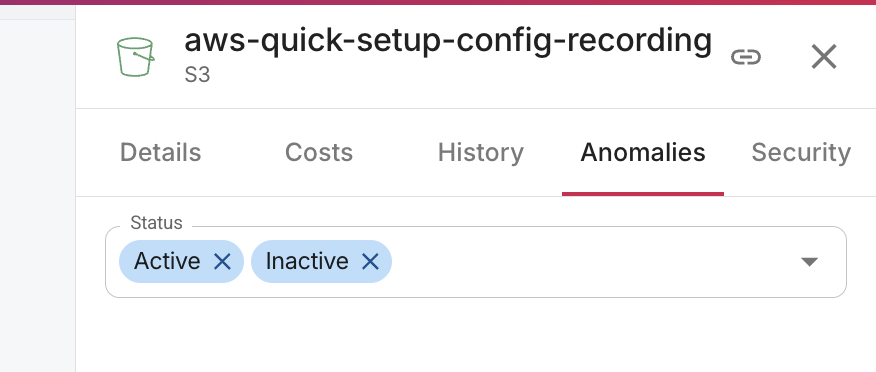
Select Anomalies to view a list of cost anomalies for the selected element. You can filter the list by active and inactive anomalies.