サマリーを表示
図内のすべてのノードやグループ、またはグローバルネットワークレイヤー内のネットワーク要素のサマリーを表示して、クラウドインフラストラクチャを要約した分かりやすいビューを提供します。
必要な権限
Cloud Diagrams を使用するには、DoiT アカウントに Cloud Diagram ユーザー権限が付与されている必要があります。
サマリーを表示
-
ダッシュボード から図を選択するか、グローバルネットワークレイヤー を開きます。
-
サイドバーの Details の下で Summary を選択し、図内のすべてのノード、グループ、リンク、またはグローバルネットワークレイヤー内のすべてのネットワーク要素のサマリーを表示します。
-
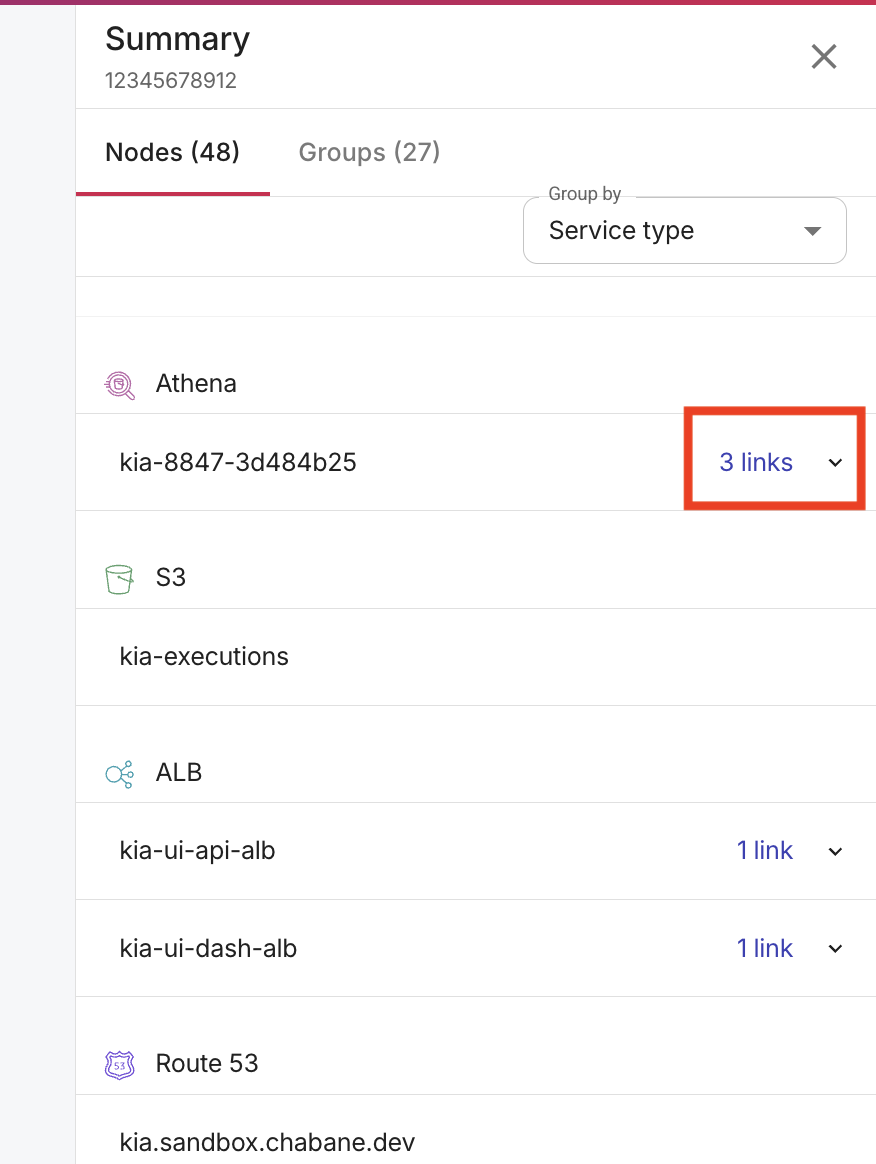
ノードに送信リンクがある場合は、そのノードを展開してリンクを表示します。
-
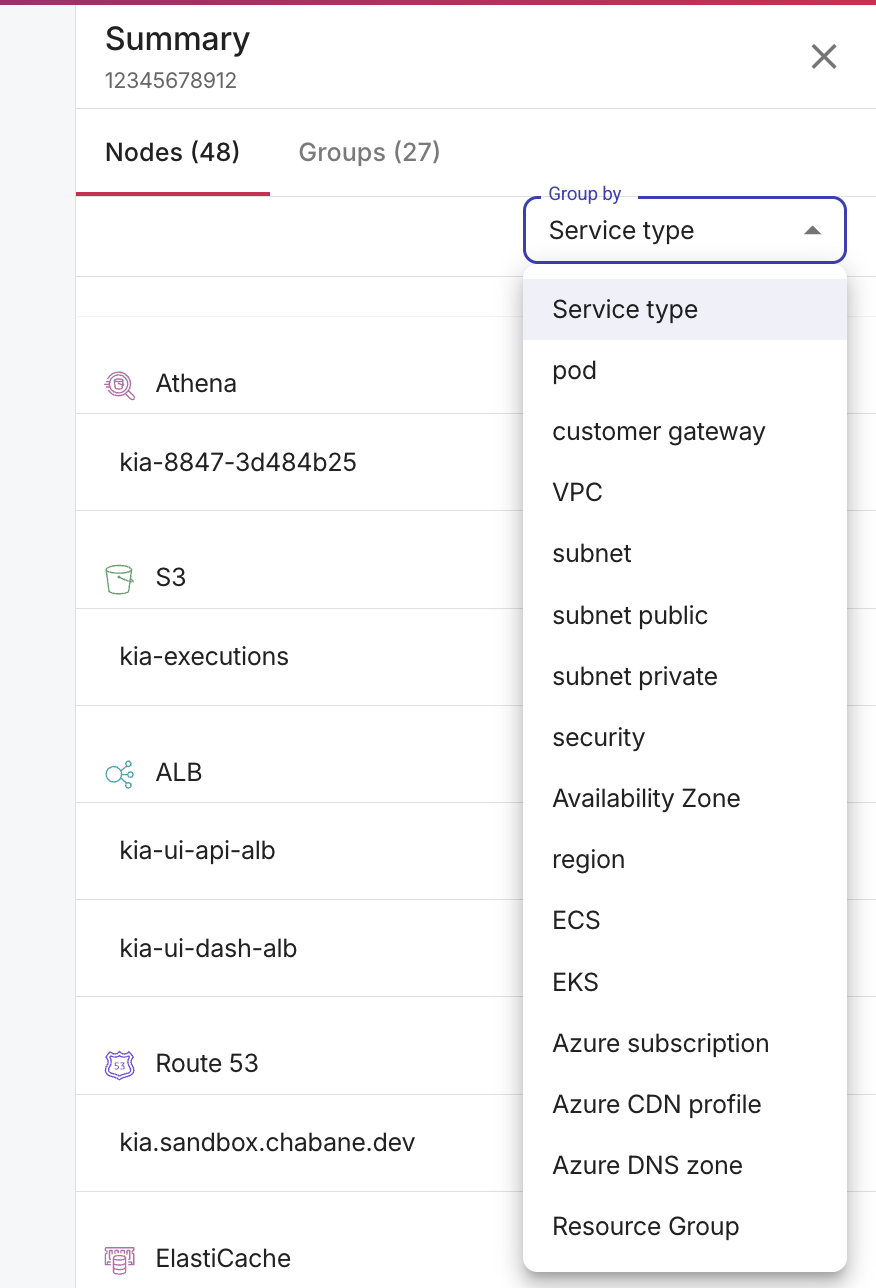
ノードは、Service Type、AWS account、Pod、Customer gateway、VPC、Subnet、Subnet public、Subnet private、Security group、Availability zone、Region、ECS、EKS など、さまざまなディメンションでグループ化できます。ディメンションの中には AWS・Google Cloud・Azure のすべてに適用されるものもあれば、特定のクラウドプロバイダーのみに適用されるものもあります。
-
Groups を選択すると、グループのサマリーを表示できます。
-
-
要素を選択して、そのプロパティを表示します。AWS リソースの場合、プロパティには Amazon Resource Name (ARN) が含まれ、AWS の各種サービス間でリソースを識別するために使用できます。
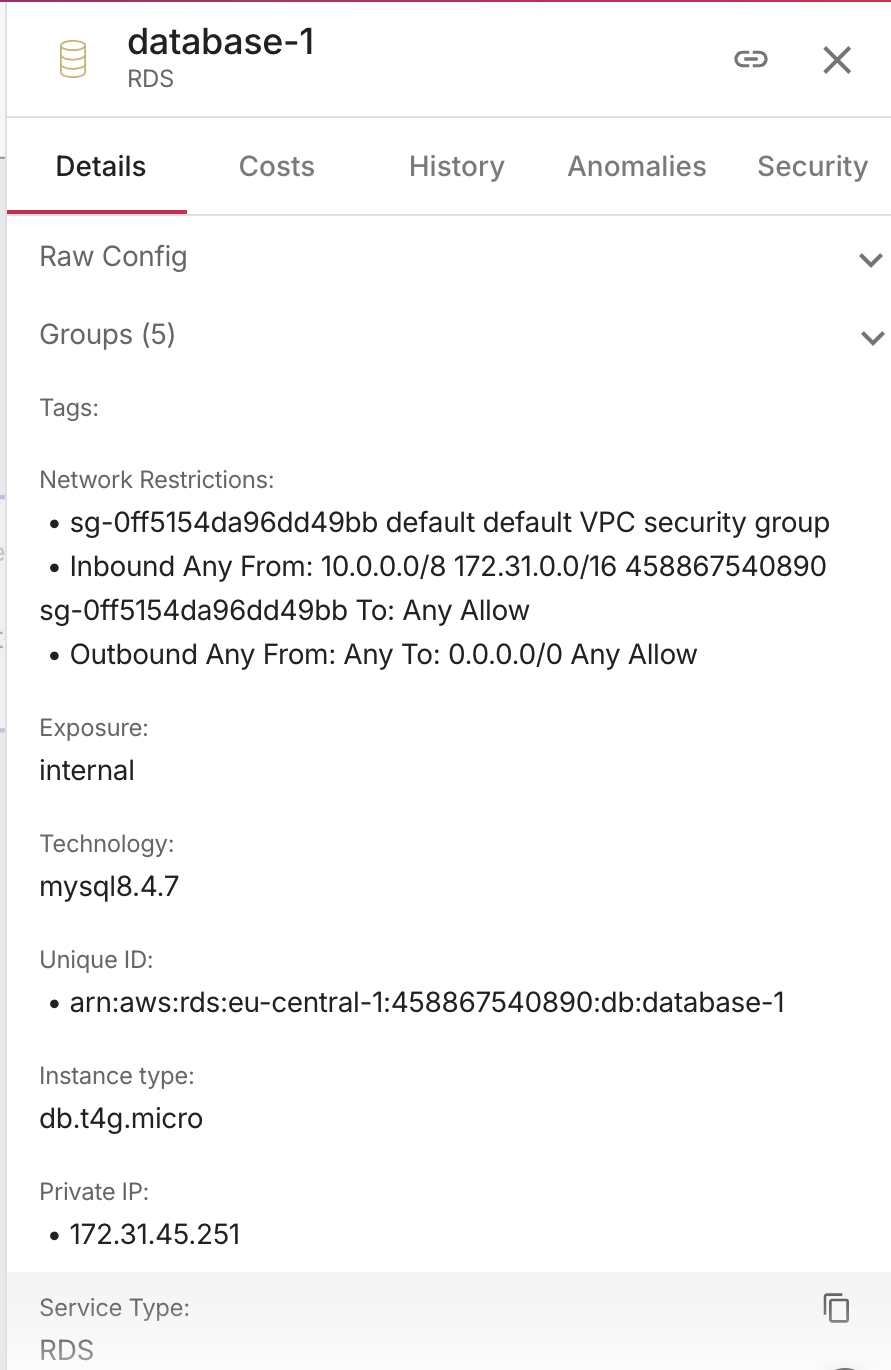
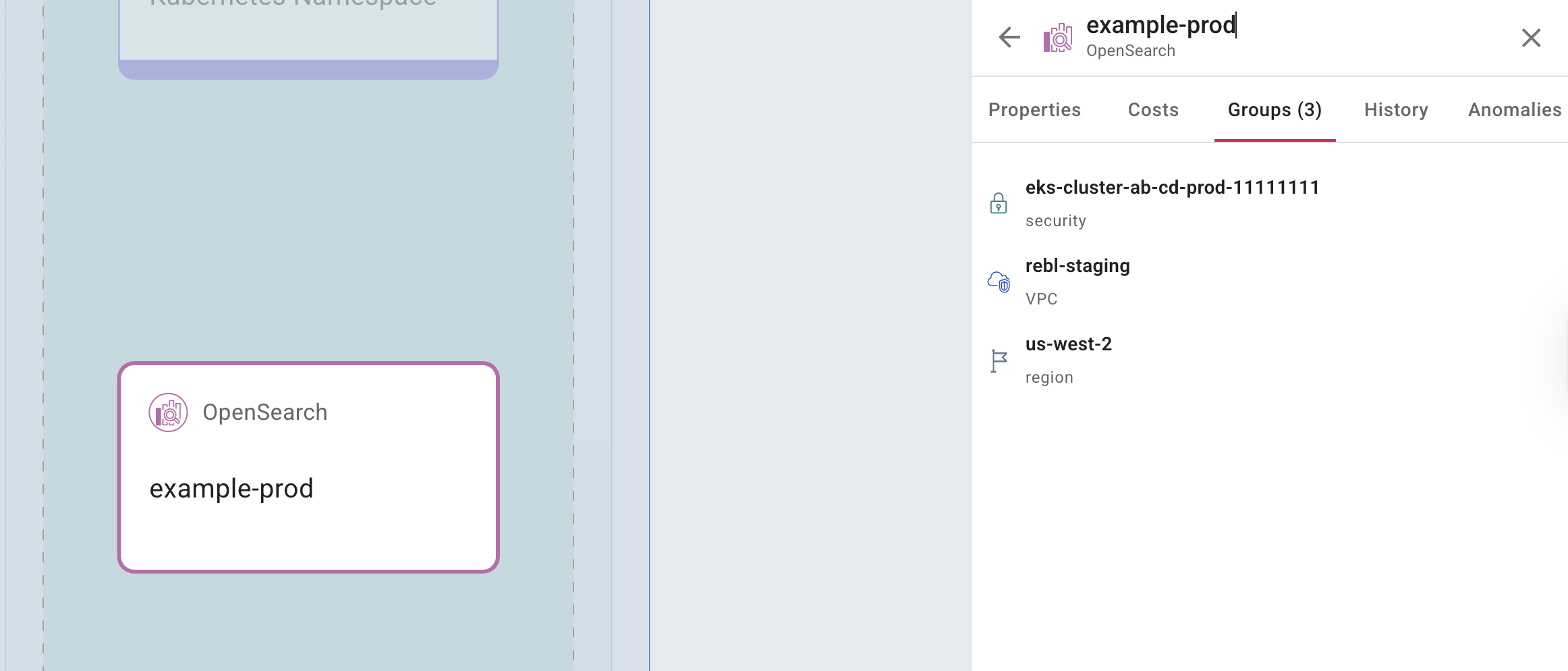
Groups を選択すると、ノードが所属しているグループを確認できます。
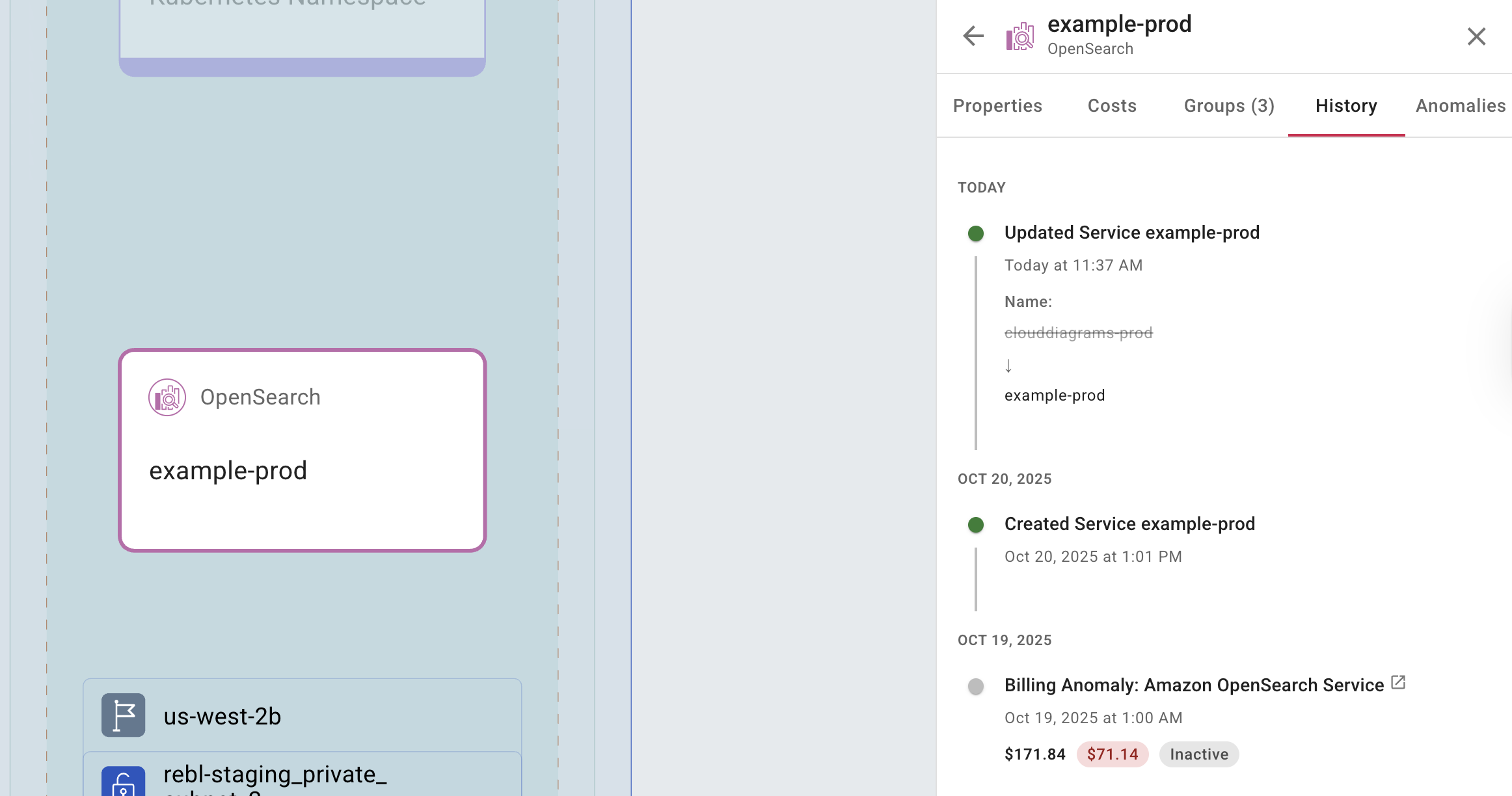
History を選択すると、選択した要素に対して実行されたすべてのアクションの履歴を表示できます。
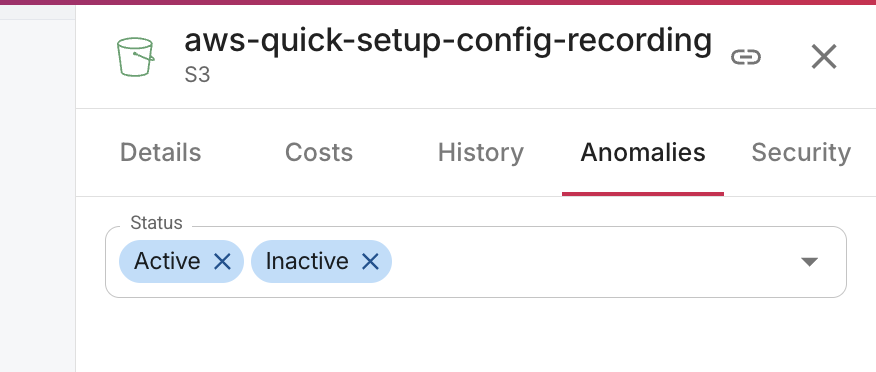
Anomalies を選択すると、選択した要素に対するコストのアノマリーの一覧を表示できます。リストは、アクティブなアノマリーと非アクティブなアノマリーでフィルタリングできます。