Combine elements
You can reduce complexity and declutter diagrams by combining elements. Combining elements enables you to focus on the overall architecture and relationships between groups of resources. For example, combine multiple S3 buckets, Cloud Storage buckets, or storage accounts, or group several compute instances into a single element.
Required permissions
To use Cloud Diagrams, your DoiT account must have the Cloud Diagram User permission.
-
You can only combine elements that are in the same subnet.
-
Combining elements is available for individual diagrams only and is not available for the global network layer.
Combine elements
-
Sign in to the DoiT console, select Automation and operations from the top navigation mega menu, and then select Cloud Diagrams.
-
From the dashboard, select the diagram you want to view.
-
In the sidebar, under Actions, select Combine.
-
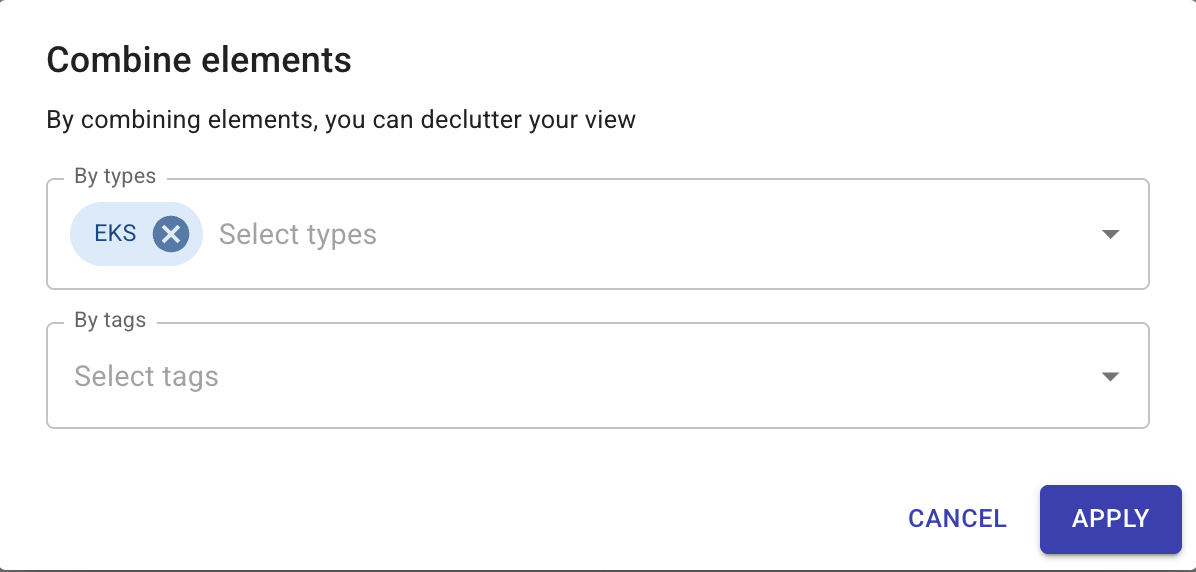
Elements can be combined using types and tags.
-
From By Types list, select the types you want to combine.
-
(Optional) From By Tags list, select the tags you want to combine.
You can separate combined elements using the arrows.
-
-
Select Apply.