Access allocations
Required permissions
-
To view allocations, you must have one of the following permissions: Cloud Analytics Admin, Allocations Admin, Cloud Analytics User, or Cloud Analytics Read Only.
-
To create, edit, or manage allocations, you must have the Cloud Analytics Admin or Allocations Admin permission.
A custom allocation is visible only to those with whom the allocation has been shared or those with the Cloud Analytics Admin permission. See Share allocations for more information.
Access allocations
To access allocations in the DoiT console, select Allocation > Allocations from the top navigation mega menu.
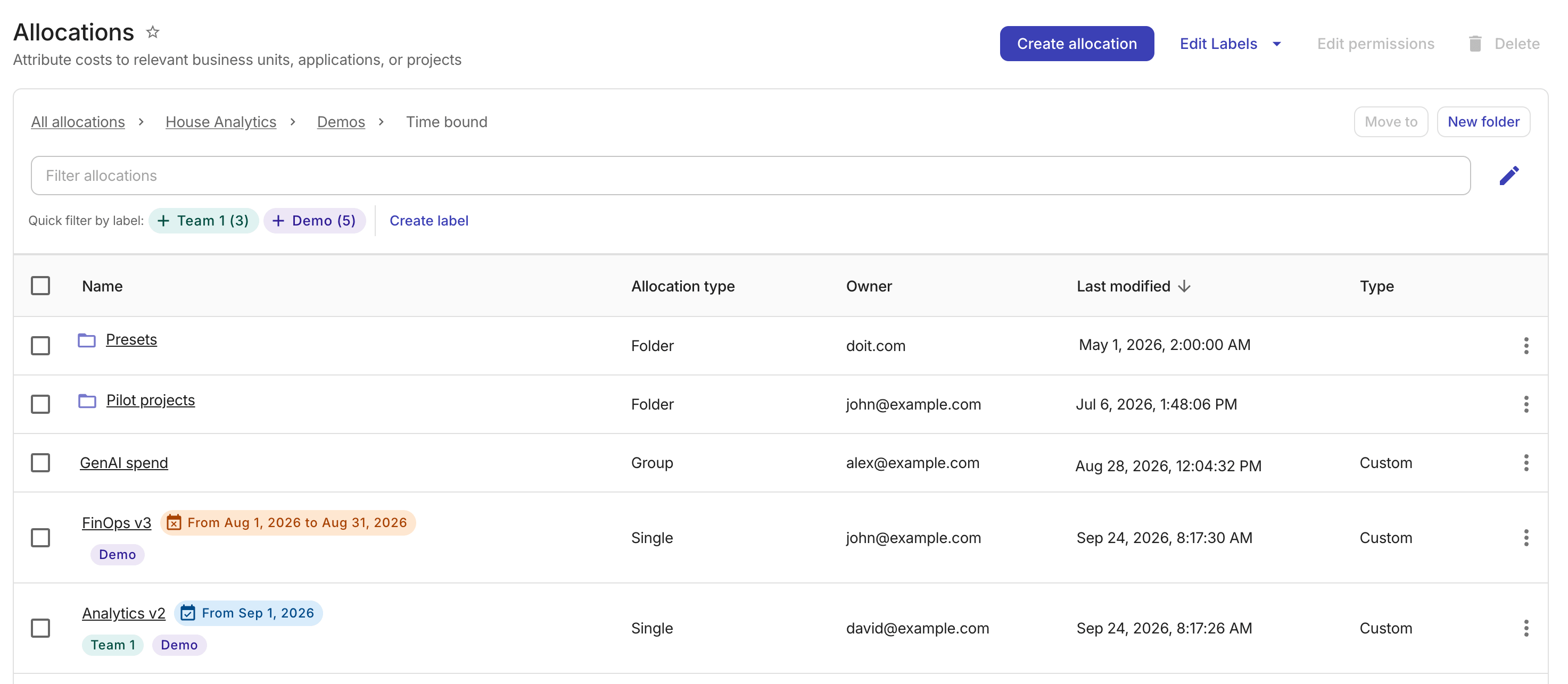
There are two types of allocations: preset and custom. According to the number of allocation rules they have, allocations are also divided into single-rule and group allocations.
The Allocations list is displayed in the following order:
-
A read-only Presets folder that contains all preset allocations. This folder is maintained by DoiT and cannot be renamed, moved, or deleted.
-
Folders created by you and other users in your organization to group custom allocations.
-
Managed allocations maintained by DoiT.
-
Custom allocations not in any folders.
You can filter allocations by property; the results include matches from any folder. You cannot filter folders at the moment.
View allocation configuration
To view the detailed configuration of an allocation, select its name on the main Allocations screen to open the specific allocation page.
Organize allocations
You can organize custom allocations in two ways: folders and labels.
Folders
DoiT supports a folder hierarchy that allows you to organize custom allocations effectively, keeping your workspace manageable and easy to navigate.
This hierarchy is shared across three entity types: reports, allocations, and metrics. Any folder operation, such as creating, editing, moving, or deleting, performed to one entity type will automatically apply to the others.
Labels
You can assign labels to allocations to enhance your FinOps capabilities through improved visibility.