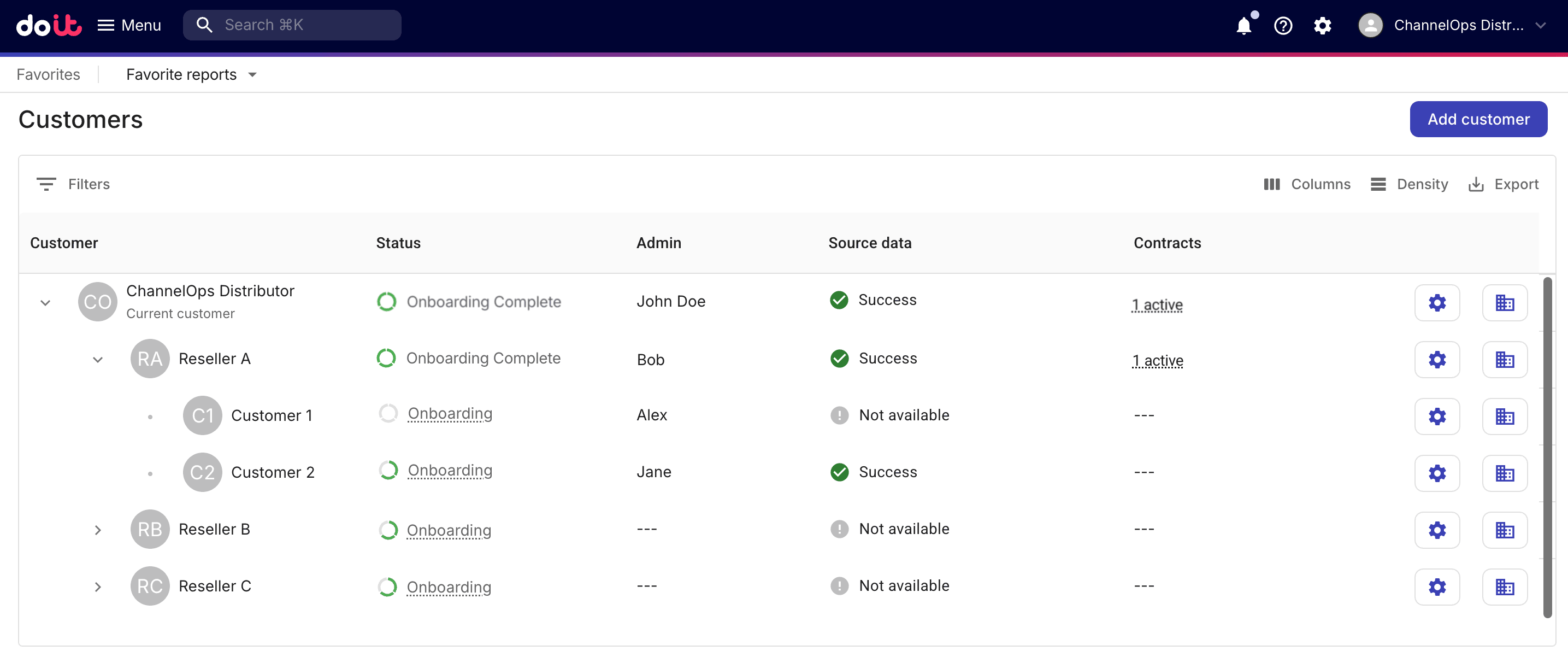
Monitor onboarding progress
Onboarding is a multi-step process and often is not completed in one go. The onboarding steps vary with the tenant type (distributor, reseller, or end customer).
A distributor or reseller user with the Admin role monitors the onboarding progress and takes actions on the Customers page, where the user can select the circular progress bar to check the status of each onboarding task or start a task directly.