Contracts
Distributors and resellers can find all contracts on the Contracts page under Billing.
Info
For detailed information about contracts, refer to the Contracts section.
Required permission
Distributor/reseller:
-
Admin role: Full access. This role allows you to view, add, and edit contracts.
-
Sales role: View-only access. This role allows you to view contracts but not add or modify contracts.
Access contracts
To view contracts, sign in to the DoiT console, select Billing > Contracts from the top navigation mega menu.
-
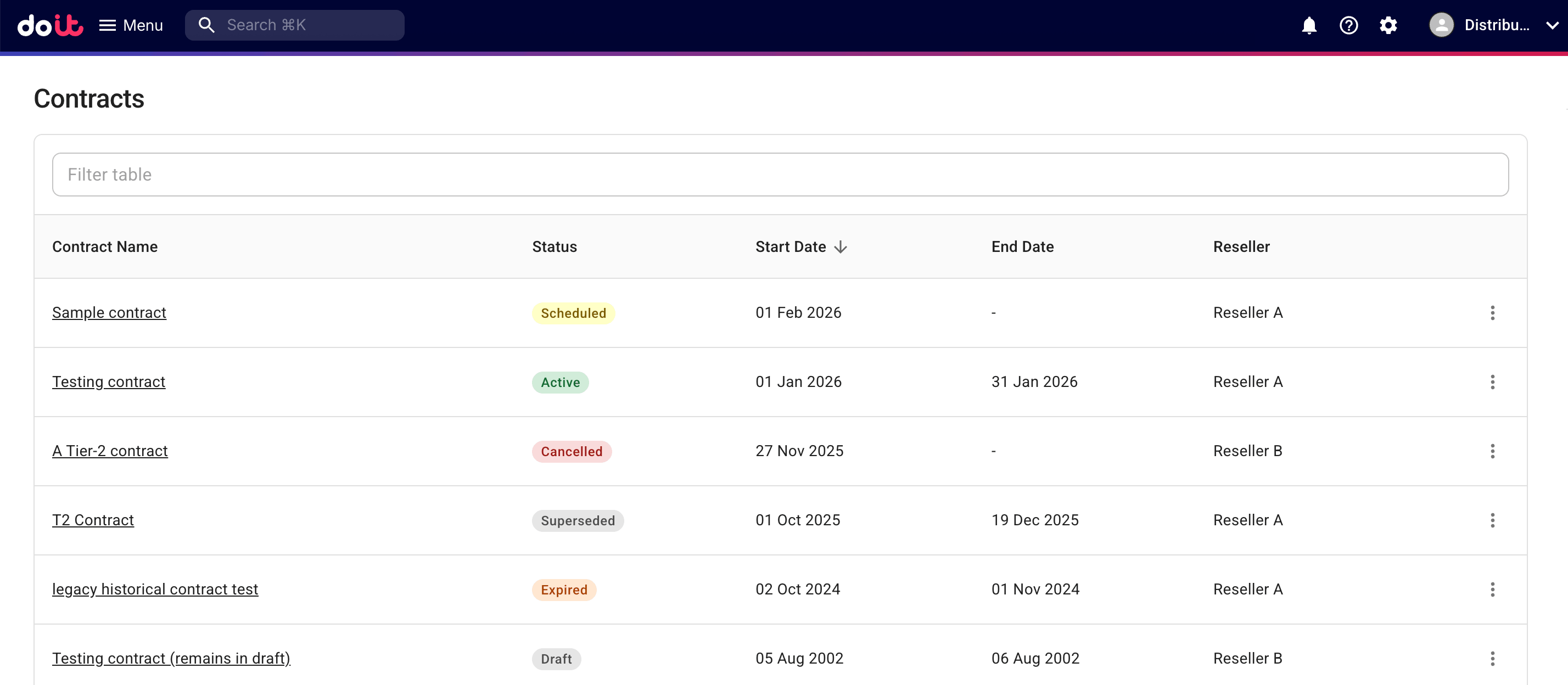
A distributor will see all contracts created for its resellers.
-
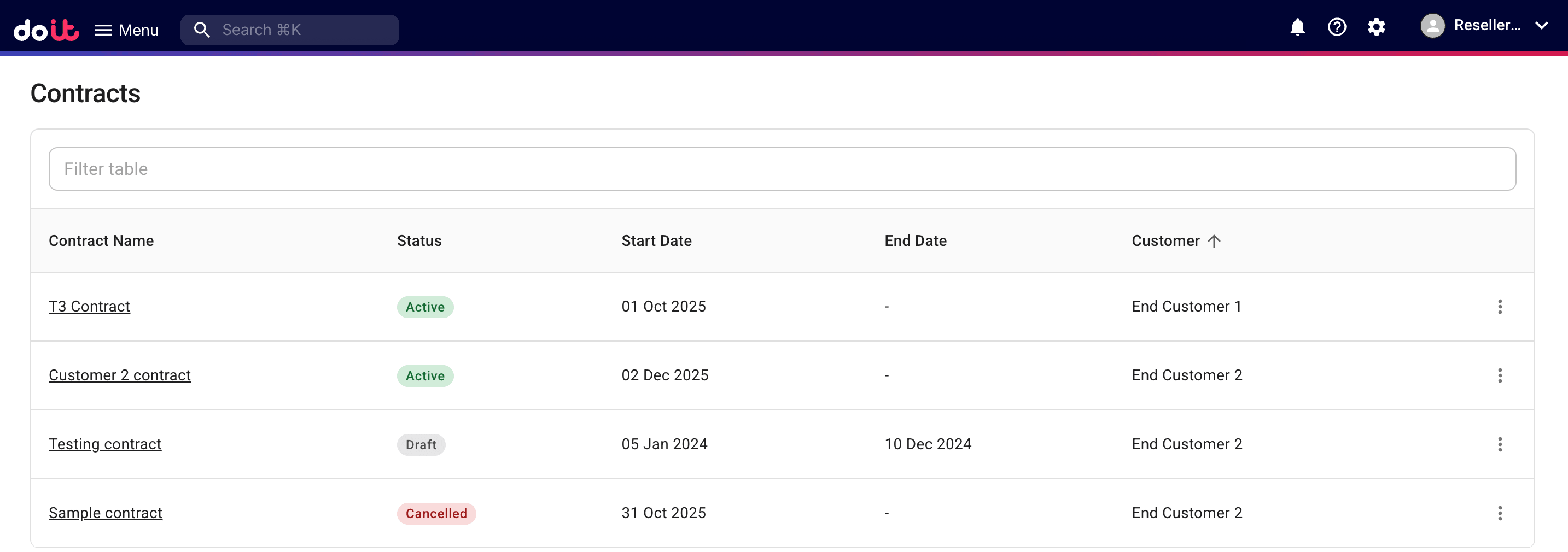
A reseller will see all contracts created for its end customers.
Edit a contract
To edit a contract, select the contract name, or select the kebab menu (⋮) at the rightmost end of the contract entry and then select Edit contract.