履歴を表示
Cloud Diagrams は、インポートしたアカウント・プロジェクト・サブスクリプション内で、ダイアグラム内の要素またはグローバルネットワークレイヤー上の要素に関連して実行されたすべてのアクションを記録します。変更は種類ごとにグループ化され、たとえば 作成済み(Created)、更新済み(Updated)、削除済み(Deleted) などがあります。これは、監査やコンプライアンス対応、およびクラウド環境の把握に役立ちます。
必要な権限
Cloud Diagrams を使用するには、お使いの DoiT アカウントに Cloud Diagram User 権限が付与されている必要があります。
履歴を表示
-
ダッシュボード からダイアグラムを選択するか、グローバルネットワークレイヤー を開きます。
-
サイドバーの Details の下で History を選択します。Version History では、ダイアグラムまたはグローバルネットワークレイヤーがどのように変更されたかを確認できます。
-
(任意)Filters を展開して、タグでリソースをフィルターします。入力を開始すると、Cloud Diagrams が関連するタグを候補として表示します。フィルターに使用したいタグを選択します。
-
バージョン履歴でできることは次のとおりです。
-
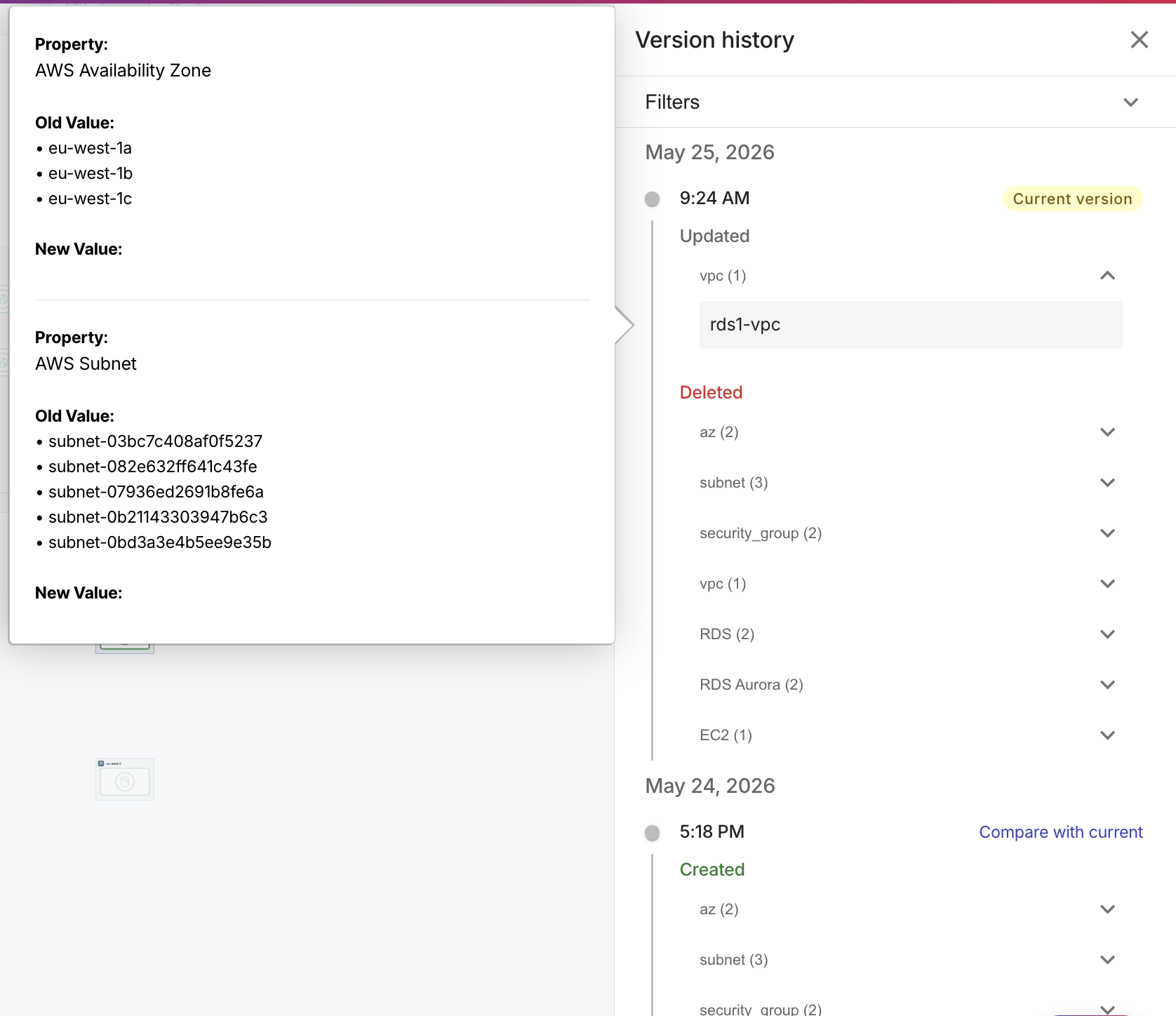
エントリを展開し、リソースの上にカーソルを合わせると、そのバージョン中にそのリソースに対して行われた正確な変更内容が表示されます。リソースを選択すると、そのリソースにダイアグラムをフォーカスでき、さらに深く掘り下げて調査できます。
-
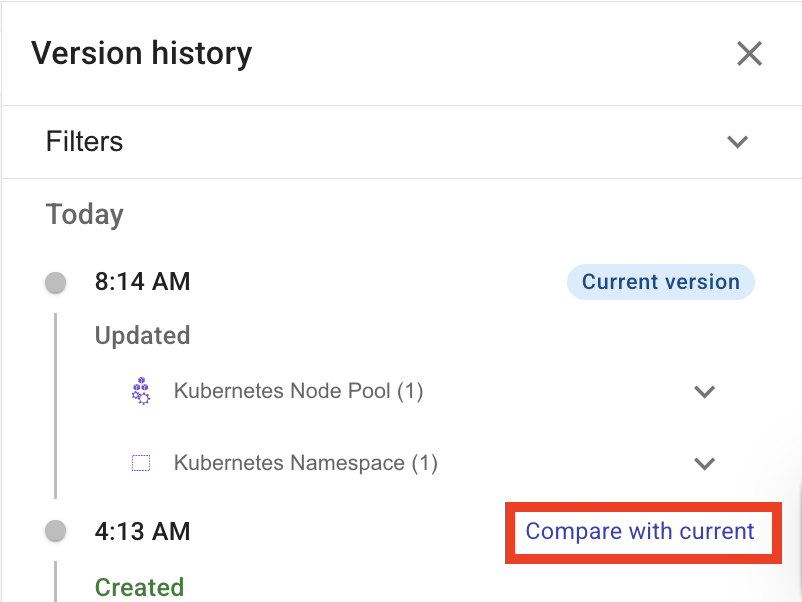
Compare with current を選択して、以前のスナップショットを現在の状態と比較します。
-