顧客管理
Customers ページは、顧客管理のための一元的なページです。
必要な権限
ディストリビューター/リセラー:
-
Admin ロール:フルアクセス。このロールでは、顧客を表示・追加・編集できます。
-
Sales ロール:閲覧のみ。このロールでは、顧客を表示できますが、追加や変更はできません。
顧客へのアクセス
顧客を見るには、DoiT console にサインインし、上部ナビゲーションのメガメニューから Customers を選択します。
-
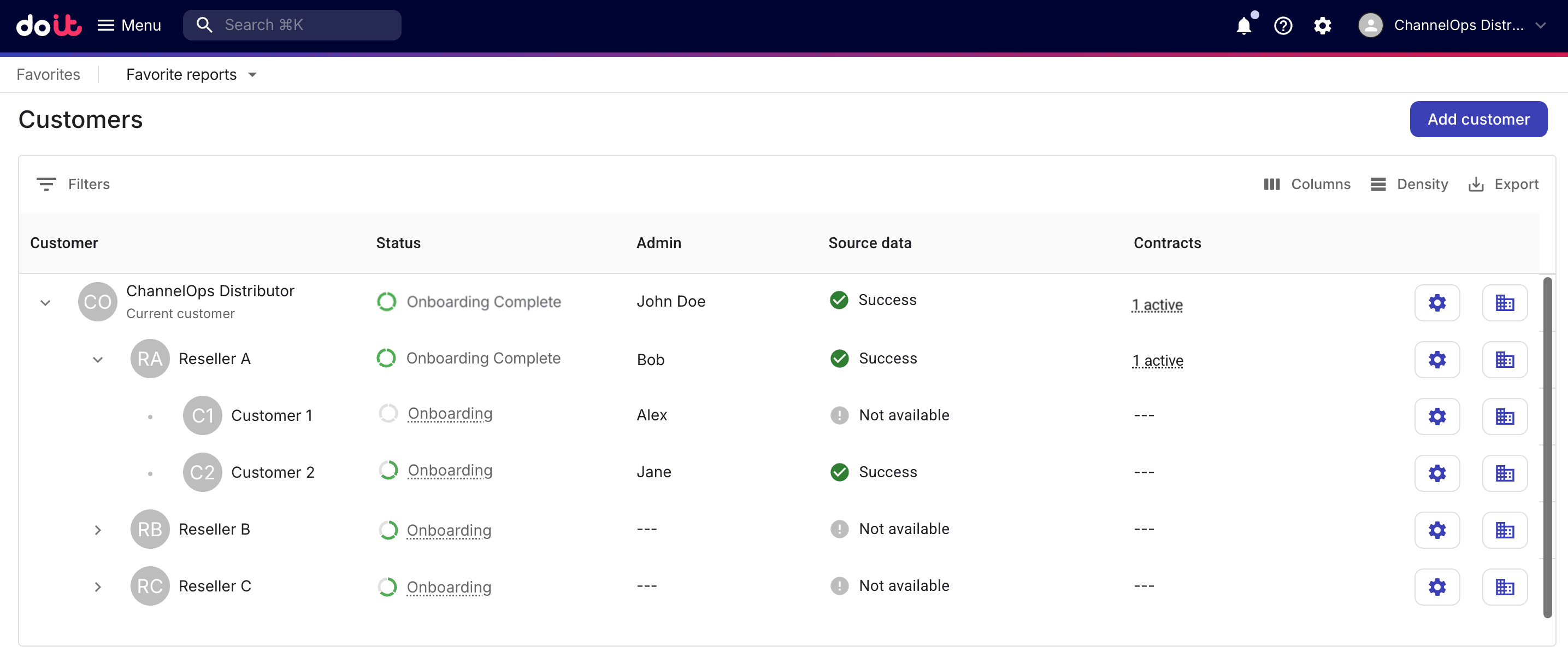
ディストリビューターは、3 階層すべての階層構造を表示できます。
-
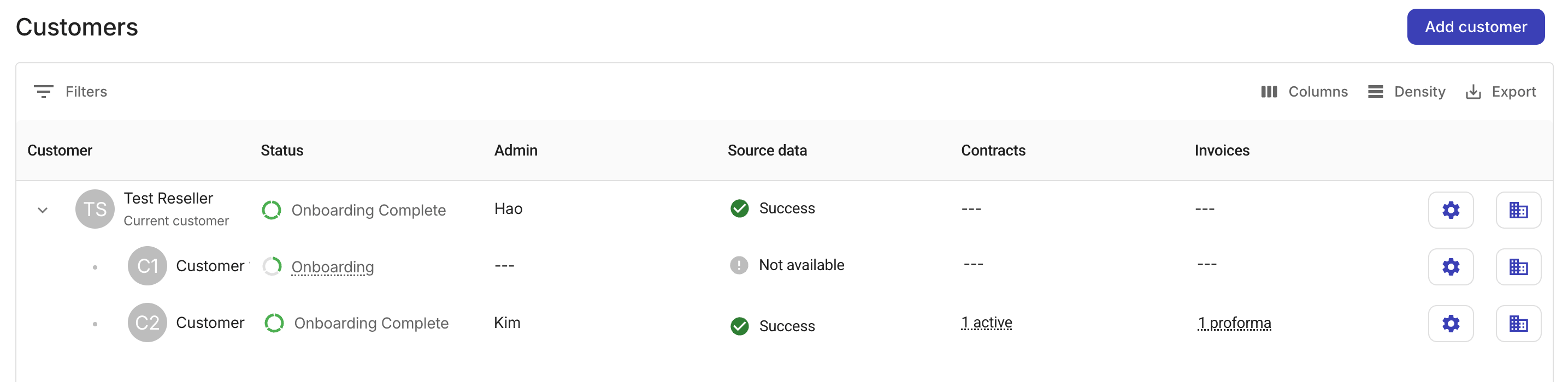
リセラーは、自身のアカウントと、そのリセラーに割り当てられているエンドカスタマーから成る 2 階層構造のみを表示できます。ディストリビューターや他のリセラーは表示されません。リセラーはエンドカスタマー向けの Invoices 列も表示されます。
共通オプション
-
Filter:顧客・ソースデータ・ステータスで一覧をフィルターします。子アカウントが結果に含まれる場合、その親アカウントがフィルター条件に一致しなくても、親アカウントも一覧に表示されます。
-
Columns:表示・非表示にする列を指定します。
-
Density:リストの行間を調整します:Compact・Standard・Comfortable。
-
Export:顧客一覧を CSV ファイルとしてダウンロードします。
Admin ロールを持つユーザーは、新しい顧客を追加したり、下位テナントの設定を更新したりできます。
ステータス
ステータスフィールドは、顧客のオンボーディングプロセスにおける状況を示します。
-
ディストリビューターは、リセラーおよびエンドカスタマーを含む、すべての下位テナントのオンボーディングステータスにアクセスできます。
-
リセラーは、自身のエンドカスタマーのオンボーディングステータスにアクセスできます。
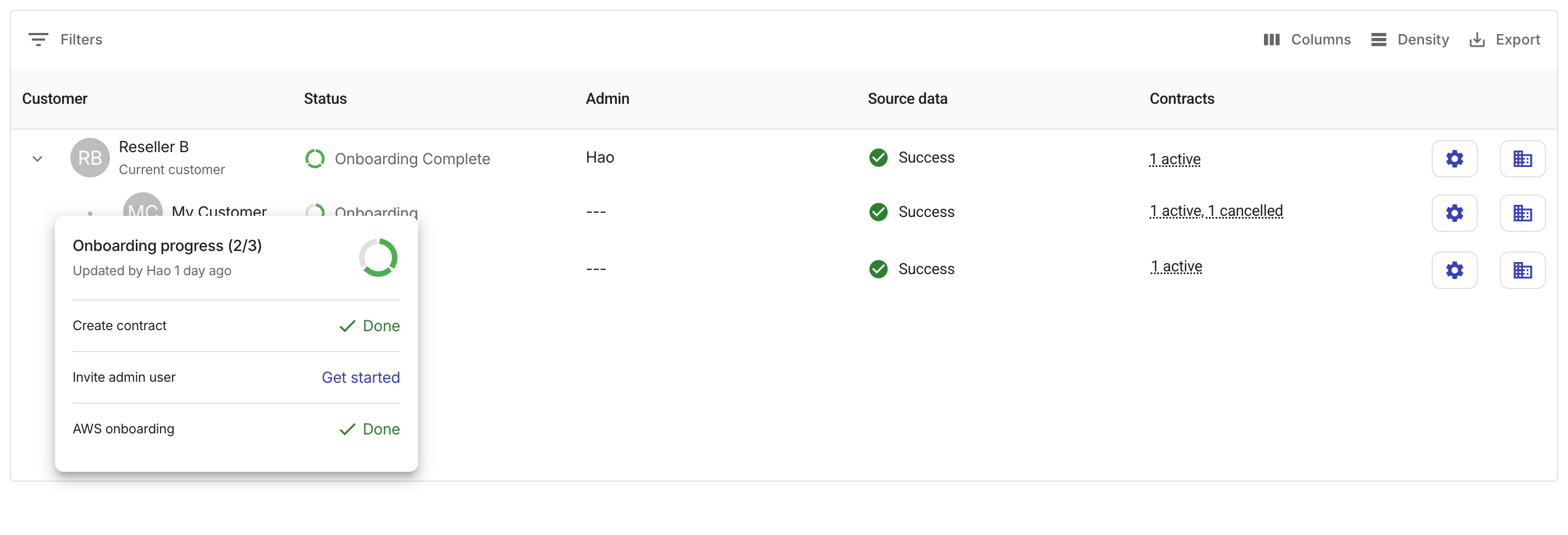
まだオンボーディングプロセス中の各顧客には、円形の進捗バーが表示されます。進捗バーを選択すると、各オンボーディングタスクのステータスを確認できます。Admin ロールを持つユーザーは、オンボーディングタスクを直接開始することもできます。
Admin・Source data・Settings
-
Admin:顧客の管理ユーザー名を表示します。管理ユーザーが複数いる場合は、最初に招待されたユーザーが表示されます。
-
Source data:顧客およびその下位テナントに対する請求データ(CUR)取り込みの健全性/ステータスの集約値です。取り得るステータス:
Success・Warning・Failed・Not available。 -
Settings(歯車アイコン ):顧客の詳細ページを開きます。
契約
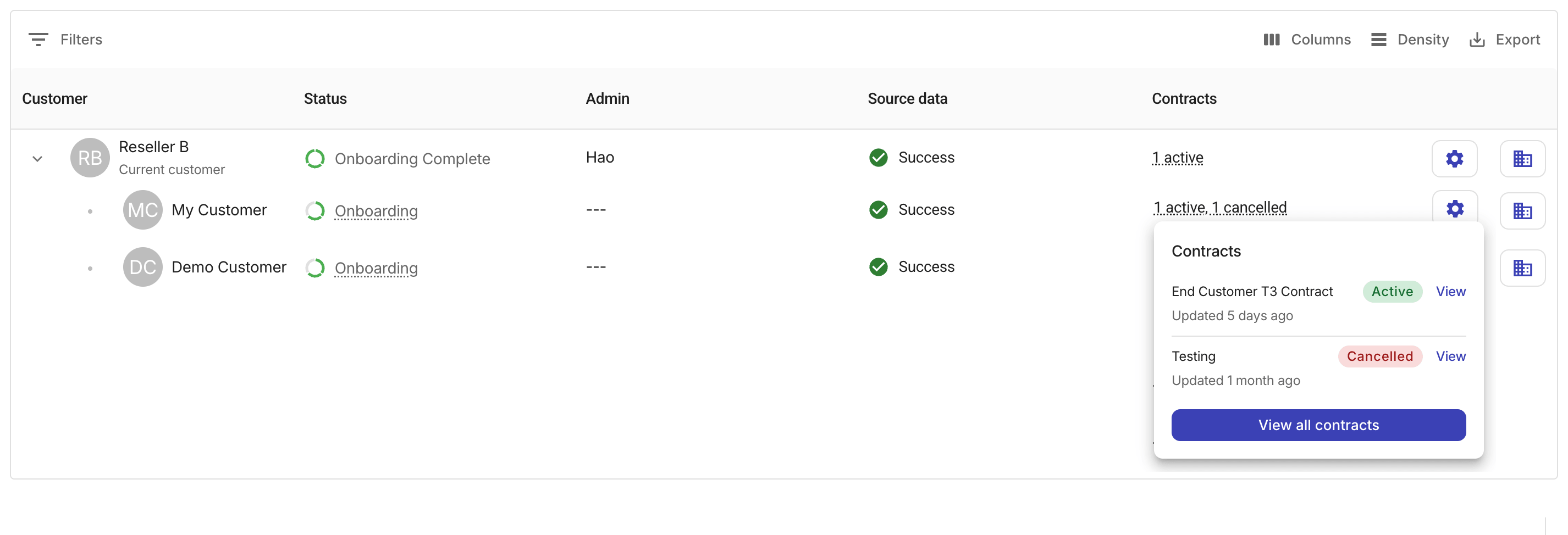
Contracts フィールドには、各顧客に紐づく契約数が、契約ステータスごとにグループ化されて表示されます。
契約サマリーを選択すると、ステータスと View オプション付きで最大 3 件の契約を表示するポップアップが開き、そこから契約詳細ページを開くことができます。顧客に 4 件以上の契約がある場合は、View all contracts を選択して、Contracts の全リストに移動してください。
Invoices(リセラーのみ)
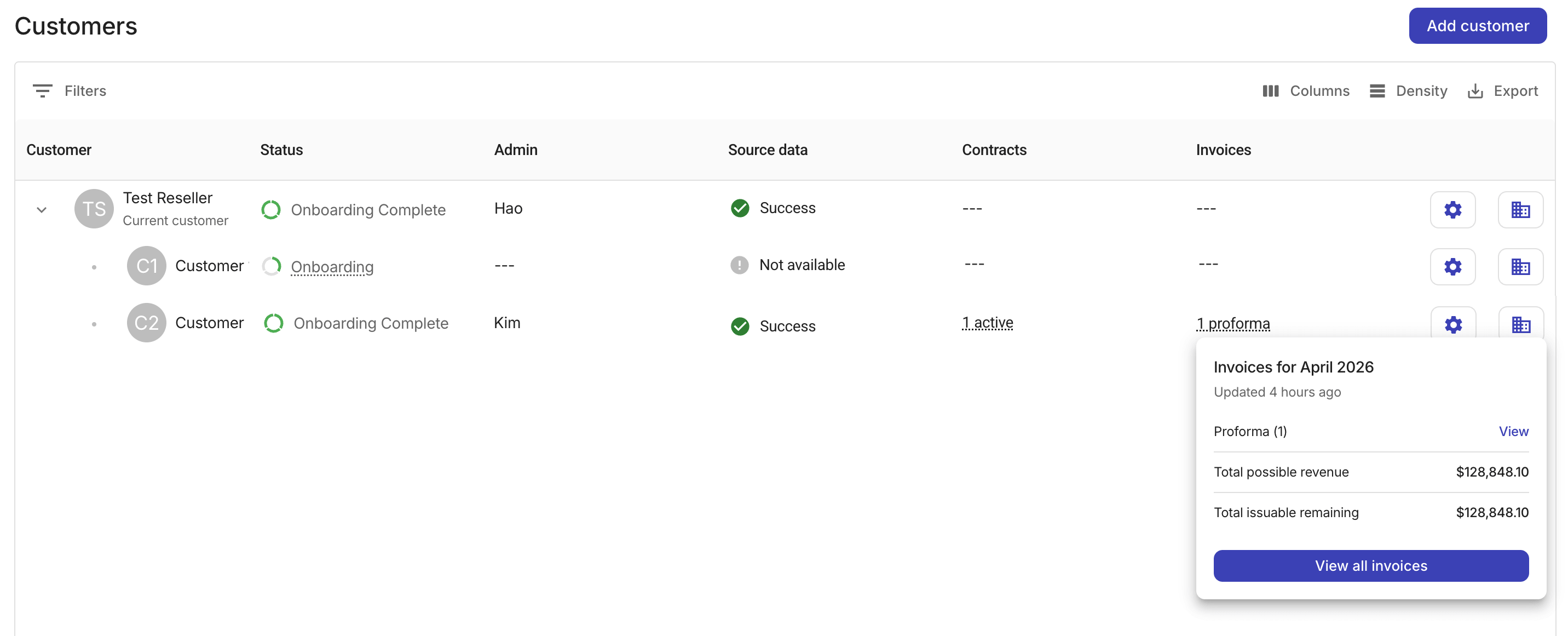
Invoices 列は、リセラーテナントにのみ表示されます。現在の請求月における、それぞれのエンドカスタマーの請求書件数が、請求書ステータスごとにグループ化されて表示されます。
請求書サマリーを選択すると、次のオプションと情報を含むポップアップが開きます。
-
View/Review:各ステータス行には、Invoices ページ上の該当する請求書へのリンクが含まれます。
-
Total possible revenue:すべての請求書ステータスを合算した合計額です。
-
Total issuable remaining:まだ発行されていない請求書(proforma・ready・issuable)を合算した合計額です。
-
View all invoices:顧客名と請求期間でフィルターされた Invoices の全リストを、ステータスフィルターなしで開きます。
テナントスイッチャー
テナントエントリの最も右側にあるテナントスイッチャーを使用すると、ディストリビューターまたはリセラーの Admin ユーザーが、コンテキストに応じた顧客ビューで下位テナントの視点に切り替えることができます。
たとえば、ディストリビューターの Admin があるリセラーに切り替えると、Customers ページの表示範囲は自動的にそのリセラーのコンテキストに合わせられ、そのリセラーとそのリセラーに属するエンドカスタマーのみが表示されます。また、他のすべての機能も、そのリセラーテナントのネイティブな Admin が見る内容に合わせて調整されます。
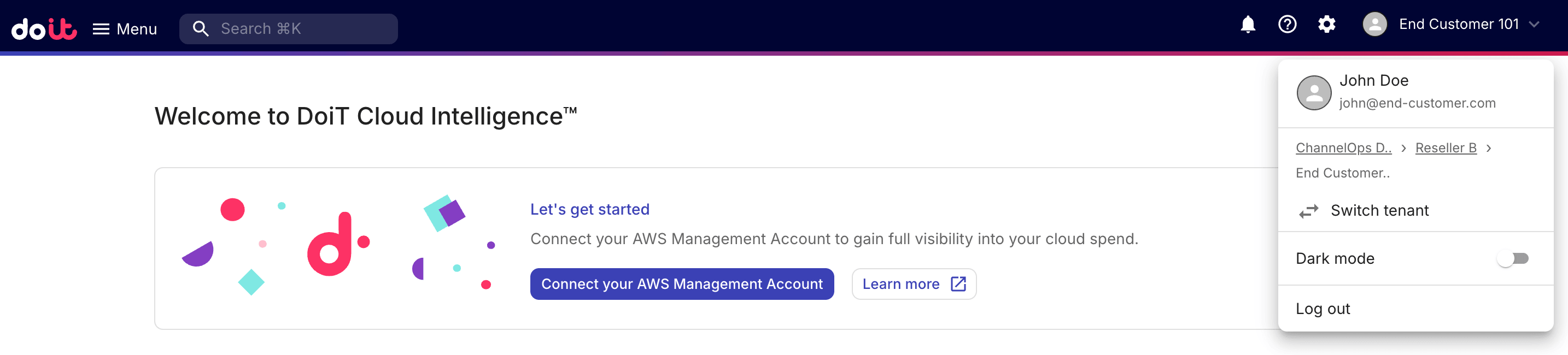
自分のテナントに戻るには、ディストリビューターまたはリセラーの Admin は、上部ナビゲーションバー右上のアバターを選択し、ドロップダウンから Switch tenant を選択してください。