View security
You can use the Security layer to visualize key security insights and elements across your environment. Visualizing these elements on your diagram allows you to audit your security at a glance, identify misconfigurations, and ensure that traffic is only flowing through approved, secure paths.
The Security layer is available for individual diagrams only and is not available for the global network layer.
Required permissions
To use Cloud Diagrams, your DoiT account must have the Cloud Diagram User permission.
Access Security layer
To view the Security layer for a diagram:
-
From the dashboard, select a diagram whose security you want to view.
-
In the sidebar, under Layers, select Security.
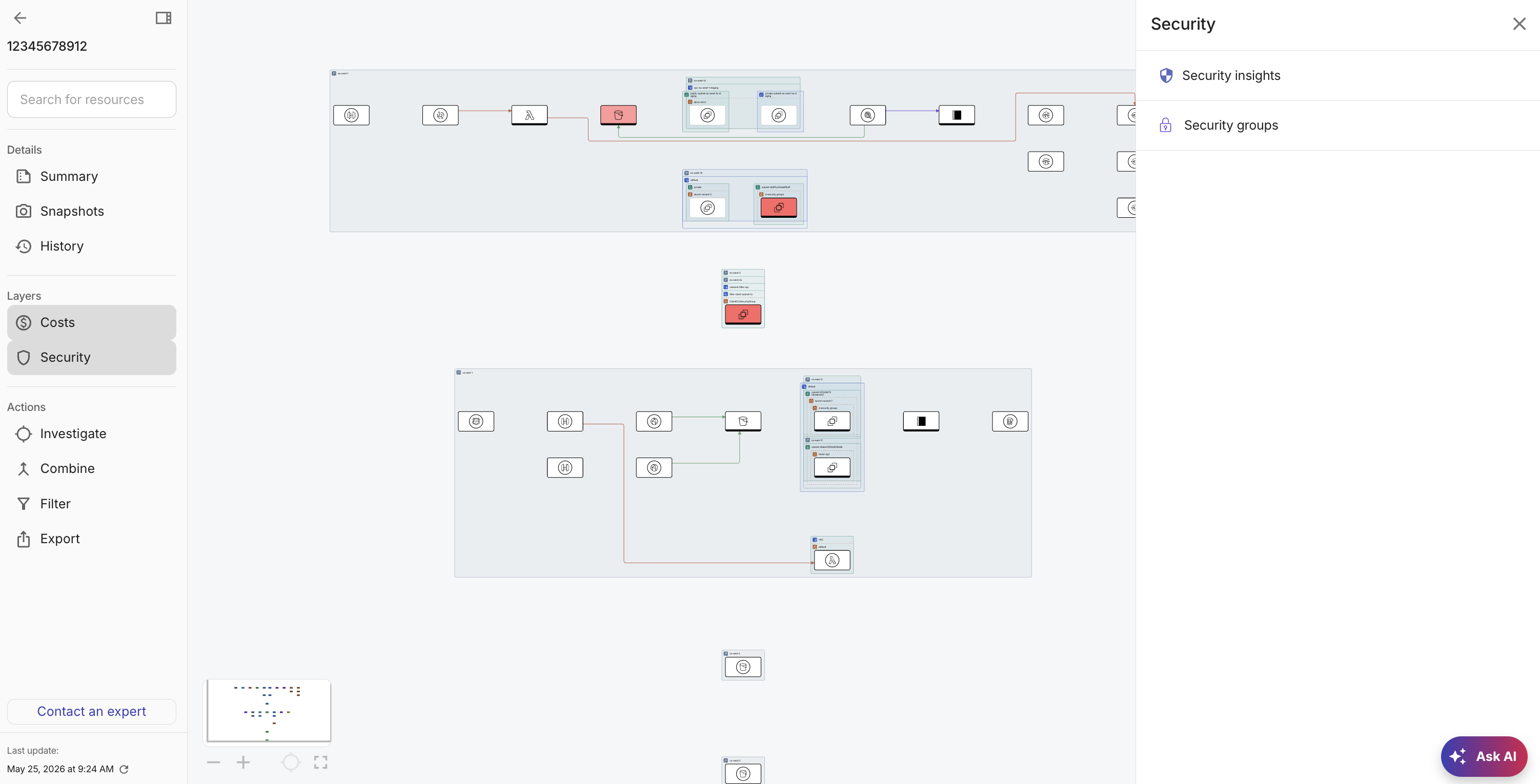
From the side panel, you can choose to select:
-
Security insights. View all security insights related to your account/project.
-
A security element specific to your cloud provider. For example, for AWS accounts, you can select Security groups to understand any security or compliance gaps.
-
View security insights
DoiT Security Insights consolidates findings from industry-leading tools and platforms, such as AWS Security Hub, AWS Trusted Advisor, Google Cloud Recommender, and Wiz. You can view all the security insights related to your accounts/projects in Cloud Diagrams.
From the side panel, select Security insights.
Group by insight
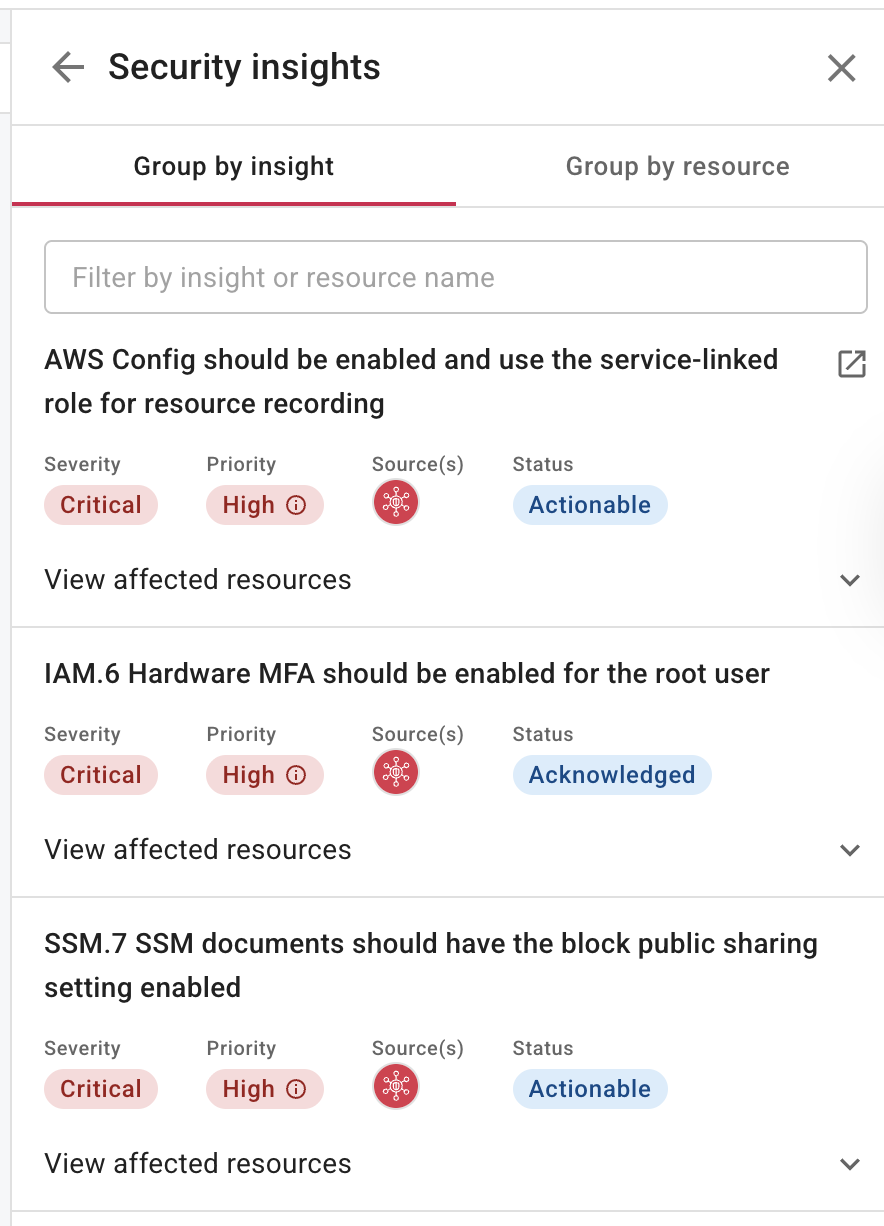
The Group by insight tab groups findings from different resources by the issues identified. For each insight, you can see the severity, priority, source, and status. It allows you to:
-
Filter the list by insight or resource.
-
Select the Open in new icon (
) to open the insight in the DoiT console. -
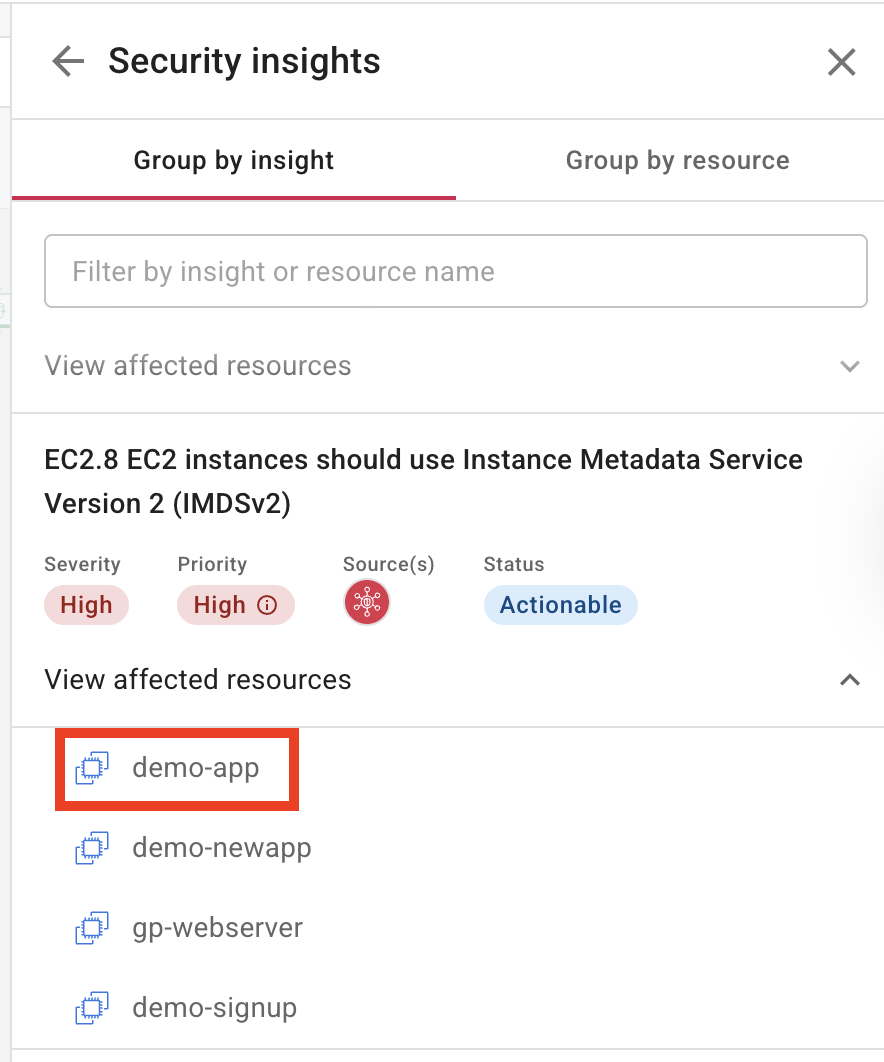
Expand View affected resources to see a list of resources affected by the insight. Select a resource to focus the diagram on a specific resource.
Group by resource
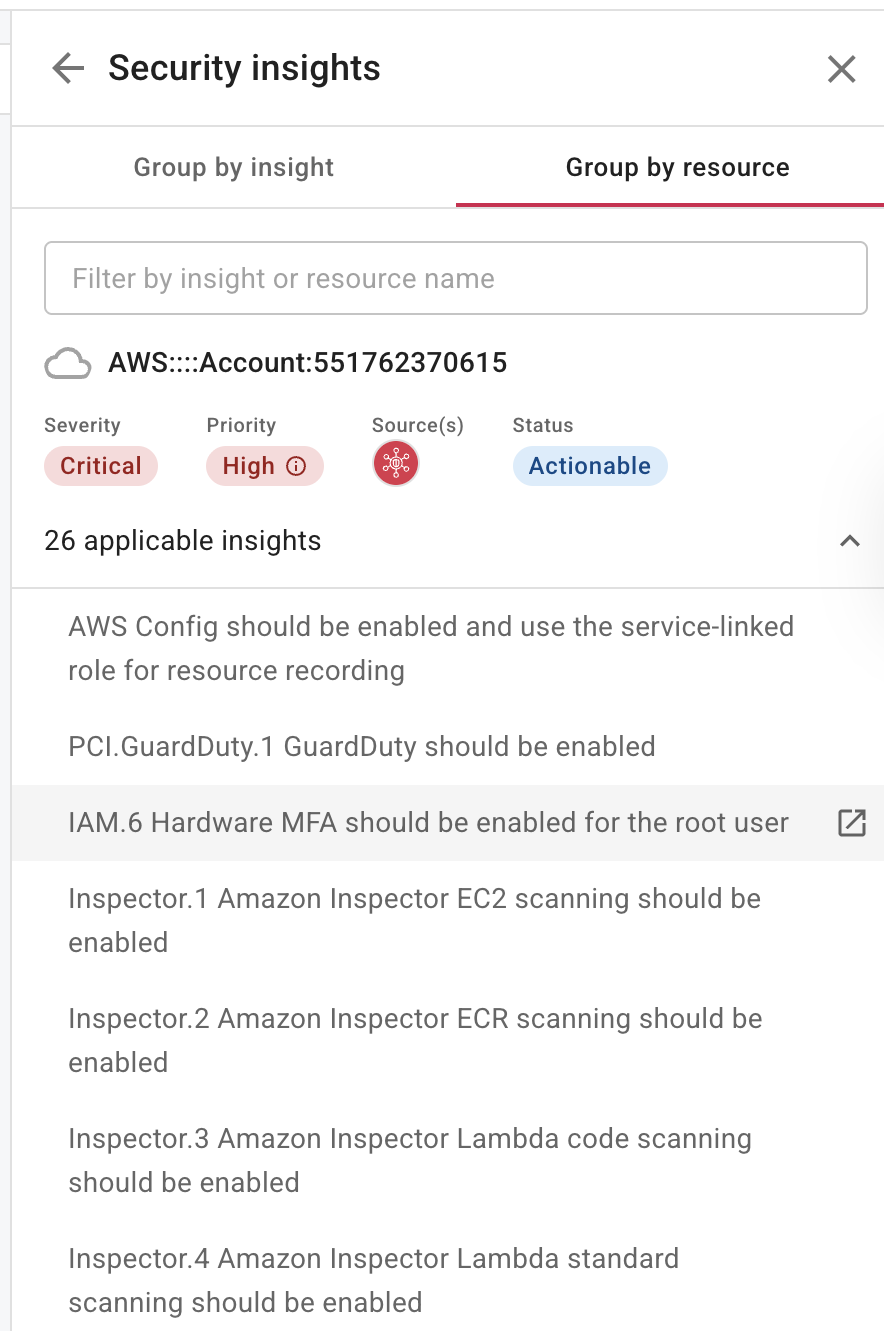
The Group by resource tab groups insights by the affected resources. It allows you to:
-
Filter the list by insight or resource name.
-
Expand n applicable insights to see a list of insights for a resource where n is the number of applicable insights.
-
Select the Open in new icon (
) to open the insight in the DoiT console.
View security elements
The security elements that you can select depend on your cloud environment.
AWS
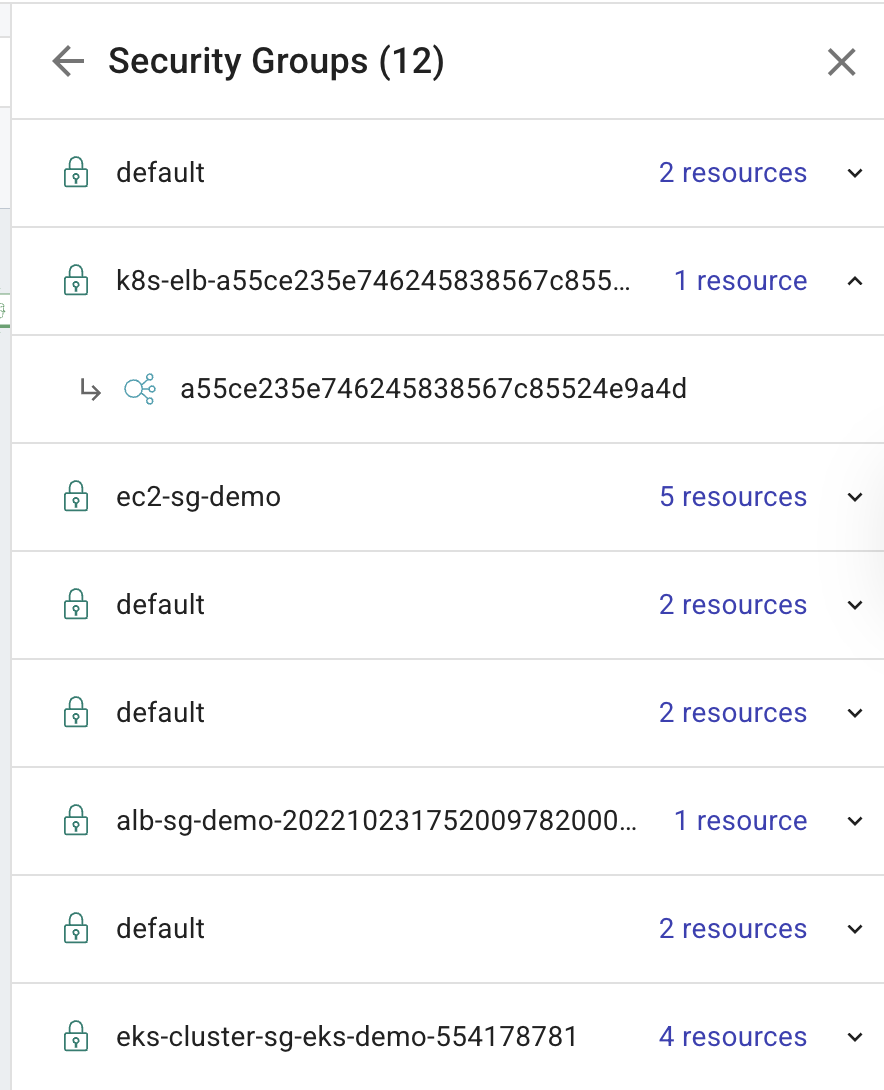
Select Security groups. For each security group, expand the group to view all the resources currently related to the group. Select an affected resource to focus the diagram on that specific component, allowing you to drill down and investigate further.
Google Cloud
-
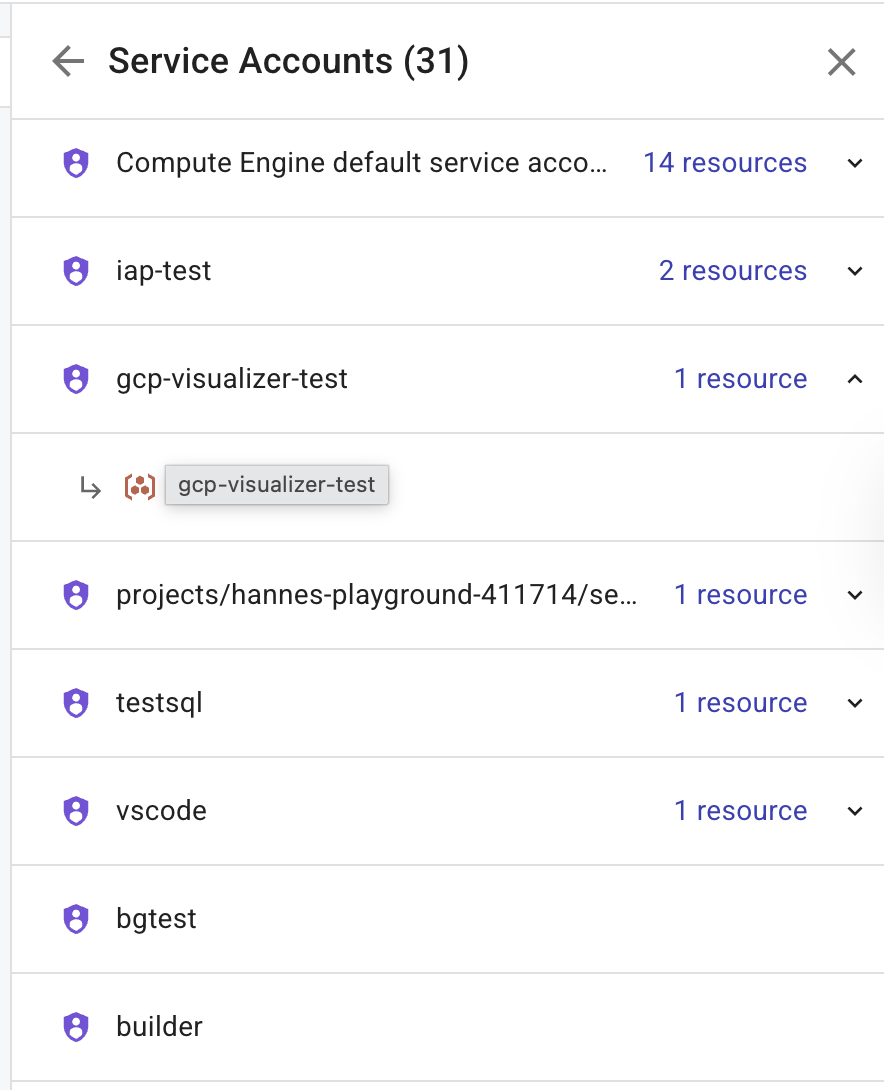
Select Service accounts. For each service account, you can view all related resources. Select a resource to display its properties and focus the diagram on that specific component.
-
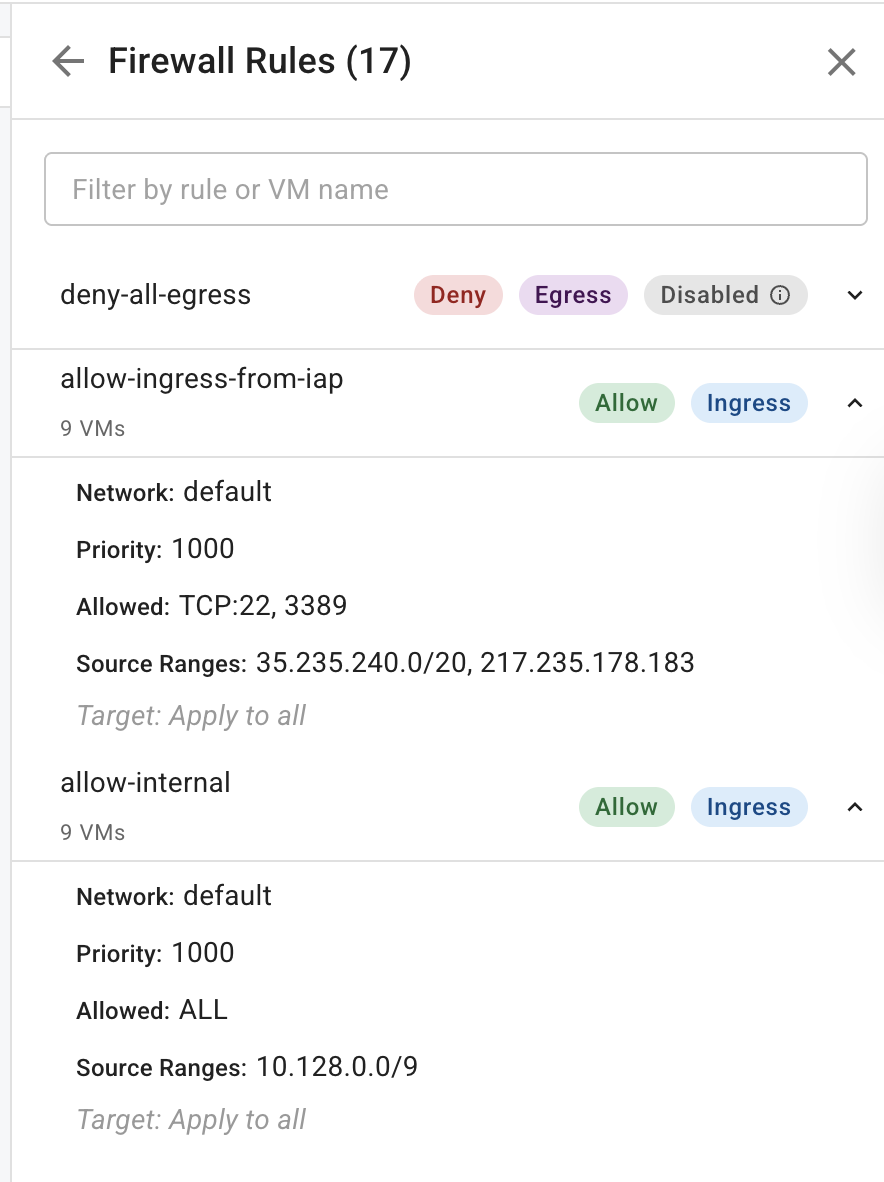
Select Firewall rules. You can expand each firewall rule to view its details. You can filter the list by name. Select a firewall rule to focus the diagram on the components currently related to the rule.