How to configure slack_token — Self-hosted 2.0
Setting up slack_token is a simple process that can be completed in a few steps.
-
Go to https://api.slack.com/apps and click
Create an Appbutton.\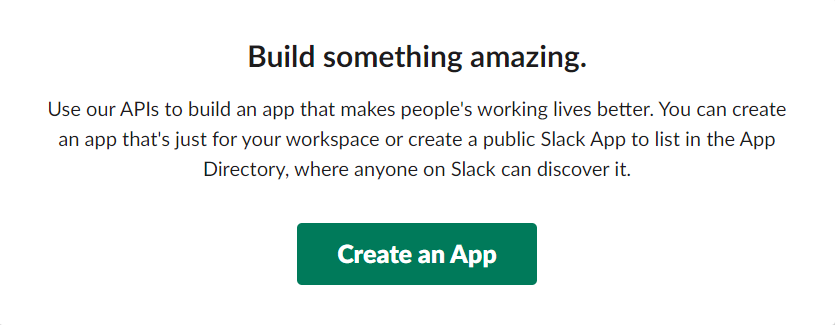
Setting up Slack token
Info
By default, only workspace owners and administrators can deploy apps. However, specific users and user groups can be authorized in your workspace settings. Administrators can also grant this permission to any non-guest team member.
- In case
From scratchoption is selected, name the App, select the relevant namespace, and clickCreate Appbutton.
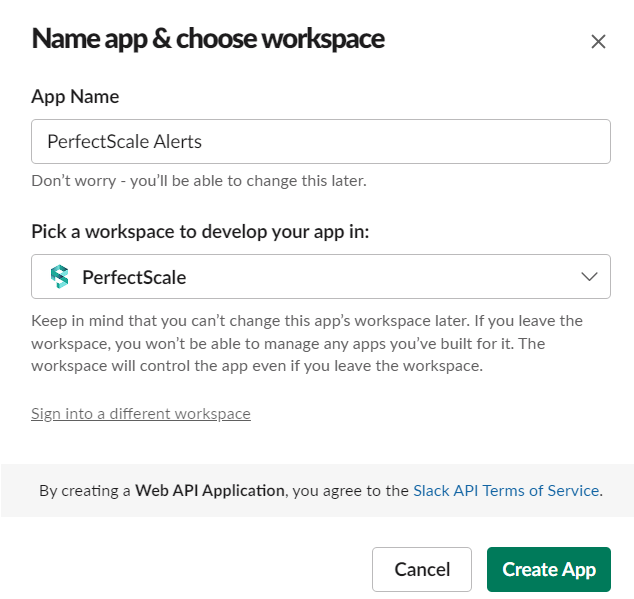
Create new app
-
Navigate to the
OAuth & Permissionstab. -
Go to Scopes and click on the
Add an OAuth Scopebutton. -
Select the following options from the drop-down list:
chat:write.publicchat:writechannels:readconversations.list
-
Click on the
Add Scopesbutton. -
Scroll up and click the
Install to Workspace. Once this step is done, slack_token will appear.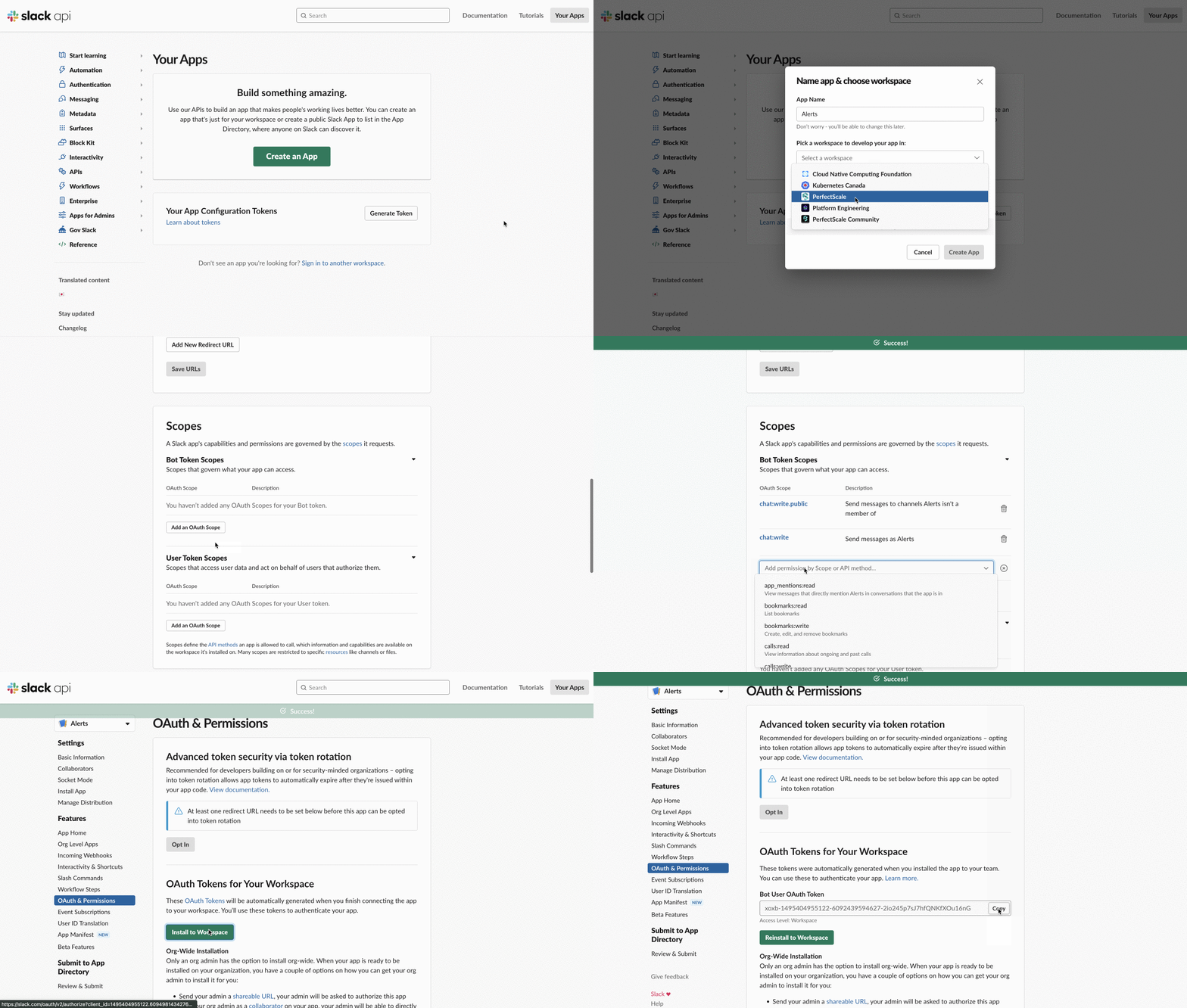
OAuth Scope