Subscription details — SaaS
Subscription details enable easy management of your PerfectScale subscription, helping you track consumption metrics and maintain visibility of your license status.
Click the Account button in the bottom left corner, then go to the Subscription Details to review your license details.
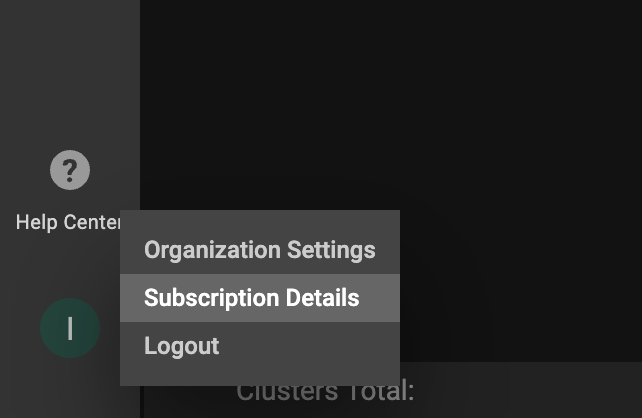
Navigation
Subscription Details window
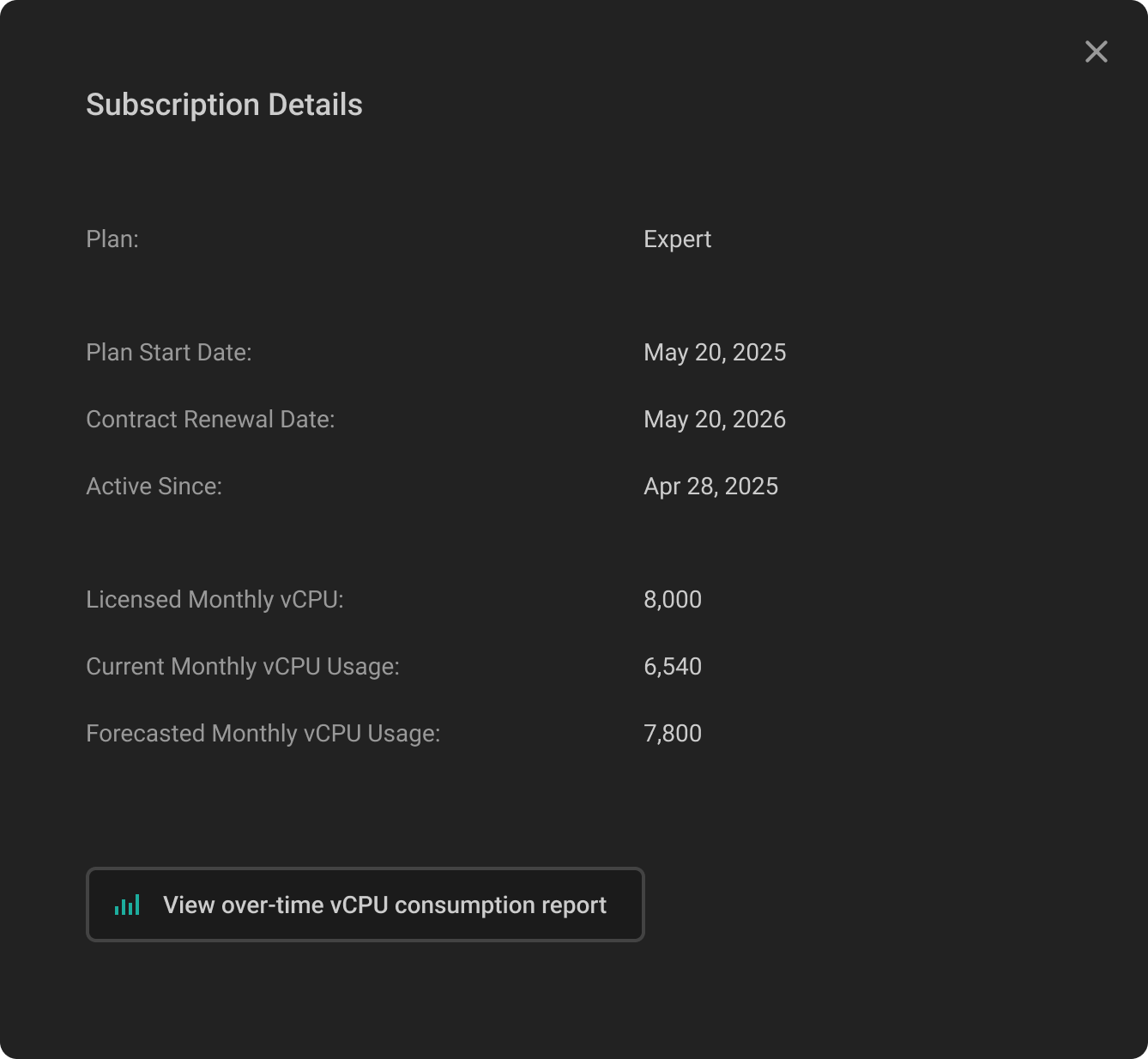
Subscription details window
| Field | Description |
|---|---|
| Plan | Current subscription plan (Trial, Community, Advanced or Expert) |
| Plan Start Date | The date of license activation |
| Contract Renewal Date | Current license expiration date |
| Active Since | Account creation date |
| Licensed Monthly vCPU | The available monthly vCPU under the license |
| Current Month vCPU Usage | The current monthly vCPU |
| Forecasted Monthly vCPU Usage | The forecasted monthly vCPU |
For a comprehensive view of your vCPU consumption over time, click the View over-time vCPU consumption report button, and it will navigate you to the trend report, where you can slice and dice the data with various filters.
Understanding billing
PerfectScale billing is based on the average monthly vCPU usage. This approach is designed for dynamic Kubernetes environments, where workloads often scale up and down over time, ensuring fair and accurate pricing.
avg Monthly vCPU = total vCPU-hours used during the month / total hours in that month
This gives the average concurrent vCPU usage across the full month.