Add customers
Distributors can add both reseller and end customer tenants. Resellers can add only end customer tenants.
Required permission
- Distributor/reseller: Your DoiT account must have the Admin role.
Add customers
-
Sign in to the DoiT console, select Customers from the top navigation mega menu.
-
Choose the onboarding path:
-
Add a single customer tenant: Select Add customer > Add customer. See Add a customer.
-
Add multiple customer tenants at once: Select Add customer > Import multiple customers. See Import multiple customers.

-
Edit customer information
To update the basic information of a customer:
-
On the Customers page, locate the customer of interest, and then select Settings (the gear icon
) of the entry. -
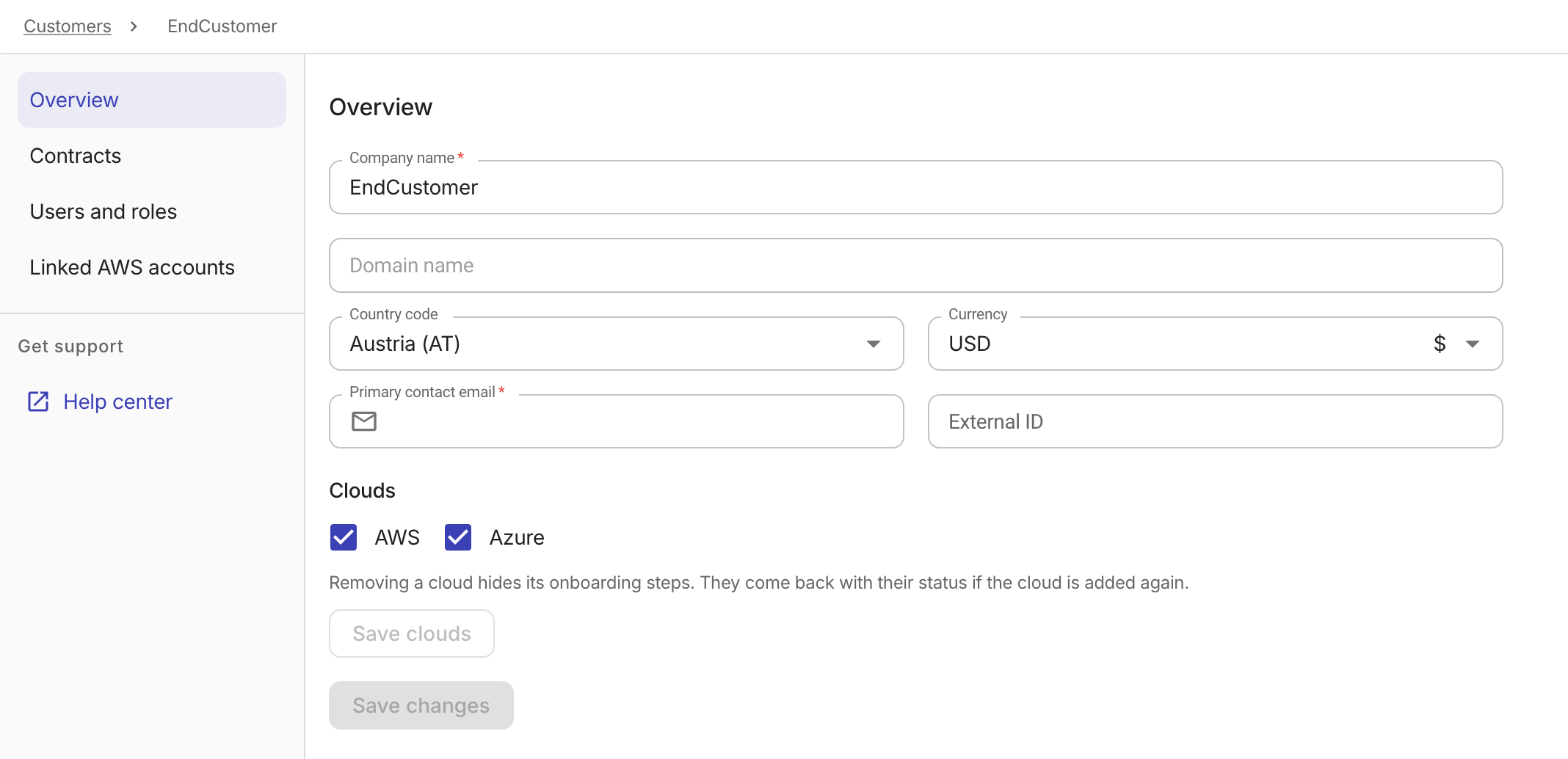
Review and update the information on the Overview tab.
-
If the customer was created without a domain, set the domain name here. The primary domain can only be set once. Make sure the domain is correct before saving.
-
To clear an existing country assignment, select
No country assignedfrom the Country code dropdown. You can reassign a country at any time.
-
-
Save your changes.
Deactivate or reactivate a customer
To deactivate or reactivate a customer, open an expert inquiry.
When a customer is deactivated:
-
The customer's console access is suspended.
-
DoiT stops the customer's billing processing. Historical data is preserved.
-
The Customers page displays a Deactivated status for that customer.
When a customer is reactivated, console access is reinstated and billing processing resumes.