請求書
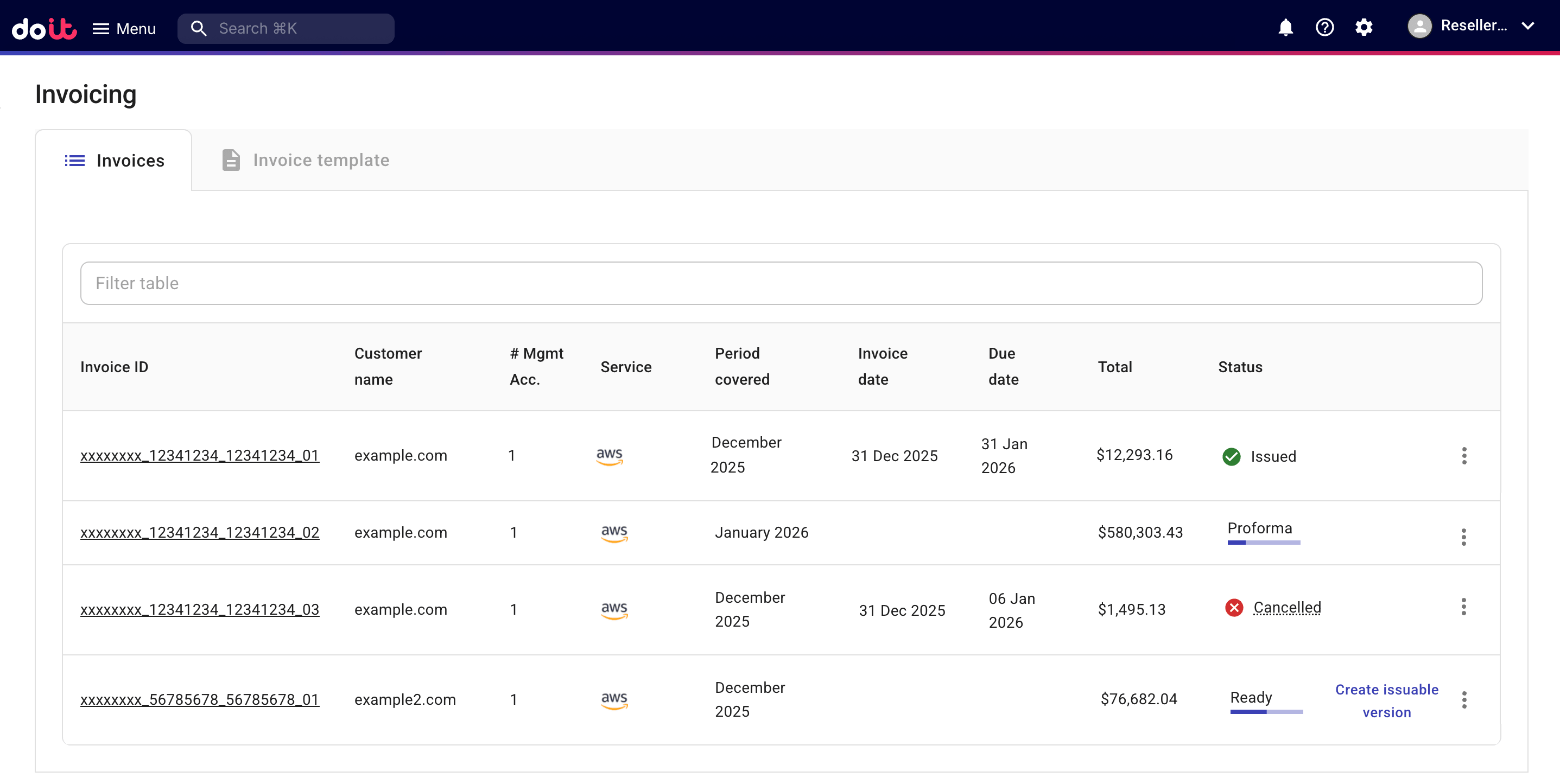
DoiT PartnerOps を使用すると、リセラーはエンドカスタマー向けの請求書を PDF および CSV 形式で生成できます。リセラーは、請求 の下にある 請求書 ページで、すべてのエンドカスタマー向け請求書を確認できます。
必要な権限
-
Admin ロール:フルアクセス。このロールでは、請求書の表示・編集・発行が可能です。
-
Sales ロール:閲覧専用アクセス。このロールでは、請求書を表示できますが、変更や発行はできません。
エンドカスタマー向け請求書へのアクセス
すべてのエンドカスタマー向け請求書を表示するには、次の操作を行ってください。
-
DoiT コンソール にサインインし、上部ナビゲーションのメガメニューから 請求 > 請求書発行 を選択してください。
-
請求書 を選択してください。
請求書のステータス
請求書には、次のいずれかのステータスが設定されます。
-
Ready:請求書が準備完了の状態です。このステータスの請求書に基づき、発行可能なバージョンを生成できます。
-
Issuable:請求書がカスタマーへの発行準備完了の状態です。
-
Issued:請求書が発行済みの状態です。
-
Cancelled:請求書がキャンセル済みの状態です。
-
Proforma:仮請求書は情報提供のみを目的としています。仮請求書は、その月の現在の日までの利用可能なデータに基づいて作成される暫定的な請求書です。請求情報を確認し、修正する際に役立ちます。
オプション
各請求書について、利用可能なアクションを使用して、詳細の表示、ダウンロード、発行、および管理を行うことができます。詳細は、請求書の管理 および 請求書の発行 を参照してください。