SMTP provider configuration — Self-hosted 2.0
You have to activate your SMTP provider so Zitadel can use it to send your emails. Only one provider can be active.
To access the SMTP Provider management panel, navigate to Zitadel by selecting Organization Settings from the profile button located at the bottom left.
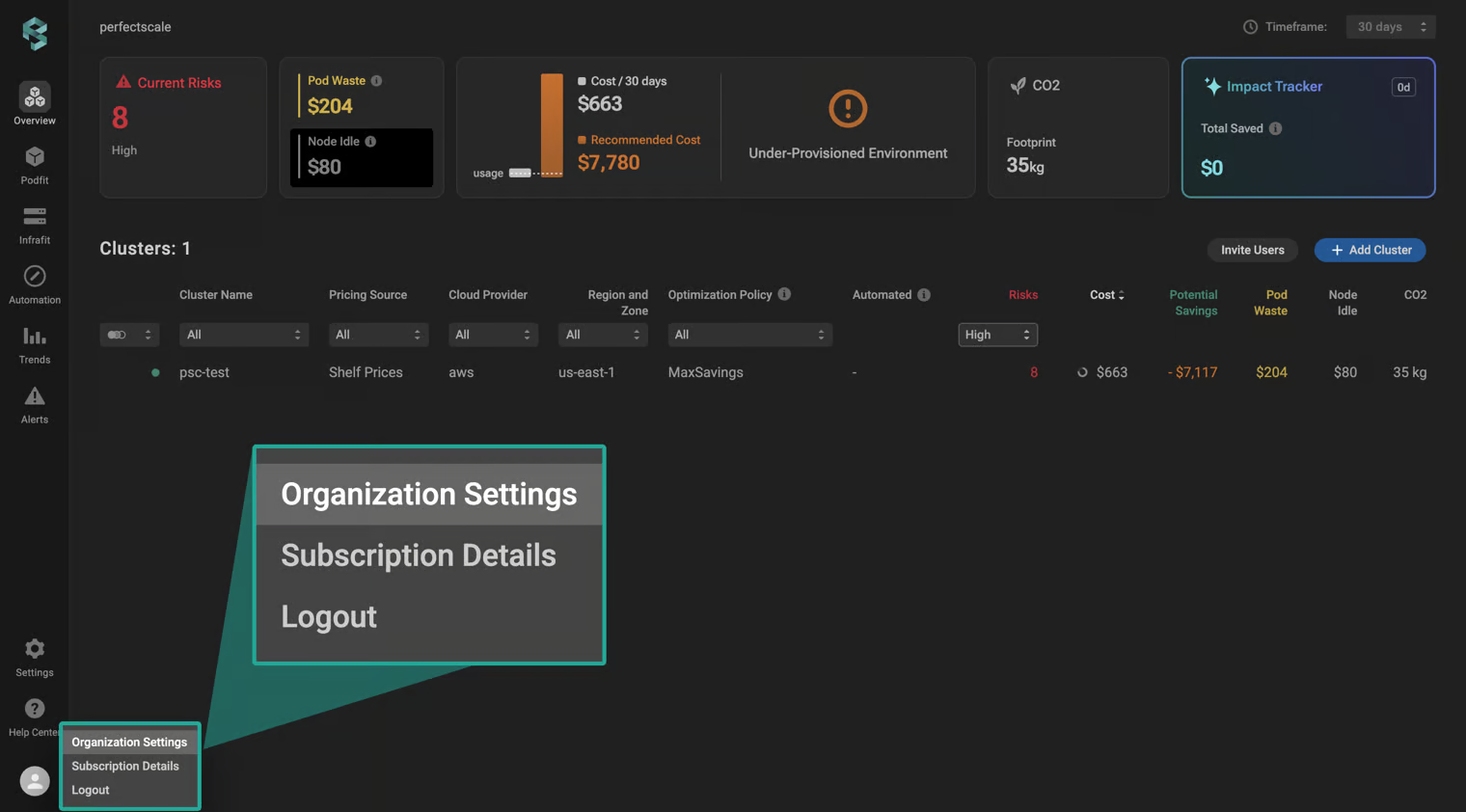
Organization settings
To ensure you only send the emails from domains you own, you need to add a custom domain to your instance. In order to configure a custom domain, go to the ZITADEL customer portal -> Default Settings -> SMTP Provider.
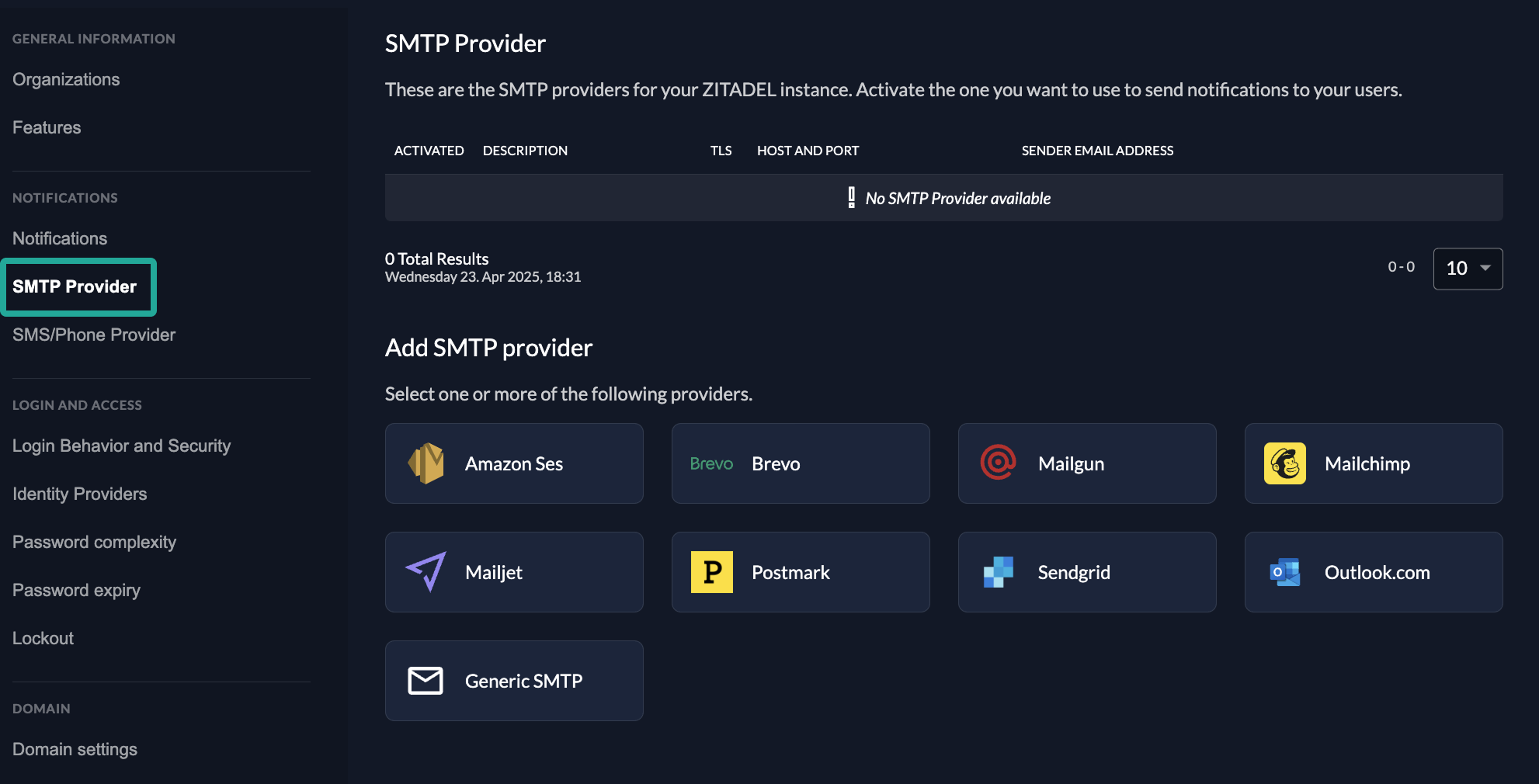
Zitadel SMTP provider
To configure your custom SMTP, you need to fill in the following fields:
- Sender email address
- Sender name
- Enable or Disable Transport Layer Security (TLS)
- Host
- User
- SMTP Password
While you create/update a SMTP provider, you can test your SMTP configuration.
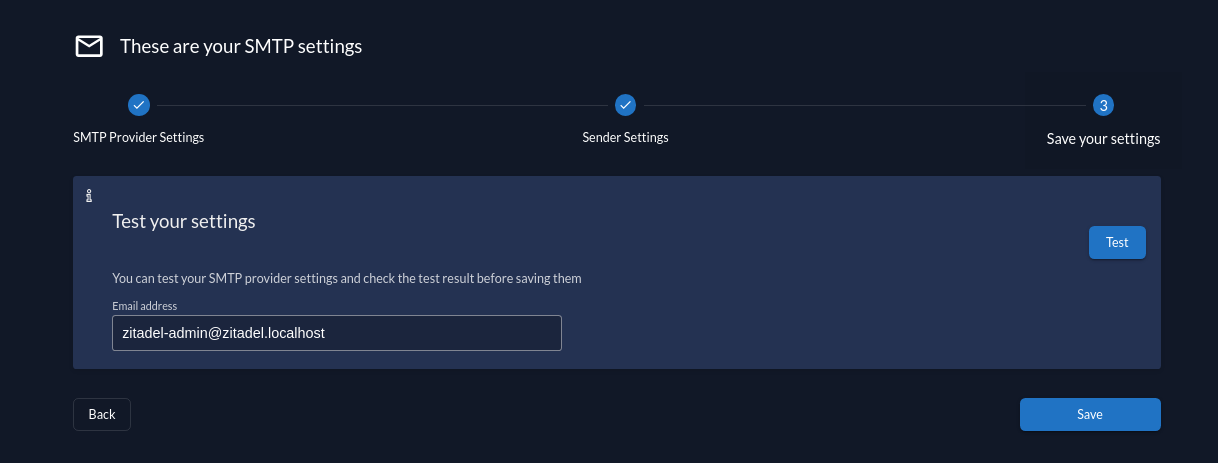
Test SMTP configuration
In the SMTP providers table, you can hover over a provider's row to display buttons that let you activate or deactivate a provider, test your SMTP settings, and delete a provider.
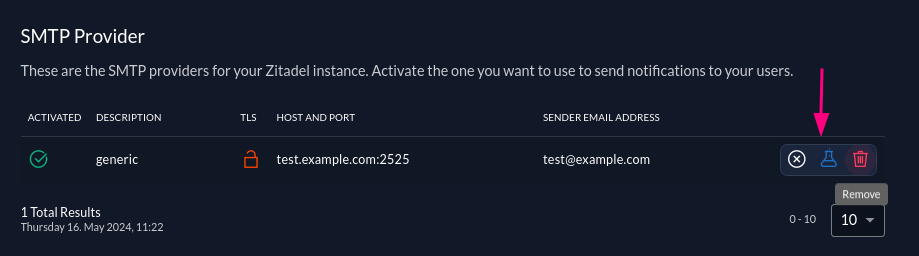
Managing SMTP provider