Automatically applied DCI cluster labels — SaaS
If your organization has multiple cloud accounts or projects, you can end up with several clusters that share the same name. PerfectScale automatically adds a label to every cluster it can match to DCI.
The value is whatever DCI tracks for that cluster: your AWS account ID for EKS, GCP project ID for GKE, or Azure subscription ID for AKS. This label:
- Appears as the cluster label in the PerfectScale dashboard.
- Is read-only, so it can't be edited or removed from either console.
- Stays automatically in sync with DCI.
- Applies to clusters you already had connected, not just new ones.
- Covers clusters created through DCI as well as clusters you mapped to DCI manually.
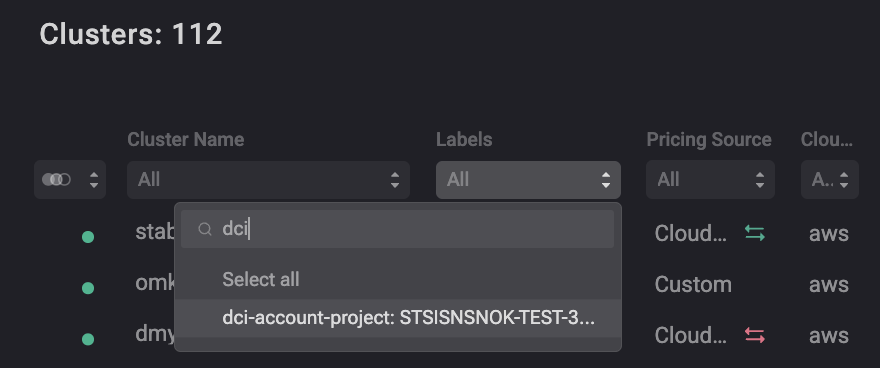
DCI cluster label
Setting your own value
If you declare dci-account-project yourself in your ClusterSettings CR, that value always takes precedence. PerfectScale will not overwrite it or show the DCI value elsewhere.